OwnTime
ADHD Executive Function at Work: What Actually Helps

Executive function is a work-design problem
Losing 40 minutes deciding which important task to start is a work-design failure, not a character flaw. For professionals with ADHD, executive function affects starting, planning, prioritizing, switching context, estimating time, remembering commitments, and regulating effort.
Most people with ADHD can describe a productive day in detail. The hard part is converting that plan into action when Slack is flashing, a meeting moves by 30 minutes, and the task list has turned into a small archaeological site.
Workplaces reward visible output while hiding the planning load behind it. A single deliverable can require sequencing work, estimating effort, chasing approvals, handling ambiguity, and restarting after interruptions. That is a heavy cognitive bill.
Here is the blunt view: advice to “be more disciplined” is motivational wallpaper. Make the next useful action easier to see and easier to begin instead.
What research says about ADHD support at work
The evidence supports taking executive-function friction seriously, though it does not point to one perfect ADHD work system. A systematic review of 143 studies found that research on supporting adults with ADHD at work is spread across disciplines, while medication studies have historically received much of the attention.
That research gap is useful information. No app, planner, or method deserves blind loyalty.
A 2024 meta-analysis covering 23 controlled studies and 3,835 participants found that pharmacological and psychosocial interventions improved work-related outcomes compared with controls, although results varied substantially between studies. Cognitive behavioral therapy showed the strongest psychosocial result, which suggests that task tools work best within a broader support plan rather than carrying the whole load alone. Read the meta-analysis.
Work strain belongs in this conversation too. In a study of 171 employees, difficulties with time self-management and self-organization/problem-solving helped explain the relationship between ADHD and job burnout, including physical fatigue. The full study is a useful read for anyone who has treated recurring friction as a personal failure.
The practical answer is fairly unglamorous: reduce unnecessary planning, make time visible, turn projects into concrete actions, and ask for support before the tank is empty. A calendar should reduce decisions, not become another job.
Find the expensive moment in your workday
“Executive dysfunction” is broad enough to hide the actual problem. Pin down the work moment that costs you the most energy.
| Work moment | What it can feel like | Support that helps |
|---|---|---|
| Starting | “I know this matters, but I cannot enter it.” | A tiny first action, rough draft, or five-minute launch step |
| Choosing | “Everything is important, so I’m doing none of it.” | A short ranked view of next actions |
| Switching | “That meeting wrecked the whole afternoon.” | A deliberate reset and one defined re-entry task |
| Remembering | “I meant to follow up three days ago.” | One trusted capture point with context-aware reminders |
| Estimating | “This should take 10 minutes, yet it took two hours.” | Smaller scopes and a review of recurring timing patterns |
| Recovering | “My brain is done, but work remains.” | Low-effort tasks, an actual break, or a clean stopping ritual |
Patterns matter more than labels. One person may enter deep work easily but stall on inbox triage, while another can reply all day and then cannot initiate strategic work.
This is why copying a colleague’s elaborate system often goes sideways. If maintaining the system takes more executive function than it saves, it becomes one more unfinished project.
Build external scaffolding instead of a stricter self
External scaffolding moves work out of your head and into an environment that makes action more likely. It can be a calendar block, a written first step, a recurring review, a colleague who provides accountability, or a tool that surfaces the right task when attention is thin.
Use these four rules to keep that setup low-maintenance.
- Capture before organizing. Put requests, ideas, and follow-ups in one place quickly, then sort them later. Assigning a priority, due date, project, and label during every interruption is a reliable way to lose the thought.
- Write actions instead of intentions. “Prepare for client meeting” forces you to re-plan each time you read it. “Open the brief and write four client questions” gives you an entry point.
- Separate deadlines from flexible work. A quarterly report due Friday should not compete with “research benefits options” as if both have the same urgency. They do not.
- Plan around changing energy. The version of your brain available at 9:30 a.m. is different from the one available at 4:45 p.m. Give both a plausible task menu.
Recovery belongs in the design too. After a demanding presentation, doing a few simple administrative tasks or taking a proper break may beat forcing another heavy focus block and then watching the work slide off the rails.
Where an AI assistant helps
An assistant earns its place when it removes a decision you otherwise make over and over. A beautiful plan that nobody revisits is just productivity theater.
A useful assistant can turn “finish deck” into a starter action, flag tasks with an actual deadline, suggest a follow-up when you are likely able to handle it, or offer lower-effort work after a draining meeting. It can also provide a neutral reset point when the day has gone scrambled.
There are firm boundaries. An AI assistant cannot diagnose ADHD, replace a clinician, understand every workplace relationship, or receive sensitive information by default; you decide what gets shared, what matters today, and what counts as done.
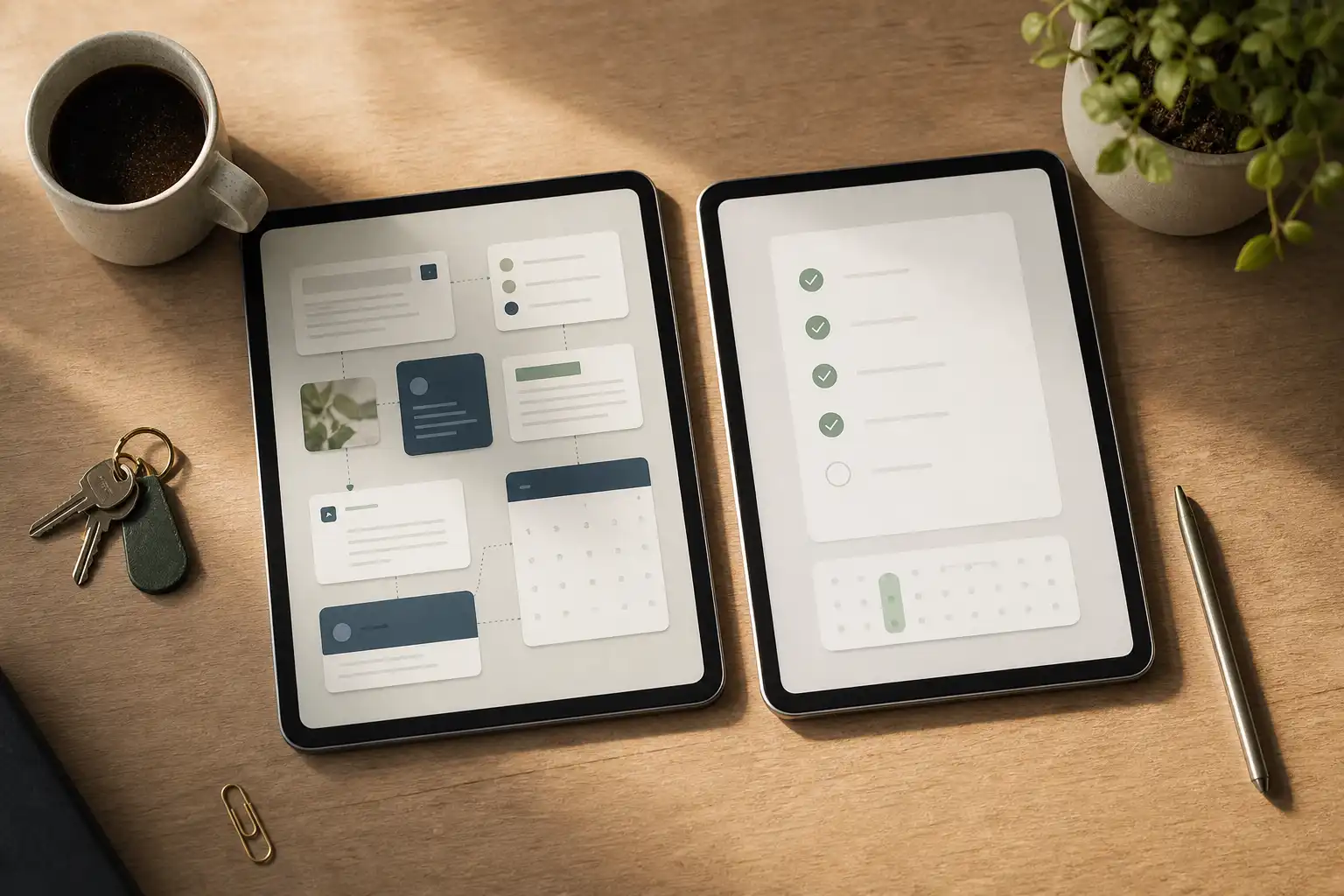
OwnTime is built around this practical kind of support. You can brain-dump tasks without classifying every item on arrival, then use recommendations to narrow a large backlog based on timing, effort, deadlines, and context.
The tradeoff is intentional: less manual system maintenance, with the user still in charge of the work. Save your mental battery for judgment calls and work that needs your expertise.
A work setup to test for two weeks
Do not rebuild your working life at 9:00 a.m. on Monday. Run this smaller setup for 14 days and keep only the parts that reduce friction.
1. Choose one fast capture point
Pick one place for work tasks, even when the wording is rough. “Ask Maya about contract,” “expense report,” and “why is onboarding broken?” are all valid captures.
2. Turn today’s key work into next actions
Choose one to three actions that move work forward, then phrase each one so it can start without another planning session. If an item cannot fit in a realistic focus window, split it before the calendar fills up.
3. Give flexible tasks their own lane
Keep short tasks, low-energy tasks, and items waiting on another person available without letting them bury a deadline. A recommendation view helps because it presents reasonable options without making you search the entire backlog.
4. Treat reminders as prompts, not shame alarms
A reminder should answer, “What can I reasonably do now?” When one arrives at the wrong time repeatedly, change its timing, rewrite the task, or adjust the notification rule.
5. Hand work off to tomorrow in two minutes
Before closing the laptop, capture loose ends and write the first action for the most important unfinished item. Tomorrow starts faster when the runway already exists.
Questions about ADHD, work, and digital support
Is executive dysfunction the same as laziness?
No. Executive-function difficulties can disrupt the path from intention to organized action, especially when work is unclear, dull, emotionally loaded, or repeatedly interrupted.
Effort may be high while visible output stays inconsistent. That mismatch is familiar and exhausting.
Can a task app treat ADHD?
No. A digital tool can support planning, reminders, task initiation, and routines, but it is not medical treatment or a substitute for professional care.
Should you tell an employer about ADHD?
That decision depends on your location, workplace, role, and comfort with disclosure. You may be able to request practical changes, such as written priorities, clearer deadlines, fewer unnecessary interruptions, or meeting notes, without sharing more than you want.
What makes a work tool ADHD-friendly?
Low maintenance is the main difference. Fast capture, flexible scheduling, concrete next actions, and a system that still works after an unpredictable Tuesday tend to beat rigid tools that assume every task happens at a fixed hour.
What if there is no ADHD diagnosis?
These practices can still help because overloaded calendars, decision fatigue, and ambiguous tasks affect plenty of people. If attention, organization, mood, sleep, or work functioning are causing persistent distress, a qualified healthcare professional can help explore the cause.
Make one recurring friction point cheaper
The best work system is the one you can return to after a chaotic week without needing a recovery project for the recovery project. More views, tags, streaks, and color coding rarely solve a starting problem.
Pick one recurring snag this week, whether that is starting proposals, remembering follow-ups, recovering after meetings, or choosing the next task. Add one visible piece of scaffolding there, measure whether it reduces friction over the next 14 days, and keep shipping what works.
Related articles