OwnTime
7 Remote-Team Rules for Fewer Interruptions
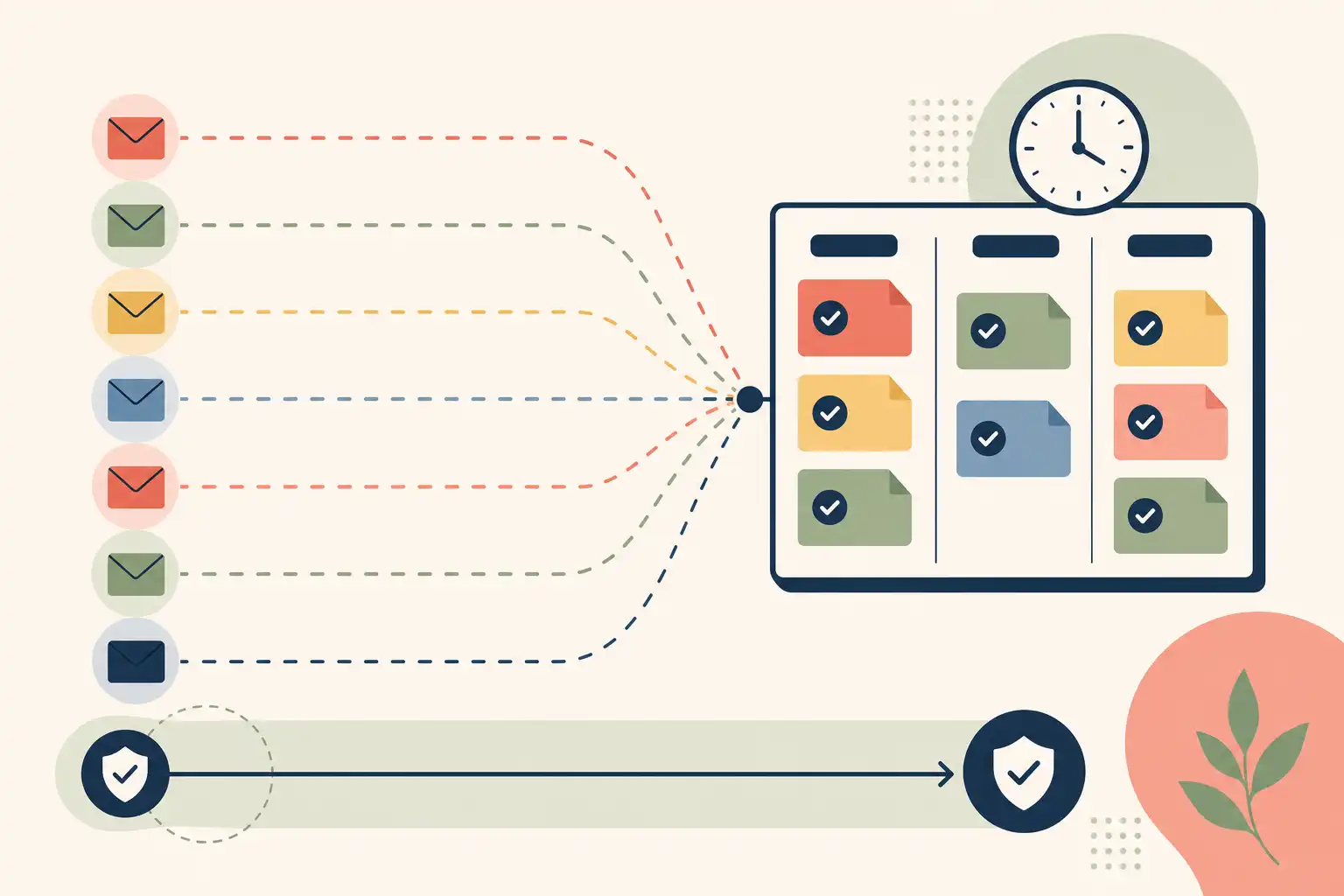
Interruptions come from unclear coordination
A remote team creates needless interruptions when nobody has agreed on what counts as urgent, how quickly messages need replies, or where a decision becomes official. A message that might mean either “reply this afternoon” or “the launch is blocked” makes an immediate response feel like the safest move, even if the recipient is midway through work that needs sustained attention.
Microsoft Research tested computer-assisted protected time in a 2023 study and found that participants reported better performance, job resources, and immersion, while their activity patterns shifted toward less overall work activity. The lesson is practical: protected time works better when the team’s system supports it, rather than asking each person to defend focus alone.
Research on collective attention in virtual teams reaches a similar conclusion from the coordination side. Delayed communication can damage a group’s shared attention, while clear messages and distributed leadership help preserve it. Fast replies are a poor target; reliable coordination is the better one.
Use a short communication contract
Five to seven team rules are enough for most remote teams. People can recall a short agreement during a busy afternoon, while a 20-page handbook usually disappears exactly when a decision is needed.
The right default is to treat interruption problems as ambiguity problems. If someone has to guess whether a message requires an immediate response, the sender has handed the receiver a small planning task; good team norms put that planning work back where it belongs.
Write the rules in one place that everyone can reach, then use the same language in chat, meetings, and project updates. That consistency matters more than elegant wording.
1. Set response windows by request type
Every channel should not imply an instant reply. A response-time agreement lets people focus without worrying that an hour of silence will look like disengagement, and it helps senders select a channel that fits the request.
Use a table like this as a starting point:
| Request type | Where it goes | What the sender includes | Expected response |
|---|---|---|---|
| Urgent blocker | Designated escalation channel | What is blocked and who is affected | Promptly during working hours |
| Same-day question | Team chat or project thread | A clear question and desired deadline | Within the agreed workday window |
| Routine input | Shared project space or async update | Context, options, and a due date | By the stated deadline |
| FYI update | Project space or announcement channel | The takeaway and any action needed | No reply required |
Consistency matters more than choosing the perfect number of minutes or hours. For teams spread across time zones, put the time zone beside every deadline: “Thursday, 3:00 p.m. UTC” avoids the usual confusion around “end of day.”
2. Reserve one path for genuine escalations
An actual emergency needs a route separate from ordinary chat: a dedicated channel, a call tree, or a specific tag with written rules. Keep that path narrow, because routine approvals quickly turn it into another source of background pressure.
Define escalation by impact rather than by the sender’s stress level. “A customer-facing service is unavailable” gives the team a concrete threshold; “I need an answer soon” belongs in the normal response-window system.
The distinction protects everyone. Senders know how to get help when impact is high, and recipients can trust that an escalation deserves an interruption.
3. Make each request ready for a decision
A request should include enough information for the recipient to make the next decision without digging through old chat threads. That does not require a long brief; it requires the relevant context, the action requested, a deadline, and a sensible default if no response arrives.
Consider a designer who needs approval on a revised onboarding flow before handing it to engineering. If the product lead is in a planned two-hour focus block, the designer can post a summary, links to two options, a recommendation, and the moment when the choice will block the handoff.
That message takes a few more minutes to write, but it can prevent a meeting and lets the product lead give a useful answer when they return. The pattern is simple:
Context → decision needed → recommendation → deadline → owner
Clear requests also make attention easier to manage. A teammate can see what needs judgment, what can wait, and what needs no response at all.
4. Keep the project record outside chat
Chat is useful for quick coordination, but it is a weak archive for plans, decisions, and changing requirements. Put the current project truth in one shared space, so a teammate can find an answer without interrupting three people who may remember the discussion differently.
For every active project, choose one home for:
- the current goal
- the owner
- the next milestone
- decisions already made
- open questions
Link to that project home from chat instead of pasting the full plan into another thread. The chat can remain informal while the project record stays concise and current.
This rule removes many repeat questions, and it makes a useful distinction between a conversation and a commitment. Teams that want to improve this wider system can also use shared control over priorities, capacity, and handoffs instead of trying to solve coordination by tracking more hours.
5. Share working modes, not constant availability
Remote teammates do not need a minute-by-minute account of one another’s day. They do need a lightweight signal for heads-down work, meetings, time away, or availability for quick collaboration, because that signal helps people choose the right moment and route for a request.
A calendar block, status label, or team convention can do the job. A focus period should mean “use the normal async route unless this meets the escalation criteria,” while still leaving a clear route for work that cannot wait.
A visible two-hour writing block is usually enough. Elaborate focus rituals add work without solving the underlying issue, which is knowing what should happen to a non-urgent question.
6. Move routine status into async checkpoints
Written status updates usually beat a live meeting for routine progress sharing, especially when people work different hours or need time to inspect details. A recurring checkpoint can cover three items: what changed, what happens next, and what needs a decision.
Save live meetings for work that benefits from real-time exchange, such as resolving a disagreement, examining a complex option, or building rapport. A meeting should create clarity that would be expensive to produce in writing, rather than simply confirm that everyone is busy.
Set a specific cutoff for the update, such as 2:00 p.m. every Tuesday, then invite only the people needed to resolve open issues. This exposes blockers early without taking the whole team away from their work.
7. End active threads with an owner and next step
An unresolved conversation tends to return as a follow-up ping, often while someone is trying to finish demanding work. Close active threads with an owner, a next action, and a time for the next update whenever the work remains open.
“Jordan will confirm the vendor option by Thursday” gives the team a useful commitment. “We should look into vendors” leaves everyone wondering who will act and when they should check back.
Apply the same rule after meetings. Post a short decision record while the context is fresh, then move actions into the shared work system instead of leaving them buried in notes.
Test the rules for two weeks
Treat the first version of the contract as a two-week experiment. Pick the two habits causing the most friction, publish the agreements in one visible place, and review what improved or became awkward after 10 working days.
Use specific observations during that review:
- Which messages felt urgent without meeting the escalation rule?
- Where did people have to search for a decision?
- Which meeting could have started with an async update?
- Which response window caused confusion?
Those answers improve the system faster than a broad request to “communicate better.” Team norms cannot decide what belongs at the top of each person’s day, but OwnTime can complement the contract by capturing work and personal commitments quickly, then surfacing a sensible next task during a short opening between messages, meetings, or planned focus periods.
The goal is a team that can collaborate deliberately, respond predictably, and finish meaningful work without treating every notification as a command.
Related articles

Google Tasks vs TickTick for Group-Project Procrastination

Daytime Sleepiness: An ADHD Capacity-Planning Guide

Sleep-Friendly Planning: Notion vs Microsoft To Do

TickTick vs Motion for Unpredictable Student Schedules

Remote Team Time Management: Measure Control, Not Hours

Interruptions at Work: A Focus Recovery System