OwnTime
Sleep-Friendly Planning: Notion vs Microsoft To Do
Give unfinished work a trustworthy place to land
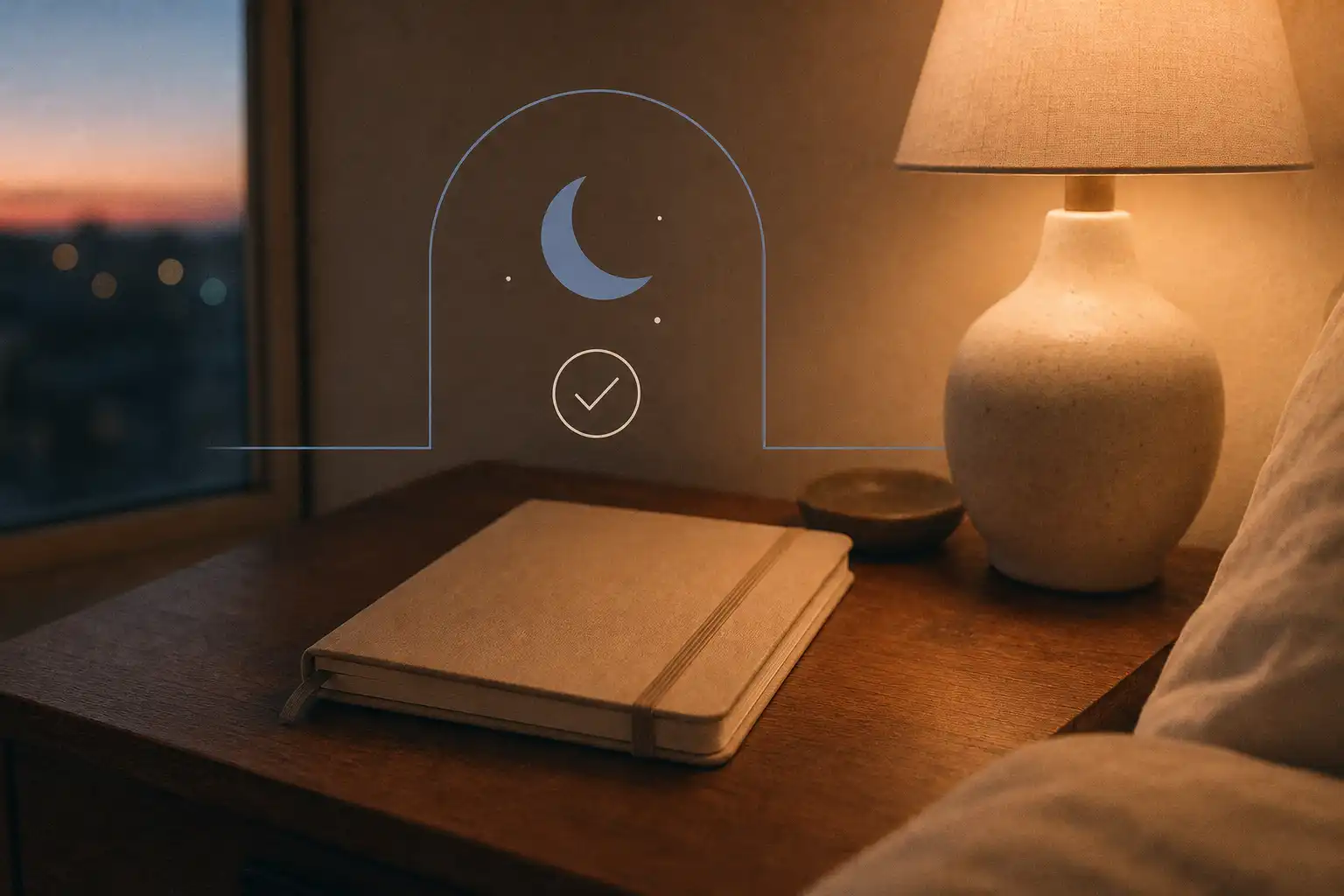
A task system can reduce the mental rehearsal that keeps work active after hours by recording what remains, deciding its next step, and making that decision easy to find tomorrow. It cannot create sleep by itself, but it can give the workday a credible end.
That boundary has measurable value. In a study of employees, work-related technology use at home was linked to poorer sleep through reduced psychological detachment; stronger boundaries around technology protected that recovery process (Barber and Jenkins). The mechanism is straightforward: if a task can interrupt dinner, a walk, or bedtime at any moment, the brain has little reason to stop holding it open.
Unfinished tasks also matter even when the workload itself is manageable. Research by Syrek and Antoni found that unfinished tasks were associated with more rumination and poorer sleep, beyond the effects of time pressure alone. Completion helps, of course, but clear closure can help before the task is complete.
For remote workers, the useful comparison is not about which app has the longer feature list. It is about which tool lets you close the loop in 5 to 10 minutes without turning evening planning into another assignment.
The difference is cognitive load
Notion is a flexible workspace for connected pages, notes, databases, routines, personal tracking, and tasks. Microsoft To Do is built around lists, due dates, reminders, steps, shared lists, and the daily My Day view. Both can hold a task, yet they ask for very different amounts of attention.
| Sleep-friendly planning need | Notion | Microsoft To Do |
|---|---|---|
| Quick capture after a long day | Good after you build a simple inbox | Excellent with a single capture list |
| Daily shutdown routine | Customizable | Naturally lightweight |
| Sleep, energy, or habit notes | Strong for structured tracking | Better kept minimal or stored elsewhere |
| Keeping work distinct from personal life | Possible with deliberate design | Simple with separate lists and My Day |
| Main risk | Maintaining an elaborate workspace | Allowing reminders to interrupt the evening |
| Best fit | One intentional personal dashboard | A quick, repeatable daily reset |
The key tradeoff is choice. Notion gives you many ways to organize a life; Microsoft To Do limits the decisions required to organize today. For sleep-friendly planning, fewer choices are often better.
Choose Notion if you will use the wider context
Notion is the better fit when tasks belong beside weekly notes, recurring routines, long-term goals, and a small record of what affected your energy. A simple workspace can become a calm home base rather than a stack of disconnected lists.
One workable setup has four parts:
- an inbox for loose tasks and notes
- a weekly review page
- a brief energy check-in
- a filtered
Tomorrowview with only the next few work actions
That structure gives you room to spot patterns over several weeks. A late meeting, difficult handoff, or evening workout can sit next to a short note about the following morning, which makes reflection more useful than trying to remember how Tuesday felt three weeks later.
Notion becomes a poor sleep tool when a tired evening turns into a workspace redesign session. A polished personal operating system that needs attention at 10 p.m. is a bad trade.
Keep the nightly Notion page boring
Create one page called Tomorrow and show only the next meaningful actions. Leave databases, project dashboards, metrics, and overdue tasks out of this view; each extra signal invites another decision at the exact point the system should be reducing decisions.
Use richer Notion pages during a planned weekly review. The evening task is much smaller: capture loose ends, choose a starting point, and close the app.
Choose Microsoft To Do for a smaller daily container
Microsoft To Do works best when you want to write down what matters, pick a short daily focus, and move on. Its My Day view is particularly useful because it creates a container for the present day instead of putting the full backlog in front of you every time you open the app.
Keep separate lists for Work, Personal, and Household or Someday, then add only the few items that belong in My Day. A task can remain safely recorded without earning a place in today's attention.
Microsoft To Do does less for a detailed knowledge base or a custom dashboard of sleep, energy, and life planning. That limitation is often the point: the tool stays close to the job of choosing and completing the next action.
Make reminders earn their interruption
Turn off or limit evening reminders for tasks that can wait until the next workday. A reminder has a cost, especially after dinner, and its value should be higher than the attention it takes.
At shutdown, add one concrete next action to each important unfinished item. Replace prepare presentation with outline the three decisions needed for Friday's presentation; a visible restart point reduces the effort required to begin tomorrow.
Pick the tool based on the current failure point
Start with the point where your present system breaks down, not the most impressive feature. If low energy is the problem, the simpler tool has the advantage.
| If this sounds familiar | Start with | Why |
|---|---|---|
| “I need to stop carrying work in my head.” | Microsoft To Do | A short list and defined next actions create quick closure. |
| “I want tasks, reflections, routines, and personal goals together.” | Notion | Connected pages support a broader personal planning practice. |
| “I keep rebuilding my system instead of using it.” | Microsoft To Do | Fewer design decisions leave attention for the actual evening. |
| “I want to notice how work affects my energy over several weeks.” | Notion | A small database makes periodic reflection easier. |
| “Notifications pull me back into work after dinner.” | Either tool, with stricter settings | Notification boundaries matter more than switching apps. |
If the choice is unclear, use Microsoft To Do for two weeks with only three lists: Work, Personal, and Someday. Add Notion later only when you can name a specific review, note, or tracking need the simpler setup cannot handle.
Use the same five-step shutdown in either app
A good end-of-day routine reduces uncertainty rather than demanding a final burst of organization. Keep it within 5 to 10 minutes.
- Capture loose ends. Write down tasks, worries, and follow-ups that would otherwise circle in your mind. Do not solve them during capture.
- Name the next visible action. Turn broad tasks into a step you could begin without more planning, such as
draft the first three slidesoremail Jordan for the budget number. - Choose tomorrow's starting point. Pick one important work action and one personal action, then leave the rest of the backlog alone. Tomorrow needs direction, not a packed schedule.
- Set the information boundary. Silence work-list notifications for the evening unless you are on call or responsible for a time-sensitive issue. Let the system keep the reminder.
- Close the workspace. Shut the relevant tabs and put the phone away where possible. Follow it with an activity that makes no demand for output.
The routine works because it separates recording from solving. Your task app holds the commitment, while your evening no longer has to hold every detail.
Keep energy planning useful rather than invasive
Late messages, vague response expectations, and meeting spillover can make personal boundaries difficult even with a well-designed app. Team norms have more influence here than individual productivity habits.
If you lead or coordinate a remote team, make delayed messages ordinary, state what counts as urgent, and avoid treating fast evening replies as proof of commitment. A clear expectation at 3 p.m. prevents a lot of unnecessary checking at 9 p.m.
Personal tracking needs restraint too. A weekly prompt such as “What drained me, what restored me, and what can I change?” is usually more useful than logging every sleep variable, meeting, mood shift, and meal.
If the hard part is choosing a task that fits your available energy, rather than storing tasks, a recommendation-based planner such as OwnTime can complement either Notion or Microsoft To Do. It can surface a suitable next task or a break without requiring you to sort through a large backlog while tired.
Set up the smallest system you will still trust tomorrow, then let the evening begin.
Related articles