OwnTime
ADHD Executive Function: Todoist or Motion?
The choice comes down to capture or time
Todoist helps when a task vanishes unless you capture it immediately; Motion helps when the task is clear but no realistic hour has been reserved for it. That distinction matters.
ADHD executive-function difficulties can make starting, estimating time, and choosing priorities unusually demanding, even when the work itself is familiar. These apps reduce some of that load. They can act as external supports by holding a thought, flagging a deadline, or reserving focused time before the task slips away.
Neither app treats ADHD, and neither needs to become a sprawling self-improvement project. Keep the setup useful. The goal is a system that makes one next action easier to see.
A quick starting point
Use the bottleneck you hit most often to choose your first tool.
| If this sounds familiar | Better first fit | Why |
|---|---|---|
| “I remember tasks at inconvenient moments, then forget them.” | Todoist | Fast capture gives each thought one reliable home. |
| “My list is fine, but I cannot tell when work will actually happen.” | Motion | It places work into available calendar time. |
| “I dislike plans that make me feel late before noon.” | Todoist | You can use dates selectively instead of scheduling every task. |
| “One new meeting throws off my entire plan.” | Motion | Its schedule can adjust tasks as availability changes. |
| “I will abandon anything that takes lots of setup.” | Todoist | An Inbox and a few broad projects are enough to begin. |
For most beginners, Todoist is the better first trial because capture helps before a planning habit is stable. Start there. Motion deserves first place when your calendar, rather than your list, creates the daily mess.
Todoist gives tasks a reliable home
Todoist is strongest when the urgent need is catching an obligation before it disappears, rather than assigning every item an hour on a calendar. It stays light.
Quick Add recognizes natural-language dates, while projects, priorities, labels, subtasks, and recurring dates let the system grow only when a problem needs solving. Type renew prescription Friday or email Sam, then move on. Sorting can wait.
That freedom works well on uneven-energy days, yet it also means Todoist will not choose your day for you. Keep the system narrow. Use one Inbox, no more than four broad projects, and a daily view with three must-do tasks at most.
Where Todoist can help
- Working memory: Put loose commitments in one Inbox instead of trying to retain them mentally.
- Task initiation: Rewrite
sort financesasopen banking app and list accounts. - Prioritization: Mark only the items that truly need attention, so priorities do not fade into background noise.
- Routine support: Add recurring tasks for fixed obligations such as a weekly report or medication refill.
- Context switching: Use labels like
@phoneand@errandsto find tasks that fit the moment.
Todoist is a good fit when a forgiving list reduces friction. Its tradeoff is clear: you still need a small daily decision about what happens next.
Motion reserves time for work
Motion is built for a different bottleneck, turning a task list into a plan around meetings, appointments, and deadlines. It reserves calendar space.
Motion's auto-scheduling considers availability, estimated duration, deadlines, priority, and calendar changes, then assigns tasks to open time and revises the plan as meetings move, according to its auto-scheduling documentation. The calendar adapts.
This helps when rescheduling is the task that never gets finished. Give a report a duration and deadline, then let Motion hold a slot instead of repeatedly deciding when the work will happen.
To work well, Motion needs plausible durations and an honest scheduling window for each task. That takes setup. If every item is urgent or every hour is available, the calendar cannot protect you from an impossible week.
Where Motion can help
Time blindness becomes easier to manage when prepare slides appears as a two-hour block on Thursday rather than a vague line on a list. The work becomes concrete.
A changed meeting can trigger a full manual rebuild in a standard calendar, especially after unfinished work piles up across several days. That is the rub. Motion can move the blocks so you do not have to drag each task through the week yourself.
Treat automated blocks as suggestions rather than verdicts on your ability to follow through. Misses are information. Change the duration, deadline, or availability when the same block repeatedly fails to fit.
More structure does not always mean better follow-through
Myth: A detailed schedule makes starting automatic
Reality: A plan can reduce activation energy, but vague or emotionally loaded work still takes effort to begin. Starting still takes effort. Pair each scheduled block with a visible first action, such as opening the document and writing two bullet points.
Myth: Automation removes the need to review your plan
Reality: Automation only uses the details you enter. Check it each morning. A two-minute review is enough to see whether the plan still matches your energy and obligations.
Myth: Every feature must be used
Reality: Extra fields and elaborate categories can become procrastination in a nicer outfit. Skip them. Add structure only after you can name the problem it solves.
A small randomized pilot trial found that group cognitive behavioral therapy focused on time management reduced ADHD symptoms compared with treatment as usual for adults with ADHD. The study was small. It does not prove that any particular app will help, but it does support taking external time-management tools seriously in daily life as part of a broader approach.
Run a seven-day trial
Do not move your whole life into a new app before it has earned your trust. Keep the test small.
Try Todoist this way
- Create an Inbox and up to four broad projects, such as Work and Home.
- Capture new commitments for 7 days without reorganizing them immediately.
- Add dates only for genuine deadlines, appointments, or time-sensitive tasks.
- Each morning, choose up to three tasks that would make the day feel handled.
- When you avoid a task twice, rewrite it as a smaller physical action instead of raising its priority.
Try Motion this way
- Connect the calendar that contains your actual meetings and appointments.
- Set working hours, breaks, and non-work time before adding tasks.
- Add five active tasks with realistic durations instead of importing a giant backlog.
- Give hard deadlines only to work that truly has one, and leave flexible tasks flexible.
- Review the schedule once each morning, then revise estimates when the same plan repeatedly misses the mark.
At the end of day 7, judge the trial by one observable result, whether opening the app made it easier to begin the next important task. Ignore polish.
Pick the tool that protects your next move
Choose Todoist when you want one forgiving home for tasks and ideas, and would rather decide for yourself when work happens. It leaves room to think.
Choose Motion when a crowded calendar and frequent changes drain attention through constant rescheduling. It works best when seeing reserved time turns an intention into action.
If the hard part is choosing from a large backlog during a low-energy moment, neither list capture nor calendar scheduling may be the main answer. OwnTime can suggest a next task from context and task details while keeping flexible work flexible. It stays flexible.
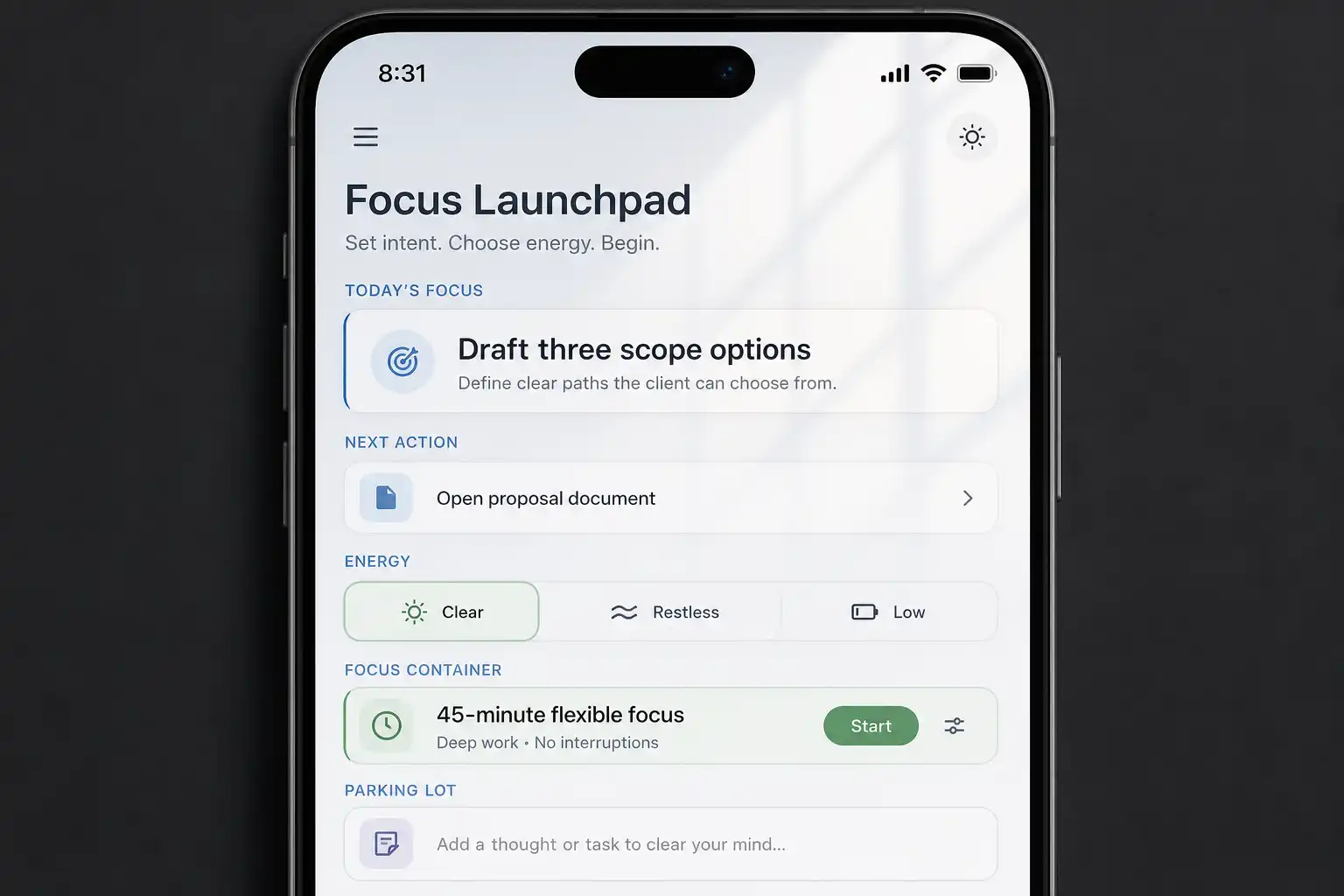
Before adopting either tool, write a five-minute first action for the task you avoid most, then enter that wording instead of a vague project name. Use this deep-work launchpad to make work starts and restarts easier tomorrow.
Related articles