OwnTime
TickTick vs Todoist for Low-Energy ADHD Days
Poor sleep changes the comparison
Poor sleep changes this comparison because a task app has to do more than hold an ambitious plan when attention, time judgment, and task initiation are shaky. The decision load is different.
ADHD is associated with sleep disturbances, daytime sleepiness, and circadian-rhythm differences, although the relationship is complicated and does not mean ADHD always causes sleep problems or the reverse (research review). A rough night has its own effect.
After bad sleep, the problem is often less about remembering a task and more about choosing a realistic one, resisting a full-day replan, and finding a first step before scrolling takes over. That is executive-function friction, not a character flaw.
Research on total sleep deprivation cannot perfectly represent one poor night, so dramatic claims would be a stretch. Still, a controlled study of young men found reduced attention-task performance after sustained wakefulness, while participants with ADHD made more errors and showed greater reaction-time variability than controls (study details).
A planning system that assumes identical capacity every morning is fragile. The better system reduces decisions when capacity dips.
For a closer look at the sleep-and-ADHD evidence behind this approach, see Sleep and Energy With ADHD: A Practical Evidence Check.
The short answer
Choose TickTick when tasks, calendar commitments, focus sessions, and routine prompts work best in one place, because fewer app switches can make the next action easier to spot. It provides more built-in scaffolding.
Choose Todoist when extra views, modes, and settings become their own cognitive tax, even if those features are useful on paper. Its restraint is a feature.
Neither app can reliably detect a bad night of sleep or judge current mental capacity without rules you set. TickTick supplies more tools inside the product, while Todoist supports a leaner system built from conventions such as labels and filters.
TickTick and Todoist on low-energy days
The core difference is not task capture, recurring chores, due dates, or projects. It is where the work of deciding lands when the brain is running on reduced power.
| Low-energy need | TickTick | Todoist |
|---|---|---|
| See commitments beside tasks | Native calendar views put tasks near fixed events | Works best when calendar planning stays separate or uses an integration |
| Begin a focus block | Built-in Pomodoro-style focus tools reduce app switching | Usually needs a separate timer or a simple manual routine |
| Avoid visual overload | More views can distract when energy is low | Clean layout is easier to re-enter |
| Manage routines | Built-in habit tracking keeps routines near tasks | Recurring tasks handle many routines without another feature area |
| Build an energy-aware system | Tags, lists, calendar views, and timers offer several controls | Labels, priorities, and filters create a lighter custom system |
| Recover after the plan changes | Many places to defer, re-plan, or change modes | Fewer moving parts to reconsider |
TickTick is the broader planning workspace, combining tasks with calendar views, focus timers, habit tracking, and priority tools. Todoist stays closer to focused task management, with quick natural-language capture and a calmer task surface, a distinction also reflected in Zapier’s feature comparison.
More support helps only when it removes a decision. When it creates several new configuration choices, it can turn into another thing to manage.
Choose TickTick when you need scaffolding
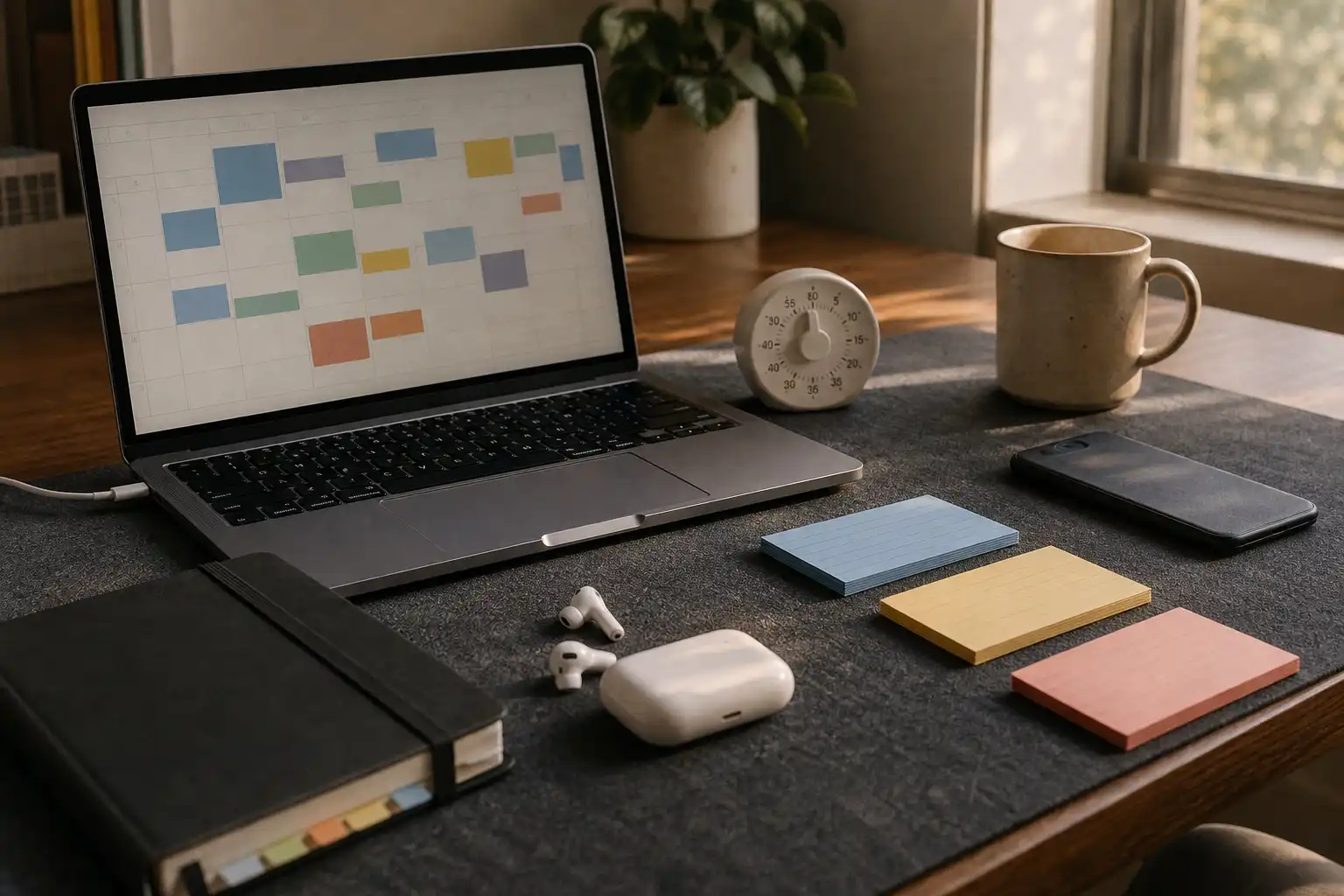
TickTick fits people who know what matters but cannot easily tell what fits in the next hour, especially when fixed commitments make a long task feel larger than it is. Seeing events and tasks together makes the available gap visible.
Use the calendar as a capacity check rather than a courtroom. A plan with every task dragged into an exact slot can look satisfying at 10 a.m. and feel accusatory at 4 p.m.
The built-in focus timer helps when the hard part is crossing from planning into work, because starting a contained session is easier than designing a deep-work ritual while depleted. A 15- or 25-minute session is usually plenty for a low-energy block.
Habit tracking can also keep supportive routines close to everyday tasks, including packing lunch, putting medication somewhere visible, setting out clothes, and charging a laptop. Sleep should not become a streak competition.
A missed night is feedback about a rough system or week. It does not need a moral score.
A practical TickTick setup
- Create three task-load tags or lists: low lift, steady focus, and deep focus.
- Mark only true deadlines as top priority, then use a lower priority for work that would make tomorrow easier.
- Put immovable events on the calendar, while treating most task blocks as movable windows.
- Keep a bad-sleep menu with five to ten useful low-lift tasks, such as submitting an expense, replying to one email, refilling a prescription, or clearing a desk surface.
- Use the timer for one contained task, then reassess before starting another session.
This setup works best for someone who likes seeing the whole operating system in one app. If opening TickTick leads to tuning views instead of working, that is useful data rather than a failure.
Choose Todoist when you need fewer choices
Todoist is the better choice for people who have learned that complexity does not create motivation, because its capture flow gives a passing thought somewhere trustworthy to land without opening a planning project. The daily screen stays quieter.
Its lack of a built-in focus timer and full habit area can be limiting. It can also prevent an elaborate dashboard from becoming the afternoon’s main task.
Todoist works especially well when an energy system needs to stay portable across work and personal life, since projects, labels, priorities, and filters can remain consistent while surrounding tools change. The structure can be sophisticated without making the main task list busy.
A practical Todoist setup
- Use labels such as @low, @focus, @errands, and @waiting to describe the action or context rather than the person doing it.
- Reserve the highest priority for clear consequences, such as a hard deadline, appointment preparation, a colleague awaiting a decision, or a late-payment penalty.
- Save a filter for today’s lower-load work, such as
today & @low, so a depleted afternoon does not require scanning every project. - Write visible next actions, so
open benefits portal and find deductiblereplaces a vague task likesort insurance. - Use recurring tasks for maintenance work, while allowing postponement without rebuilding the recurrence pattern.
A small system can still be highly capable. The useful sophistication is making a reasonable option obvious when energy is low.
Build an energy-aware setup in either app
Start by classifying the task instead of rating personal capacity all day. A low-lift task has a clear first step, low emotional resistance, a known context, and a brief enough duration to finish or meaningfully advance while tired.
That category can include meaningful work. Sending a clear update, booking an appointment, reviewing a document for 10 minutes, or setting up tomorrow’s materials may protect the day better than forcing a demanding strategy task.
Use four rules so the system does not become another maintenance hobby.
- Give every task one main signal. A deadline, energy tag, context, or visible next action is usually enough at capture.
- Keep the low-energy list useful. Avoid filling it with fake busywork just to collect completion marks.
- Plan by windows rather than exact promises. Admin during the gap after lunch is more forgiving than a block claiming work will begin at 1:00 sharp.
- Review repeated mismatches. If a task repeatedly lands in low-energy mode and never happens, shrink it, move it to a better context, delegate it, or remove it from current priorities.
This approach preserves standards while preventing high-energy planning from becoming the benchmark for every day. That tradeoff is worth making.
A realistic low-sleep afternoon
Imagine a client deliverable due tomorrow after a poor night of sleep. There are 35 minutes before the next meeting, yet the original plan says to work on a dense presentation deck.
In TickTick, the calendar can expose how narrow that gap is. Start a 25-minute focus session and choose a low-lift task such as collecting the client decisions needed for the deck; the tradeoff is that calendar options and timer settings can tempt more planning.
In Todoist, open today & @low and complete a task such as emailing the client for missing logo files, then add a clear next action for the deck. The tradeoff is bringing a separate sense of time and stopping point, perhaps through a phone timer.
Each move protects tomorrow’s deliverable without demanding peak cognitive output from a tired afternoon. That is a useful win.
Pick the app with a low-energy mode
Try each app for two ordinary weeks, including a day when energy is low, the schedule is overloaded, or a plan has gone sideways. The useful test is whether the app can produce a reasonable next move within 60 seconds.
TickTick wins when integrated planning tools make that move clearer. Todoist wins when a quieter surface makes starting easier.
Some people eventually decide they do not want to manually maintain energy labels, filters, and priority rules at all. OwnTime takes a different route by using task details, calendar commitments, recently completed work, and current context to recommend a next task, while still allowing overrides and plain-language preferences.
No planning app can fix chronic sleep problems or replace medical support. When sleep disruption repeatedly affects work, home responsibilities, or driving, record two weeks of sleep timing and daytime impact before discussing it with a clinician.
Related articles