OwnTime
Todo Lists at Work: A TickTick System

Why workplace task lists become exhausting
A task called “Q3 launch” can waste an entire 40-minute gap because it gives you no starting point. The decision cost compounds.
Workdays usually break down when a meaningful task is buried under meeting follow-ups or half-formed requests, forcing you to decide what matters again whenever a little time opens up. Knowledge work makes this worse because tasks are often ambiguous and interruption is routine.
A 2021 workplace intervention that tested daily work-planning practices found that participants reported less negative workday fragmentation four months later, along with better task-management effectiveness and self-rated performance (study). Less fragmentation is useful.
A workplace task system should make four things visible quickly.
| What you need to know | What the system should show |
|---|---|
| What has a hard commitment | Deadlines, meetings, and promises made to others |
| What can move active work forward | Small, clear next actions |
| What cannot move yet | Waiting items and dependencies |
| What can wait without damage | Ideas and lower-stakes work |
My position is simple: if maintaining the list takes more effort than doing the next task, the system has failed. A reliable next action beats perfect visibility into every loose end.
Build around commitments, not folders
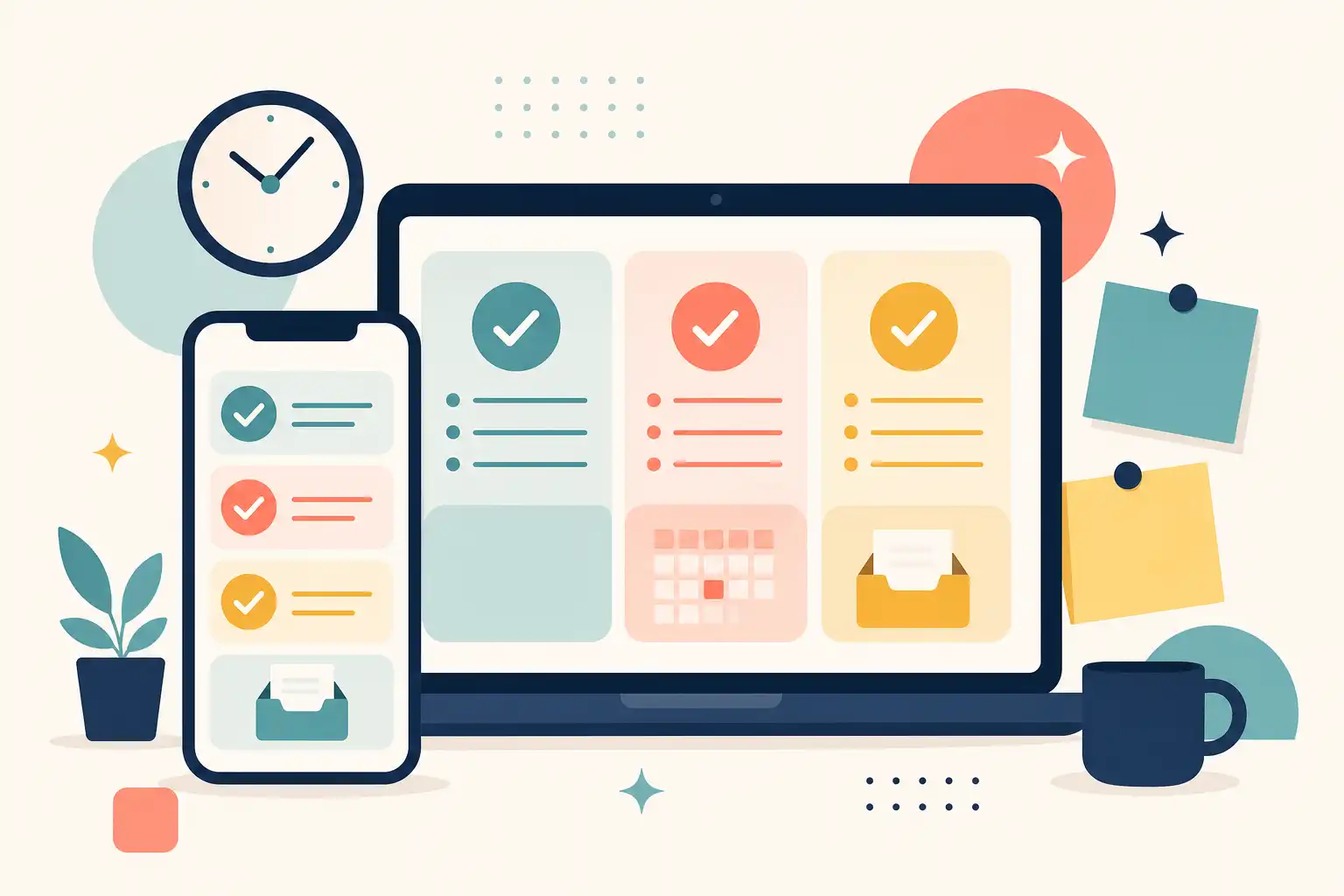
Start with a small number of task locations, because a separate list for every team or project becomes another backlog to maintain within a few days. Four buckets are enough for most overloaded knowledge workers.
- Inbox holds anything you capture before deciding what it means.
- Active work contains projects and responsibilities you can advance this week.
- Waiting holds work that depends on someone else’s response or decision.
- Recurring work covers repeat responsibilities such as reports, approvals, invoice checks, and expense submissions.
Keep personal tasks outside this work structure when the workplace view is already noisy, since mixing life admin with work commitments can make both feel falsely urgent. Separate views reduce that pressure.
Within Active work, name tasks as visible next actions rather than project labels. “Q3 launch” is a project, while “Draft launch brief for leadership review” is something you can begin during a 40-minute opening.
Make TickTick capture effortless
Create one default Inbox in TickTick and send every new request, follow-up, and stray thought there before organizing it. The inbox is a landing pad, not a second office.
TickTick supports fast capture through widgets, voice input, email and browser integrations, desktop shortcuts, and natural-language date entry (TickTick feature guide). Use whichever option gets the task out of your head with the fewest clicks.
Capture first and organize later. A request left in a message thread or buried in a tab will not reliably appear when you need it.
Write tasks that survive interruption
When you process the Inbox, improve the task name before assigning a date or priority so the next step is obvious when you return to it after three meetings. Be specific.
- Replace “Client follow-up” with “Send Acme pricing recap and ask for legal contact.”
- Replace “Budget” with “Review February variance notes before finance sync.”
- Replace “Website issue” with “Reproduce mobile checkout error and attach screenshots to ticket.”
- Replace “Hiring” with “Review Maya’s interview notes before Thursday’s debrief.”
Those extra seconds at capture time save a surprising amount of reconstruction later, especially when a task has been sitting for two days. Past-you should leave useful instructions.
Process the Inbox on a schedule
Process incoming tasks once or twice a day in a planned slot that does not hijack your actual work. Do not sort live.
For each item, take one of four actions.
- Turn it into an actionable task with a clear next step.
- Attach it to active work that already exists.
- Move it to Waiting when another person or system must act first.
- Delete it when it no longer deserves attention.
Reference material belongs with project documentation rather than in a task list, where it creates the illusion of unfinished work. A link is not an assignment.
Use dates, calendar views, and priority with restraint
Your calendar is for time-specific commitments, while your task list holds the work competing for the open space around them. Keep them distinct.
TickTick can display and sync Google Calendar events, and its calendar integration can also show TickTick tasks in Google Calendar (TickTick’s Google Calendar guide). Plan against the hours that remain after meetings, rather than the fantasy version of the day with eight free hours.
Assign a due date only to a commitment you intend to honor, whether it came from outside the team or you set it internally. A vague Tuesday preference does not belong in the same category as a promised delivery.
Treat priority as an operating signal
Your highest priority should mean the task is time-sensitive or likely to hold up someone else. It should never be a personality test for how motivated you feel.
TickTick’s Eisenhower Matrix places tasks into quadrants based on the priorities you assign, making it a useful review view without duplicate task entry (TickTick’s Eisenhower Matrix guide). Use it to spot patterns, then get back to the work.
- Urgent and important work should be resolved, scheduled, or escalated today.
- Important but not urgent work needs protected time before it turns into a fire drill.
- Urgent but lower-impact work can be delegated, batched, or handled in a narrow window.
- Neither urgent nor important work can be deferred, archived, or declined when appropriate.
Put recurring responsibilities on rails
Recurring tasks are ideal for responsibilities that quietly drain attention because you are expected to remember them without a prompt. Put them on rails.
Create recurring tasks for weekly reports, pipeline updates, team rituals, routine approvals, and expense submissions, then give each one a plain action name. Your brain does not need a heroic reminder to submit an expense report.
Use completion-based recurrence when the next instance matters only after the current one is finished. Use a fixed recurrence for work tied to a business date, such as a report due on the first business day of each month.
Run a short daily decision routine
A 45-minute ritual with color coding and motivational music is productivity theater for most workdays. A brief reset before the day starts choosing for you is enough.
Start with the calendar
Open your calendar and Active work view, then choose one meaningful outcome plus two supporting tasks that can fit around existing commitments. Aim lower than your optimism suggests.
- Finish the decision memo before the 2 p.m. review.
- Send the customer follow-ups that unblock the sales team.
- Spend 25 minutes outlining next week’s project kickoff.
The first item anchors the day, while the other two give you useful options when plans shift. That is a workable menu.
Handle interruptions without rewriting the day
A red notification badge or a “quick question” does not automatically become the day’s top priority, even if the sender sounds rushed. Capture it.
Then decide whether to answer now, schedule it, delegate it, or move it to Waiting. That small pause keeps every new request from silently taking over your plan.
When work is blocked, remove it from the active queue and write the dependency directly into the task title or note. “Waiting for Priya’s approval on revised scope” gives you more information than “Follow up.”
Close loops before signing off
Take five minutes at the end of the day to complete finished work, relocate blocked items, reconsider incomplete tasks, and clear obvious clutter from the list. Keep the bar low.
A shutdown routine does not require inbox zero, and it does not need to be pretty. It should make tomorrow’s first decision easier than opening Slack and hoping for the best.
Know when you need a recommendation layer
TickTick gives direct control over lists, dates, priorities, calendar views, habits, and focus features. For many people, that is enough.
Conventional task managers still leave you to choose the next move when the list is long, energy is low, and several tasks look reasonable. That friction is normal.
If work and personal tasks regularly collide, a recommendation-focused tool such as OwnTime can complement a structured work list by surfacing a suitable next task from timing, effort, deadlines, routines, and recent activity. The tool should reduce backlog hunting rather than replace judgment.
Choose the product that helps at the moment you are most likely to drift, because that is where feature checklists stop mattering. A useful system earns its keep on a Tuesday afternoon, not during setup.
Keep the list honest
Review the system weekly, paying close attention to the Waiting list and stale priorities, then remove work that no longer deserves space in your attention. Cut aggressively.
An honest list has dated commitments, actionable active work, and clearly labeled dependencies, while everything else stays optional until it earns a place. At the next interruption, add the request to Inbox, make one decision about it, and return to the task already in front of you.
Related articles