OwnTime
ADHD Executive Function Routines: Science, Not Strict Schedules
Make starting cheaper
A routine earns its place when it makes the next action easier on a low-energy Tuesday, rather than demanding a perfectly timed morning. That is the test.
For adults with ADHD, beginning a task can require remembering, prioritizing, estimating time, and resisting a more interesting alternative at the same moment. A small job can stall.
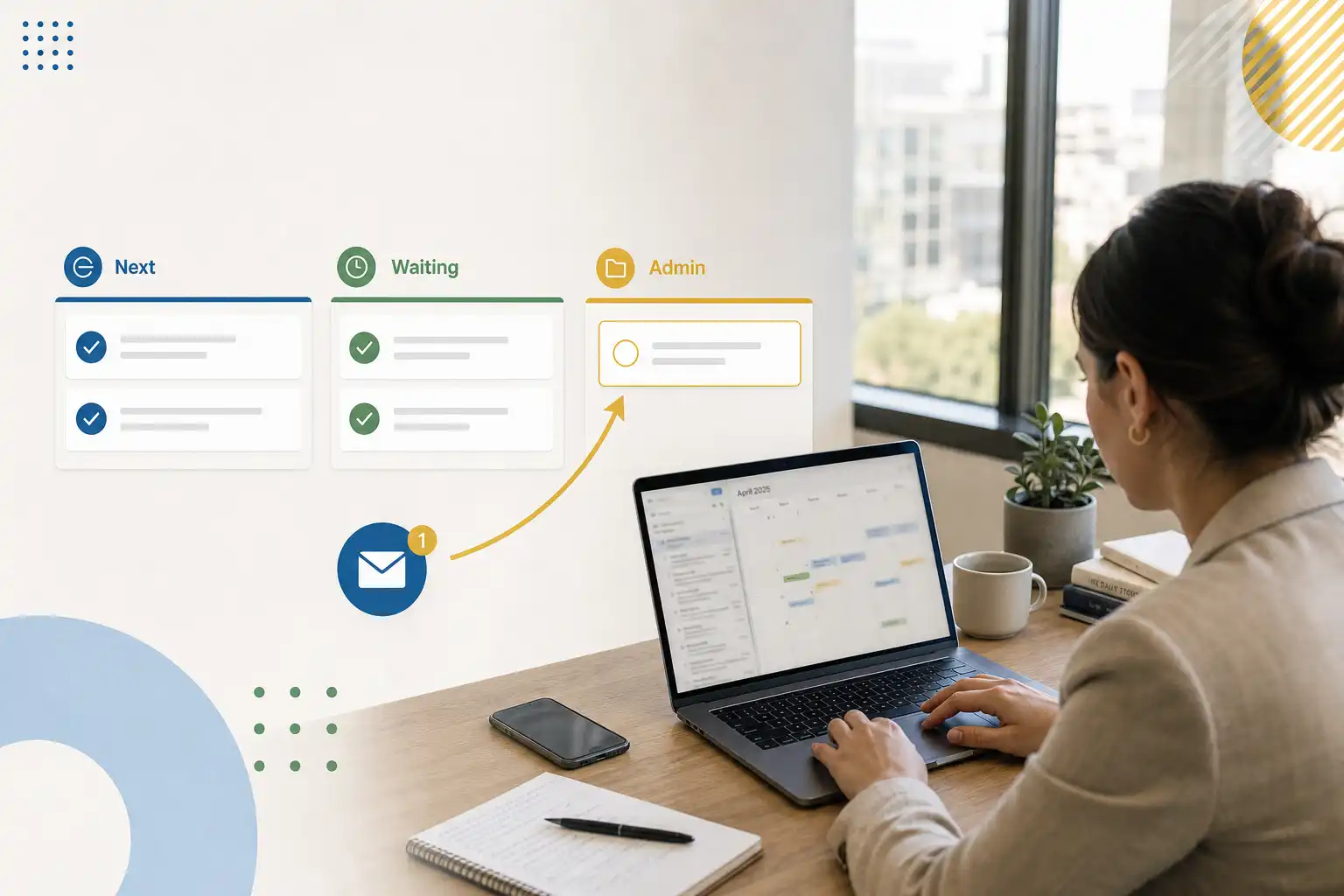
Try an anchor such as, “After I put my lunch dish away, I open my admin list and choose one task that takes 10 minutes or less.”
What executive-function research shows
Executive function is a broad term for the mental processes involved in attention regulation, working memory, inhibition, task switching, planning, and progress monitoring. It varies by person and situation.
A meta-analytic review of adult ADHD research found medium average differences between adults with ADHD and comparison groups in inhibition, set shifting, verbal fluency, and some abilities outside the usual executive-function label. That matters. A stalled routine is rarely explained by a single issue such as caring too little.
A more recent systematic review and meta-analysis of stop-signal task studies also found a moderate average difference in response inhibition among adults with ADHD. These are group-level results. They cannot diagnose an individual or predict exactly which moments will be hard for one person.
Strong grades, reliable work, or an orderly home can coexist with intense mental effort, last-minute recovery, and exhaustion. Visible output hides the cost.
Research does not prescribe one perfect routine
No study can hand you an ideal ADHD schedule with a fixed wake-up time and a 27-day checklist. That is a relief.
A scoping review of routines and habits in ADHD found limited research on the topic, especially for adults, with much of the available work focused on sleep, eating, physical activity, and sedentary behavior rather than everyday planning systems. The evidence has gaps.
Treat routine advice as a practical experiment informed by executive-function research, rather than a clinical rule you have failed when a busy week knocks it sideways. The science supports reducing friction.
Three myths that add unnecessary friction
| Myth | A more useful reality | What to do instead |
|---|---|---|
| “A routine only counts if I do it at the same time every day.” | Routines can follow an event, a location, or a transition instead of a clock time. | Use cues such as “after lunch” or “when I get home” if your schedule moves around. |
| “Enough reminders will make me act.” | A reminder may create awareness without providing a clear first action or enough energy to start. | Write “open the insurance form” instead of “deal with insurance.” |
| “A better routine has more steps.” | Long sequences create extra chances to lose the thread or bargain with yourself. | Protect the first one or two actions, then make the rest optional. |
Strict schedules often break under meetings, travel, illness, family needs, and tasks that run longer than planned. Flexibility belongs in the design.
Build the smallest routine that helps
A useful routine needs a dependable cue, a tiny launch action, and a fallback for rough days. Keep the setup lean.
- Choose one recurring friction point. Pick a moment that repeatedly creates stress, such as handling mail, preparing for appointments, switching from work to home, or tracking errands.
- Attach it to a cue you already meet. Closing your laptop, making coffee, arriving home, and putting a dish in the sink are easier to notice than an abstract intention.
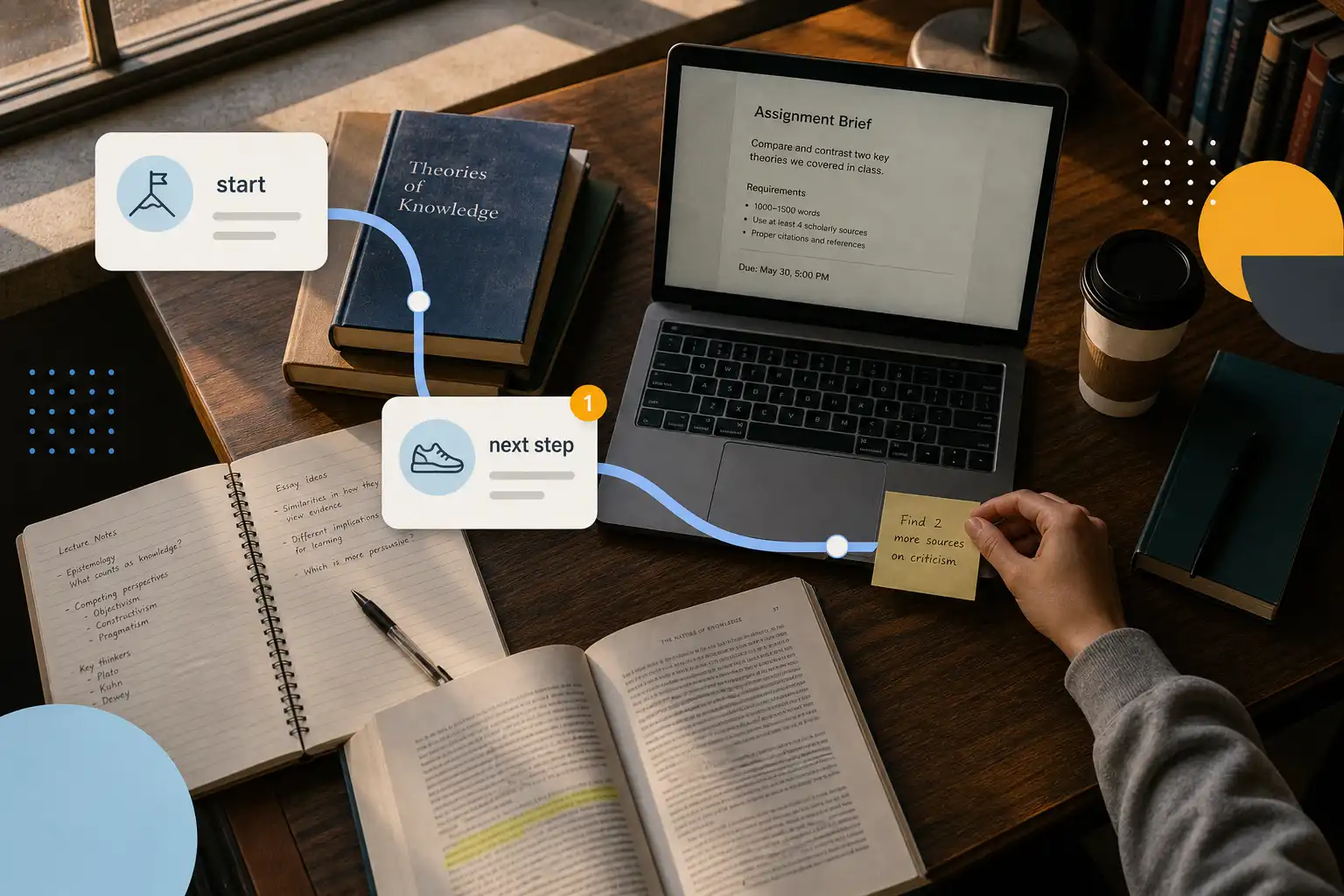
- Name the first physical action. “Check finances” is vague, while “open the banking app and view the balance” gives you a visible starting line.
- Create a minimum version. On a crowded day, adding one item to a list or sorting one document for two minutes can still count.
- Write a restart rule. Use a plain instruction such as, “If I miss this, I restart at the next cue without catching up.”
Recovery rules deserve more respect than they get. Keep them plain. A routine that survives interruption is better than an impressive system that works only during a quiet month.
Use branches instead of one rigid script
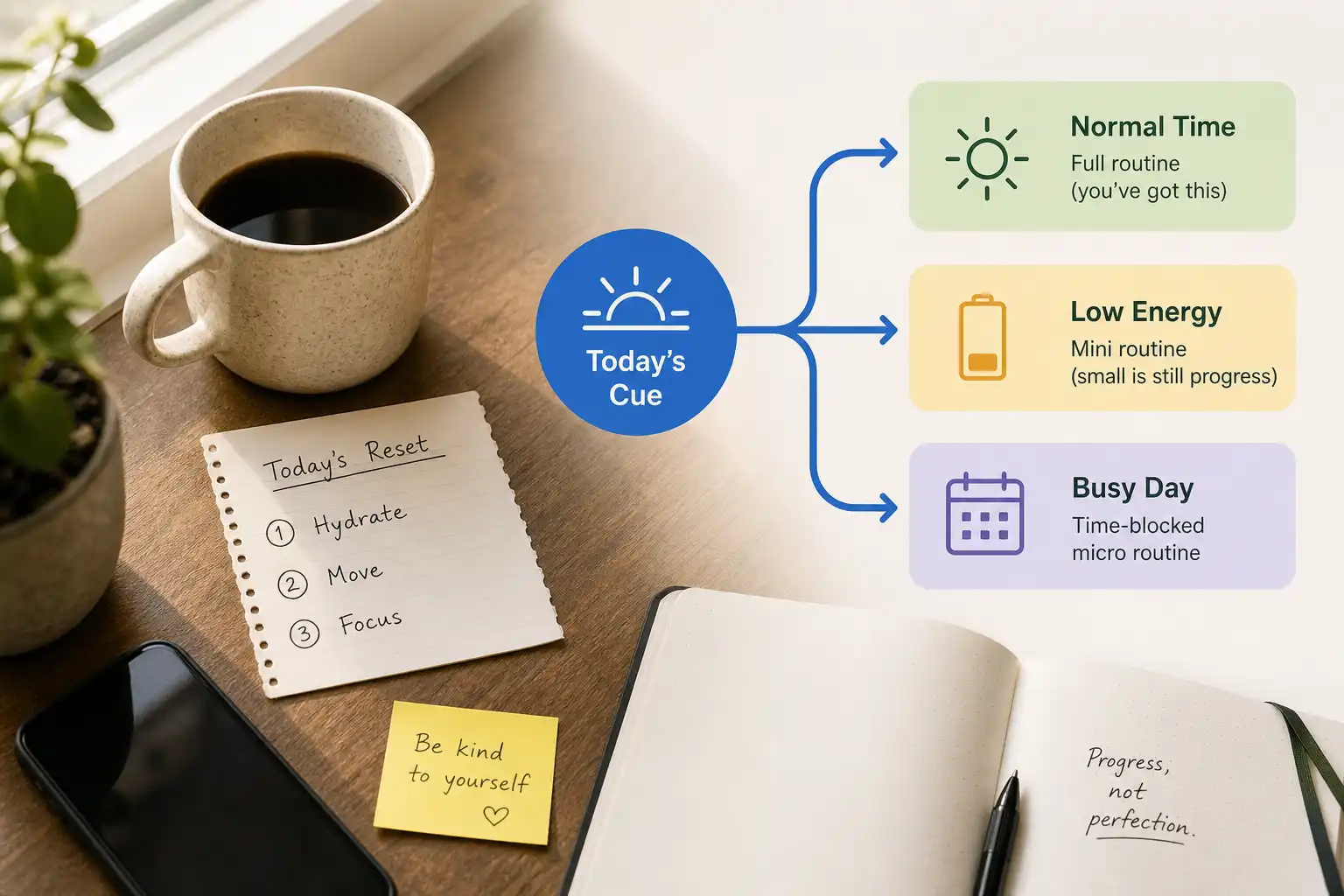
Write valid versions for different conditions so the choice is not between completing the full routine and doing nothing. That cuts down on in-the-moment decisions.
Normal time. Complete one task that takes up to 15 minutes.
Low energy. Open the list and choose the next task for later.
Very busy. Capture the task in one place and set a realistic prompt.
Unexpectedly free. Complete a second short task if it still helps.
These branches are pre-made decisions, which is exactly what helps when choosing is the bottleneck.
Run a seven-day experiment
Test one routine for seven days before rebuilding your whole system, because a short trial can show whether the cue, task size, or timing is causing the problem. Do not redesign everything at once.
If personal admin keeps piling up, try this: after putting away lunch, open the admin list and complete one task that takes 10 minutes or less. When time is tight, the minimum version is adding the next physical action to the list.
At the end of each day, record four small facts.
- Did I notice the cue?
- Did I begin the minimum version?
- What got in the way?
- Which branch did I use?
A checkmark, a skipped day, or a note such as “meeting ran late” is enough data. Keep the record boring.
After day 7, change only the weakest part of the chain: move an invisible cue somewhere obvious, shrink an action that still feels too large, or give a task a clearer stopping point when it keeps expanding.
Let tools hold the next decision
A sticky note by the door, a tray for outgoing items, a calendar block, a recurring prompt, or a ready-made list can move some remembering and choosing into your environment. Your brain gets breathing room.
OwnTime can surface a context-appropriate next task from work you have already captured, which can help when you have spare time but do not want to scan a long backlog. That reduces the search step.
Digital tools work best when they keep the next choice visible instead of collecting hundreds of vague commitments. A low-friction Google Tasks setup can be useful if it gives captured tasks a clear place without turning them into fake deadlines.
Keep notifications specific and limited, because alerts that arrive at the wrong moment quickly become background noise. A prompt tied to leaving work or finishing lunch has a better chance of acting as a cue.
Aim for easier recovery
An effective routine lowers the effort needed to restart after disruption and avoids creating another standard for judging difficult days. That is meaningful progress.
When executive-function difficulties substantially affect work, relationships, finances, health, or daily functioning, routines can support treatment but cannot replace ADHD assessment or care from a qualified clinician. A seven-day log of missed cues, starting barriers, and workable supports gives that conversation concrete material.
Related articles