OwnTime
AI Assistants at Work: Where They Actually Help
Give AI the friction, keep the judgment
Use an AI assistant to turn rough notes into a project update, pull action items from a 12-page brief, or produce a workable meeting agenda before the blank page drains your energy. That is where it earns its place.
The useful question is not whether AI belongs at work; it is which part of a task deserves a fast first pass and which part still needs a person who understands the stakes, relationships, and facts. Hand it the repetitive friction around your expertise. Keep ownership of the work.
Drafting, summarizing, restructuring, and generating alternatives are strong fits because a rough version gives you something concrete to improve. Small gains add up when the same task appears every week.
What the evidence actually supports
The research so far points to a practical pattern: AI helps most when the task has a clear output, a person can review it, and the tool is used for assistance rather than authority. Treat it as a capable junior collaborator. It has no useful context until you provide it.
In a randomized experiment, 453 college-educated professionals completed writing tasks with or without access to ChatGPT; those with access finished about 40% faster on average and produced higher-quality work, with the largest gains among weaker writers (Noy and Zhang, Science). That supports using AI for drafting and editing. It does not mean every knowledge task belongs in a chatbot.
A field study of 5,179 customer-support agents found that a generative AI assistant increased issues resolved per hour by 14% on average, while novice and lower-skilled agents improved by 34% (Brynjolfsson, Li, and Raymond). The likely benefit was less reinvention of routine responses and faster access to useful patterns. Experience still matters.
Results can also turn negative when the tool creates needless cognitive load or pulls attention into task switching. In a small study of financial professionals, using AI-generated content was associated with better quality, while model-initiated task switching was associated with worse performance (Lepine et al., preprint). More prompting does not automatically mean better work.
The best AI workflow is usually boring: fewer tabs, a clearer next step, and less time spent getting started. That is a feature, not a shortcoming.
Four jobs AI handles well
Start a first draft
Drafting is a strong fit because starting often requires structure, wording, and background knowledge at the same time. Ask for an outline, several angles, or a first version for a specific audience. Then rewrite it until it sounds like you and reflects what is actually true.
Useful starting tasks include:
- A project update built from bullet-point notes
- A meeting agenda that names decisions to be made
- A calm, direct customer email
- A comparison of two approaches to a problem
- A plain-language explanation of a technical document
Turn information into action
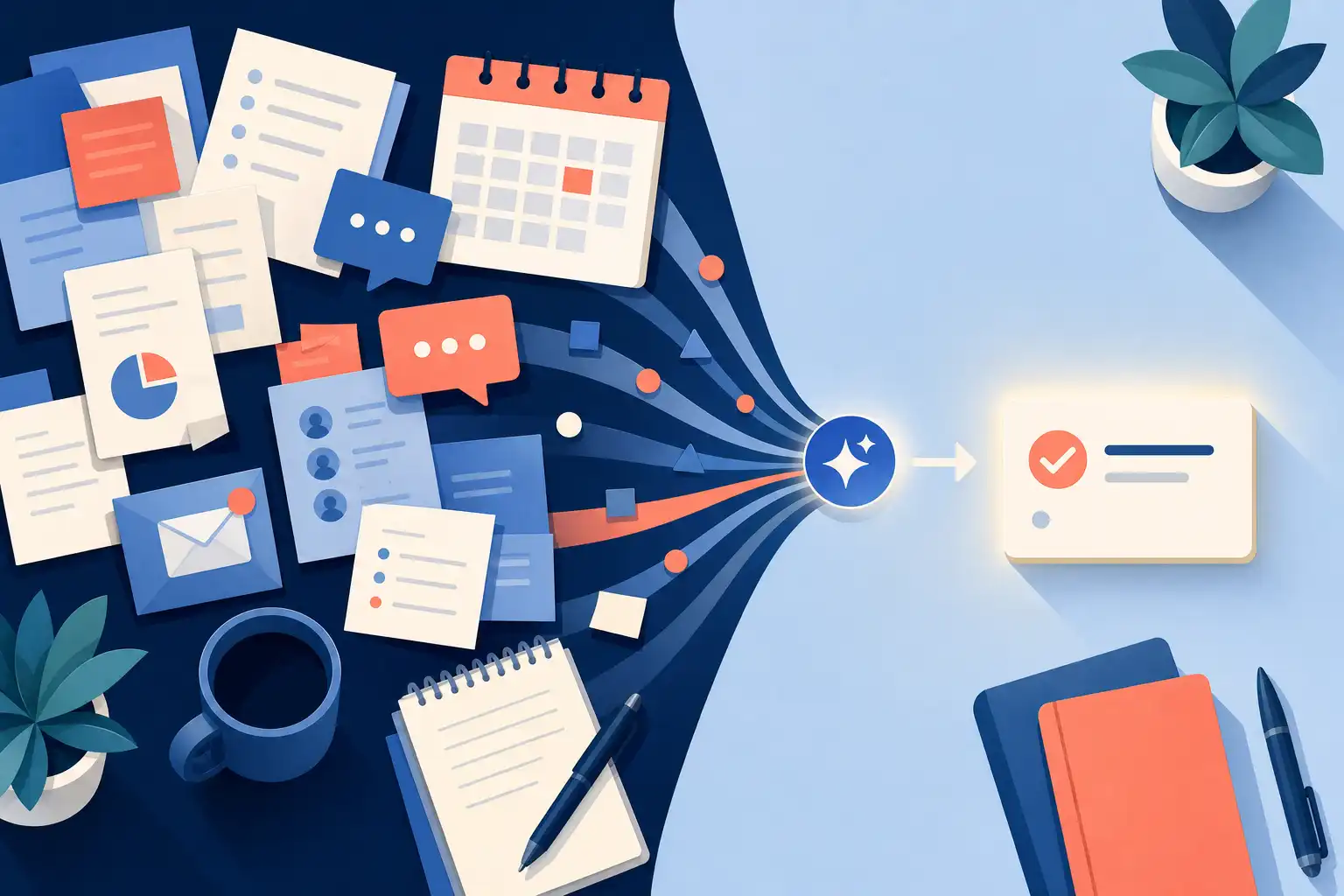
Most knowledge workers do not lack material; they lack the time to convert it into something usable. Give the assistant a report, transcript, or notes that you are allowed to share, then request a summary aimed at one decision. Ask it to identify risks, open questions, supporting quotes, and proposed actions from the supplied material.
Grounding the request in source material reduces made-up details and makes review faster. For a 60-minute meeting transcript, a useful output might be five decisions, four owners, and every unresolved question with a quoted source line.
Create useful variations
One idea often needs different treatments for different people, such as a short executive update and a detailed explanation for a teammate. Let the assistant handle that transformation. Keep control of the message, especially when customer expectations or internal politics shape the wording.
This use case saves time because the underlying thinking has already happened. You are adapting a message rather than asking software to invent a position.
Prepare for a decision
AI can generate questions for a stakeholder meeting, identify assumptions in a plan, or suggest a checklist for a recurring process. This is preparation work. You still decide what is relevant and what happens next.
Use the tool to widen the field before a decision, not to make the decision for you. A list of missing evidence is often more valuable than a polished recommendation.
Keep high-stakes judgment with people
The higher the cost of an error, the closer your review needs to be. Be especially cautious when an output affects money, legal obligations, security, employee decisions, customer trust, or a strategic commitment.
Do not mistake fluent writing for verified information. A polished answer can look finished long before it has earned your confidence.
AI can also hide weak thinking by removing the discomfort that normally tells you to investigate further. Keep responsibility for facts, tradeoffs, and final approval with the person who knows the situation. That person is someone on your team, not the model.
Use extra care when a task involves:
- Facts that must be current and correct
- Private, confidential, or regulated information
- Recommendations with significant consequences
- Organizational history or relationship context
- Original analysis built on incomplete evidence
For work like this, ask the assistant to organize possibilities, spot gaps, or challenge assumptions. Do not hand it the call.
Choose the lightest useful level of help
Before opening an AI tool, define what a good result would let you do next. If you cannot describe the outcome, audience, and next action, AI will probably generate more material without creating progress.
| If your task looks like this | Use AI this way | Your responsibility |
|---|---|---|
| You need a first draft, outline, or checklist | Ask for a starting point with clear constraints | Revise for accuracy, tone, and relevance |
| You have too much material to read | Request a decision-focused summary | Check key claims against the source |
| You need routine variations | Generate versions, then choose and edit | Protect policy, brand, and customer context |
| You need a high-stakes decision | Request options, risks, and missing questions | Gather evidence and make the decision |
| You cannot describe the desired result | Wait before using AI | Define the outcome and next action first |
This table is deliberately conservative. A little saved time is not worth creating a new verification problem for yourself.
Build a workflow that reduces work
The common failure mode is easy to spot: an assistant produces a pile of drafts and ideas, then you spend the rest of the day sorting through them. Run a narrow experiment instead. Pick one recurring task that happens at least weekly and regularly takes too long, such as preparing meeting notes or writing project updates.
Write one reusable instruction that includes the audience, format, source material, constraints, and definition of a useful result. For example, use: “Turn these notes into a five-bullet update for my manager. Flag decisions needed, and do not invent missing details.” Save it somewhere accessible.
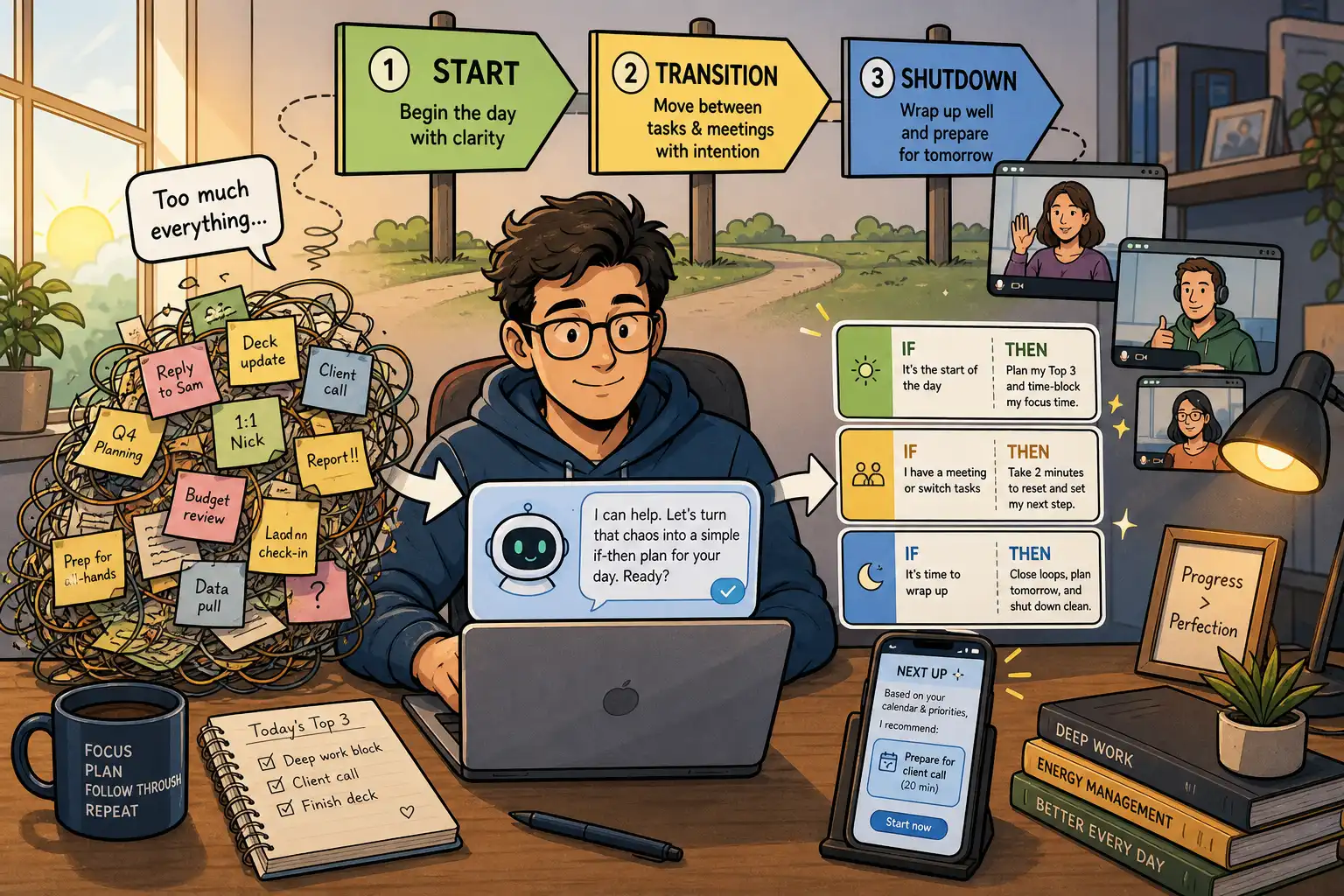
A reusable prompt beats rewriting a vague request from scratch every time. For a broader routine built around changing knowledge-work demands, a flexible ChatGPT system can help keep the tool tied to cues and repeatable work rather than constant experimentation.
Keep a review step before you send, publish, or act on anything. A quick check may be enough for a low-risk internal draft, while a customer promise or financial recommendation deserves slower verification. Match the review to the downside.
After five uses, assess the workflow with four checks:
- Did it save time?
- Did the quality stay acceptable or improve?
- Did it reduce mental drag?
- Did it create new review work?
If most answers are no, change the task or stop using the tool for it. There is no prize for forcing an AI use case.
Turn each output into a next action
An AI-generated draft is not progress if it disappears into an overstuffed task list. End every session by recording one concrete follow-up, such as “verify the three claims,” “review the draft for tone,” or “send the update after edits.”
A recommendation-based planning tool can help here because it can hold work tasks beside personal commitments and surface the next action based on timing, importance, effort, and context. In OwnTime, give that follow-up a realistic duration instead of saving a vague reminder that you will have to interpret later.
For the next recurring update, use AI for the first draft, spend 10 minutes checking the facts, and schedule the final edit as a separate task.
Related articles