OwnTime
Obsidian vs Things for Focused Deep Work
Start with the first 90 minutes
A 60- to 90-minute focus block should open with one worthwhile action and the material required to do it. If it opens with a hunt through tabs, notes, and priorities, your system is creating drag.
For founders and freelancers, deep work usually breaks down before the work itself becomes difficult. You have to remember where a project stopped, reconstruct why a decision was made, and choose the next move; that is enough friction to send anyone into inbox-checking instead.
Obsidian and Things address different parts of this problem. Obsidian is a workspace for connected project knowledge, while Things is built to help you choose and complete actions.
Neither app creates concentration on its own. Sleep, workload, notifications, boundaries, and task clarity still affect whether a block goes well, yet a tool that reduces switching costs leaves more attention for the work that pays the bills.
Research on attention residue, published in 2009, found that unfinished work can keep pulling at attention after people switch tasks. Closing an app is not a complete mental handoff.
My view is straightforward: a deep-work tool must earn its complexity every week. Obsidian earns that effort for work where knowledge accumulates, while Things earns its place by staying focused on execution.
Obsidian vs Things at a glance
| Deep-work need | Obsidian | Things |
|---|---|---|
| Keep project knowledge close to the work | Excellent for notes, research, drafts, and linked decisions | Limited; better for actions than reference material |
| Find a next action quickly | Possible with a personal setup | Excellent with its Inbox and focused views |
| Minimize maintenance | Depends on your rules, templates, and plugins | Strong; the structure stays intentionally narrow |
| Work across devices | Available across Apple, Windows, Android, and web environments; files are local Markdown | Best on Apple devices; no native Windows, Android, or web app |
| Customize fields and views | Highly flexible | Purposefully constrained |
| Resist tinkering during the workday | Takes discipline | Easier for most people |
Choose Obsidian when context is the bottleneck
Obsidian helps most when the hard part is rebuilding the mental model behind a project. A product strategy, client proposal, research brief, or long-form draft often depends on decisions made days or weeks earlier.
A good Obsidian project note acts as a launchpad rather than a miniature productivity dashboard. Give each active project four sections.
- Outcome describes what finished work looks like in one or two sentences.
- Next action names one visible step, such as “Draft a four-section proposal outline.”
- Working material links to relevant notes, files, meetings, and sources.
- Return point records exactly where to restart after an interruption.
That structure keeps the reasoning beside the action. When “revise pricing section” sits next to the customer notes and earlier decisions behind it, you spend less time asking what past-you meant.
Obsidian's flexibility is useful only when it serves the work. A Tuesday spent refining tags, themes, queries, and templates may feel productive, but it does not move the proposal forward.
Keep task handling inside Obsidian narrow if you decide to use it. Use four states at most, place one next action near the top of every active project note, review tasks at a scheduled time, and add a plugin only after the same problem has appeared repeatedly.
A custom dashboard can help. It should never become the most elaborate project in your vault.
Choose Things when choosing work is the bottleneck
Things works best when you understand the project but need a calm way to decide what happens now. Its Inbox, Today, Upcoming, Anytime, and Someday views give actions a home without requiring you to invent a planning method first.
Treat Today as a commitment list, not a warehouse for everything you wish you could finish. A list with 17 tasks is usually a guilt display with checkboxes, while a shorter list gives a focus block a usable starting line.
For a 90-minute block, create a project heading that names the outcome and put the first action beneath it. A client website redesign might contain four steps.
- Client website redesign — 90-minute focus block
- Review interview notes and select the homepage message
- Draft a rough homepage outline
- Add two open questions for the client
- Keep messages closed until the outline exists
The goal is not to script every minute. It is to remove the first decision, which is often where a session goes sideways.
Things works well as an action sidecar. Keep the brief, draft, or research in its natural home, then use Things to hold the next concrete commitment and a direct link to the relevant file or note.
This division keeps action lists small and project material available. It does require a reliable handoff, so each task should point to the exact note, folder, or document needed to begin.
Things is a strong fit for people who work entirely on Apple devices and want low ceremony. Regular work across Windows, Android, browser-only machines, or shared environments makes its platform limits much harder to ignore.
When using both makes sense
Use both only when each app has a separate job. Put project knowledge, source material, drafts, and decisions in Obsidian; put the next physical actions and daily commitments in Things.
The pairing works because neither app has to impersonate the other. Keep the handoff lean with one task, one link, and one clear instruction rather than copying a complete project plan into both places.
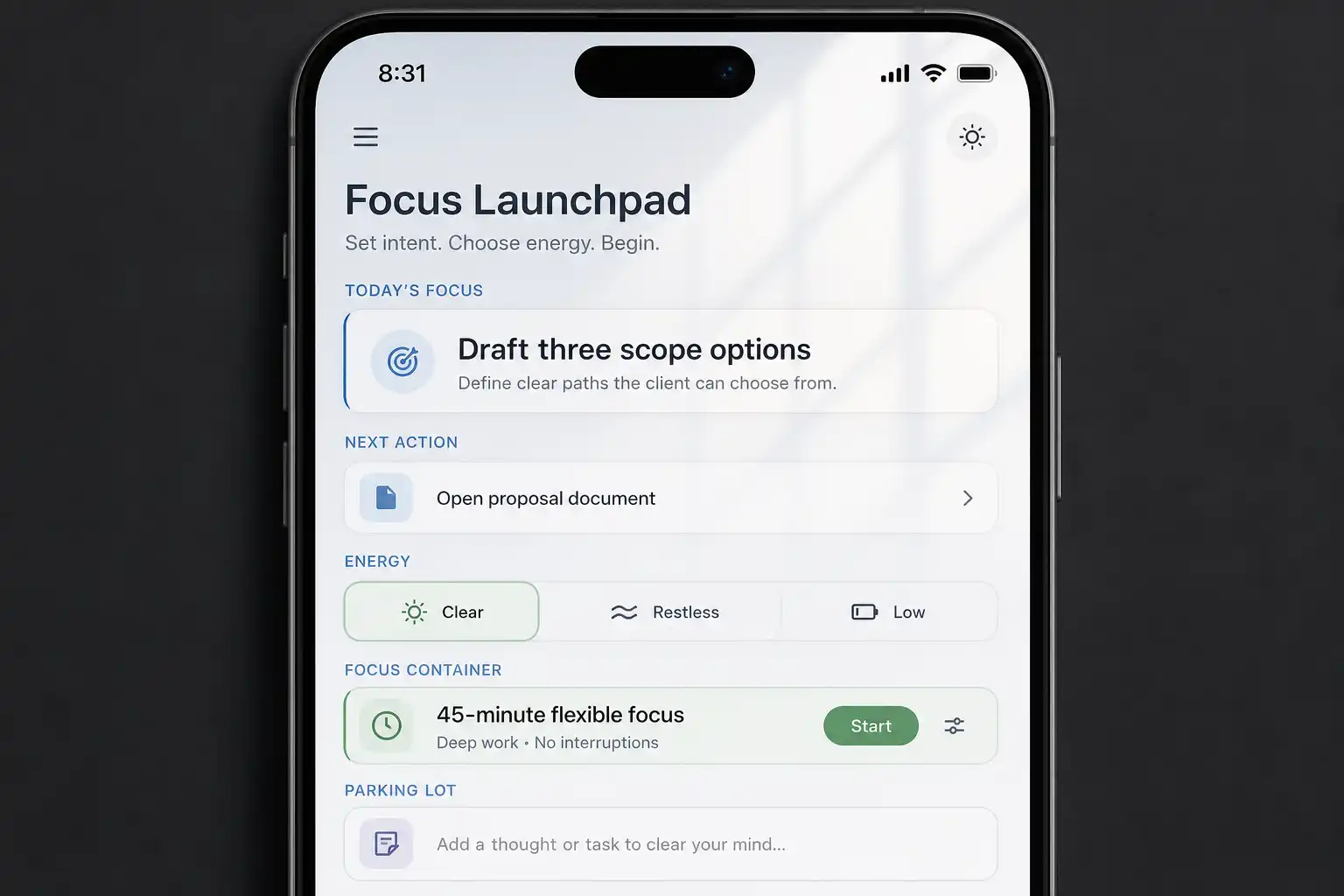
If your hardest moment is choosing from a large backlog when energy is low, a recommendation-based tool such as OwnTime can sit beside a notes system and suggest work based on available time, effort, and current circumstances. More apps are rarely the answer, though; cheaper next choices are.
A one-week deep-work workflow
Run this four-step loop for 7 days before installing another plugin or rebuilding your task structure. The test is whether starting and resuming work gets easier.
1. Capture without organizing
When an idea, request, or worry appears during focus time, send it to one Inbox or one capture note. Leave classification for later.
This is cognitive offloading, a practical way to stop rehearsing loose thoughts in working memory. Externalizing information can reduce cognitive demand, although it cannot replace learning or understanding the material.
2. Pick one visible next action
At the start of the day or block, select an action small enough to begin and substantial enough to matter. “Work on marketing” is vague; “Write five homepage headlines from yesterday's customer calls” gives you a handle.
Specificity helps. Over-planning does not.
3. Write a return point before switching
Before a meeting, call, or unavoidable interruption, leave a ready-to-resume note with three lines.
- What you just completed
- What you will do next
- What is blocked or uncertain
This usually takes under one minute when the project note is current. It can save far longer when you return after a two-hour meeting or an unexpected client message.
A 2017 study by Sophie Leroy and Theresa Glomb found that creating a brief ready-to-resume plan reduced attention residue and improved performance on the interrupting task. The study abstract is available here.
4. Set up tomorrow's first move
End the day by choosing the next action for your most important active project and making its material easy to open. Avoid ending with a full survey of every unfinished task.
Tomorrow's first ten minutes matter more than a beautifully reorganized backlog. Leave yourself a runway instead of another decision.
Common questions
Can Obsidian replace Things for deep work?
Yes, especially when tasks naturally belong inside project notes and you enjoy maintaining a Markdown-based setup. If task queries start taking more time than client work, a dedicated action app is likely the better tradeoff.
Is Things enough for large freelance projects?
Things handles projects, headings, checklists, deadlines, and next actions well when the detailed material lives elsewhere. It becomes less suitable for an archive of interconnected research, long drafts, and documentation you expect to search years later.
Should every task go into the same deep-work app?
No. Keep meetings, errands, routine administration, and low-effort maintenance from crowding the view used for demanding work whenever possible.
A focused list works because it excludes plenty of legitimate tasks. That selectivity is the whole point.
Will a better tool stop distractions?
No app can do that alone. It can reduce the friction of choosing, finding context, and restarting after an interruption, while notification settings, message boundaries, and browser habits still need their own rules.
Make starting easier than reorganizing
Choose Obsidian if connected knowledge is the main reason work stalls. Choose Things if daily decisions and follow-through are the larger source of friction.
For the next week, judge the setup by one practical measure: when an unexpected free hour appears, can you begin valuable work in under 2 minutes? If the answer is no, simplify the path until the first move is obvious.
Related articles