 OwnTime
Things vs OwnTime: Plan for Low-Energy Days
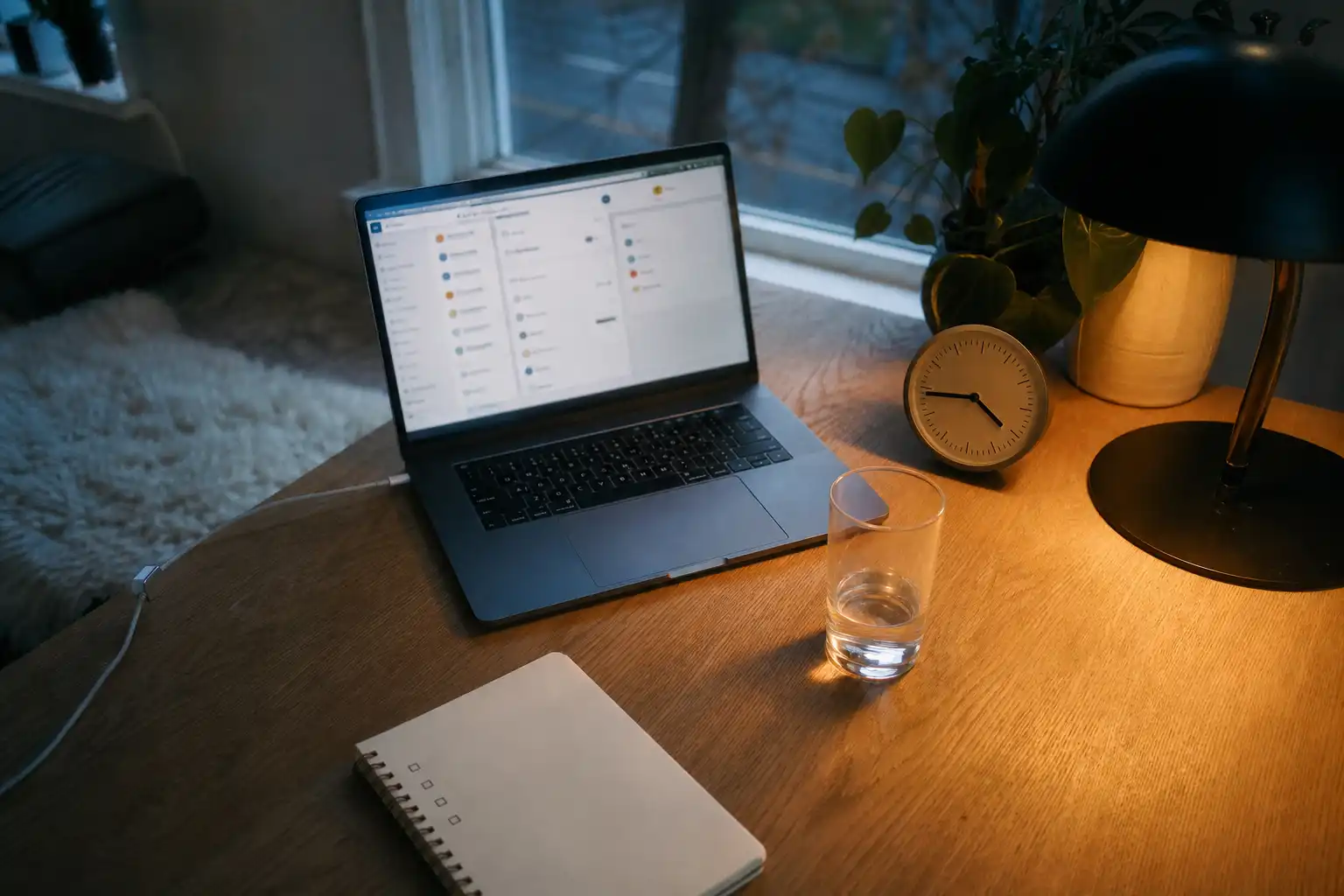
Protect energy when the plan breaks
At 4:47pm, a perfectly ordered task list is useless if it makes you renegotiate every item before you can begin. Energy is the constraint. Things and OwnTime diverge at that exact moment: Things asks you to curate today’s work, while OwnTime aims to reduce the next-task decision as conditions change.
Sleep is part of that constraint, along with client interruptions, meeting blocks, meals, stress, and the fact that a 9am hour rarely has the same cognitive value as a 4pm hour. Plans drift. The better system helps you make a decent call after the day has gone sideways, rather than rewarding the prettiest morning setup.
Sleep changes the work worth doing
Short sleep is not a small tax that founders can erase with coffee and more intensity. A 2019 study of entrepreneurs, including a randomized sleep-deprivation experiment, found that a good night’s sleep supported both the generation of promising venture ideas and judgments about their appeal, while sleep loss weakened performance on those parts of entrepreneurial action (Gish et al., 2019).
Put high-judgment work where your energy tends to be dependable, especially positioning, pricing, hiring, difficult writing, and hard client decisions. Calendar symmetry can wait. A tidy slot on Tuesday afternoon does not make a drained brain suitable for strategic work.
Myth: a productivity system should make every day equally productive. A useful system preserves the work that matters while giving you a graceful fallback when sleep or energy is poor. Some days are smaller. That is normal.
Reality: choosing better work beats forcing more volume. On a depleted afternoon, two thoughtful client updates or a clean outline for tomorrow’s first move can beat reopening a strategy document five times without advancing it. Momentum matters. Protecting tomorrow from today’s mess matters too.
Neither Things nor OwnTime treats sleep problems, and neither should pose as a diagnostic tool. If exhaustion persists or affects daily life, speak with an appropriate health professional. A task app can still prevent the extra damage of treating every low-energy hour as a character test.
Things works when you want to curate the day
Things is built around deliberate daily planning. Its date-based views include Today, Upcoming, Anytime, and Someday, while an optional This Evening section handles work that belongs later; calendar events can also appear in Today, and the app encourages manual review and ordering of priorities (Things scheduling guide).
That model is clean and satisfying for someone with a predictable rhythm. Review in the morning, move the right tasks into Today, arrange them in order, then return to the top item whenever a gap appears. You remain in control.
The trade-off is equally clear. Things makes you do the choosing.
When your brain is online, selecting and arranging tasks can sharpen your priorities. When your brain is cooked, the same ritual becomes another layer of work. An elegant Today list can turn into a quiet negotiation over every item.
Things is a strong fit when the following mostly hold:
- You enjoy a daily planning ritual and protect time for it.
- Your workday follows a fairly stable shape.
- You prefer explicit priority decisions over software recommendations.
- You want a focused view of today and the near future.
OwnTime reduces the next-task decision
OwnTime takes a different view: planning is useful, while repeatedly deciding what comes next should not consume your best mental energy. You can brain-dump tasks without filling every field, and the system can enrich them with likely effort, timing, duration, flexibility, and recurrence. Capture first. Refine when it helps.
Its recommendations consider the time and calendar, then fold in recent completions and any context you provide. After a long, demanding task, the app may surface a quick low-effort chore or recommend a break instead of pushing another hard project. The system does not read your mind.
That makes OwnTime a better match for variable-energy workdays. A founder can reserve a morning for strategic work, lose an hour to an unexpected client call, miss a gym session, and still get a useful recommendation for the next available pocket of time without rebuilding the entire day. Flexibility is the product philosophy.
My view is blunt: systems that demand a daily prioritization ceremony often become productivity theater for overloaded people. A task system earns its place when it remains useful on the days you have zero interest in managing it. That is where OwnTime has the edge.
Where each approach wins
| Decision point | Things | OwnTime |
|---|---|---|
| Morning planning | Strong for manually selecting and ordering a deliberate Today list | Strong for fast capture, followed by recommendations that shift through the day |
| Low-energy moments | You decide what to defer, reorder, or move later | The app can surface a more suitable next task or a break from the existing backlog |
| Scheduling style | Clear date-based lists with explicit user control | Flexible timing that weighs task details, calendar pressure, and context |
| Task setup | Add details when you want them and curate the structure yourself | Start with a brain dump, then enrich tasks without manual labeling upfront |
| Changing plans | Easy to reschedule if you are willing to re-plan | Built for approximate routines, interruptions, and shifting availability |
| Best fit | People who enjoy maintaining their plan | People who want guidance when choosing feels harder than doing |
The distinction is not basic versus advanced. Both apps can support serious work. The decision is where the ongoing judgment lives: with your daily manual review in Things, or with OwnTime’s task recommendations.
Build a low-energy operating system that ships
You do not need an energy dashboard, hourly self-scoring, or another ritual that creates work. Make your tasks legible to your future tired self. That gets the job done.
-
Assign rough energy demand to tasks. Use three bands: high-energy work, medium-energy work, and low-energy maintenance, whether through labels or plain-language task names. Keep it rough.
-
Guard your first dependable block for judgment work. Put only one or two high-energy tasks in that window, because the work with the highest business value often requires original thought rather than urgent-looking activity. Protect the first move.
-
Keep a proper low-energy menu. Include sending status updates, approving drafts, reviewing numbers, booking appointments, preparing meeting agendas, and breaking projects into next actions. These tasks move the business forward. They are not filler.
-
Treat breaks as a deliberate transition. After a draining call, deep-work session, or emotionally heavy task, a short break can be the right next recommendation because it stops low-quality work from spilling into the next slot. Recovery is part of execution.
-
Re-plan at meaningful boundaries. Review after a meeting block, lunch, or a major delivery rather than every time uncertainty appears, so the system points you toward action instead of endless optimization. Ship the next useful thing.
This setup gives you a better signal than raw completion counts. If high-energy work repeatedly slips while low-energy admin keeps expanding, the issue may be an overloaded calendar, unclear scope, poor sleep, or too many commitments competing for the same peak hours. More discipline is rarely the first fix.
Choose for the version of you that exists after 4pm
Choose Things if curating Today gives you clarity, direct control over task appearance matters to you, and you can reliably spend a few minutes making a plan that will still make sense later. Its structure is elegant. For many people, that is enough.
Choose OwnTime if your calendar changes often, your backlog mixes work with life admin, or momentum disappears at the point where you must pick the next task. It is especially useful for founders and freelancers whose best work depends on saving energy for decisions only they can make. Let the app absorb more of the sorting.
Keep the bar high for sleep itself. A systematic review of workplace sleep interventions found that cognitive behavioral therapy for insomnia was the only intervention category in the review to improve both sleep problems and presenteeism compared with a control group (review summary). Use planning software to protect attention, then treat recovery as work that deserves follow-through.
Related articles

Sleep and Energy: Stop Tracking the Perfect Bedtime

Remote Work Sleep: 8 Boundaries That Reduce Procrastination
TickTick vs Todoist for Low-Energy ADHD Days
Procrastination and Sleep: Stop the Energy Loop
Things vs Microsoft To Do for AI-Assisted Work
Productivity Planning: Your Perfect Day Is the Problem
