 OwnTime
Procrastination: Microsoft To Do vs Sunsama for Remote Teams
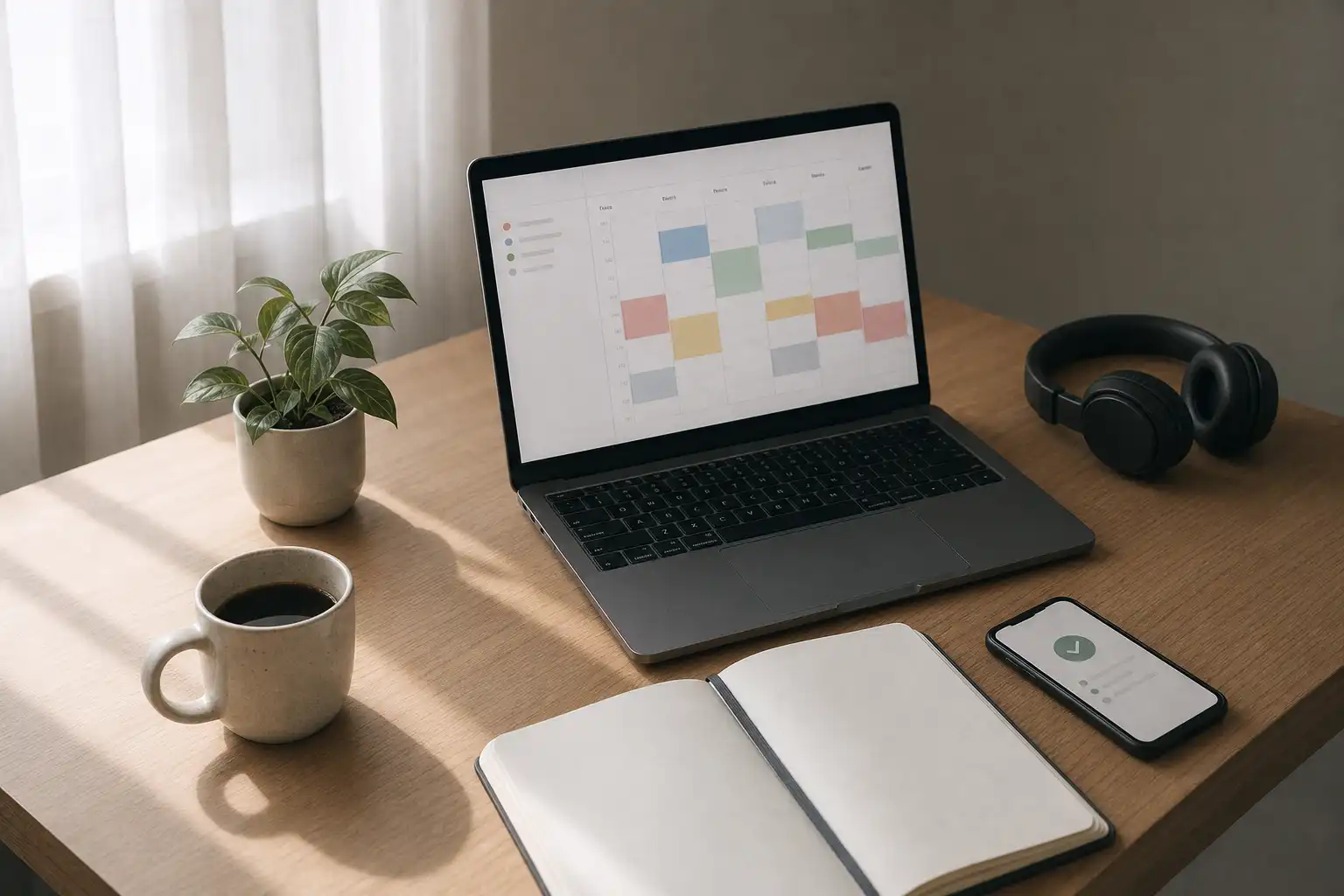
Start with the bottleneck
Microsoft To Do is the better default for most remote teams, especially when Outlook already carries a large share of the workday. Its low-friction capture and daily shortlist solve a common problem without asking everyone to become a calendar planner. Start there.
Procrastination in remote work often looks like a discipline problem, yet delayed work can also come from unclear ownership, a task that is too large to begin, or a decision someone else has not made. More planning around a vague task simply produces better-organized avoidance. The bottleneck comes first.
A survey of working professionals found higher self-reported procrastination patterns among remote and hybrid respondents, with links to flexible schedules, reduced oversight, burnout, and cognitive fatigue. The findings show association rather than causation. Still, the study supports a practical principle: remote workers need enough structure to begin work without treating every hour as supervised time. Read the study
Microsoft To Do and Sunsama address different constraints. To Do makes it easier to capture requests and choose a next action, while Sunsama puts tasks beside calendar commitments so capacity becomes visible. Neither product can settle a team's unclear priorities.
What each tool changes
Microsoft To Do is deliberately simple. It offers lists, due dates, recurring tasks, shared lists, and a My Day view that resets each night while unfinished items remain available to add back; it can also surface suggestions and bring in flagged Outlook email. That simplicity is its advantage.
Use it when requests disappear into Teams chats, email threads, meeting notes, and memory. A person can capture a task in seconds, then select a manageable set after reviewing current priorities. There is very little ceremony.
Sunsama takes a more structured route. Its guided daily planning brings tasks and calendar events into one place, asks users to estimate and prioritize work, and lets them place tasks into time blocks. The system makes a basic arithmetic problem hard to ignore.
Six hours of meetings plus four hours of planned tasks do not fit into one afternoon. When the overflow is visible, people can defer lower-value work on purpose instead of repeatedly reopening it, feeling behind, and switching to an easier task. That shift helps when overload drives delay.
For readers weighing Sunsama against another personal planning app, this Things vs Sunsama comparison explains the same planning tradeoff from a beginner's perspective.
Microsoft To Do vs Sunsama at a glance
| Decision factor | Microsoft To Do | Sunsama | What it means for remote teams |
|---|---|---|---|
| Starting friction | Very low. Add a task and choose it later. | Higher. Plan, estimate, and place work. | Use lower friction when capture habits are fragile. |
| Daily focus | My Day and suggestions create a fresh shortlist. | Guided planning creates an intentional day plan. | Choose the amount of structure people will keep using. |
| Calendar planning | Limited task-focused planning. | Strong calendar view and timeboxing. | Sunsama works better when available time is the constraint. |
| Team use | Shared lists work for small, bounded commitments. | Primarily personal planning with work-tool integrations. | Neither replaces a project system for complex team work. |
| Microsoft 365 fit | Natural fit with Outlook and flagged email. | Can bring in Outlook with other sources. | To Do is usually the cleaner starting point for Microsoft-first teams. |
| Procrastination risk | A long list can stay a long list. | Planning can become avoidance in a nicer interface. | Keep the system proportional to the work. |
The deciding question is whether someone needs help selecting work or protecting time for it. Those are different jobs.
When Microsoft To Do reduces delay
Choose Microsoft To Do when small commitments vanish across messages and meetings, while the team already relies on Outlook. It asks little of people before delivering value. That is a feature rather than a compromise.
A lightweight setup works well for many remote teams.
- Keep project commitments in the team's actual project space, such as a shared board or ticket system.
- Use Microsoft To Do for personal follow-ups, recurring responsibilities, and work created from flagged email.
- Add three to five items to My Day after checking the team's current priorities.
- Write the first physical action rather than a category. “Draft three customer questions” is better than “customer research.”
Shared lists fit bounded work, such as an event checklist or a small operations list. They do not handle dependencies, decision history, status reporting, or formal ownership particularly well. If people keep asking who owns an item, the answer belongs in the team's project system.
To Do works especially well for people who find planning feels like a second job. The daily shortlist provides a clear entry point. An item in My Day is still a choice, not a promise to finish at any cost.
When Sunsama reduces delay
Choose Sunsama when someone knows what matters but cannot start because meetings, messages, and inflated expectations keep breaking the day apart. Seeing tasks beside actual calendar space changes the decision from a broad priority debate into a practical choice about the next available block. That is easier to act on.
Keep the planning ritual brief. Bring in tasks from the tools where work already lives, choose the few that matter today, and reserve time for one or two demanding items rather than arranging every minor action. Close enough beats a perfect schedule.
A sensible Sunsama routine has five steps.
- Review meetings and hard deadlines first.
- Choose one meaningful outcome and one smaller maintenance task.
- Block the first realistic work session for the meaningful outcome.
- Leave slack for reviews, messages, and surprises.
- Move unfinished tasks intentionally at the end of the day.
Sunsama is not better simply because it offers more structure. If a person spends 20 minutes rearranging time blocks whenever a meeting moves, the planning process costs too much. Use it to create a credible start, not a fully choreographed calendar.
Give the team and the individual different jobs
A useful remote-work system separates coordination from personal execution. The team needs one visible place for priorities and ownership, while each person needs a simple way to act on their part of the work. Mixing those jobs creates confusion fast.
Use this division of labor.
- The team system records the outcome, named owner, blockers, and decision date.
- The personal system identifies the next action and when work will begin.
- The daily update reports changes that affect other people.
Implementation intentions can strengthen the personal layer. These if-then plans attach a reliable cue to a specific behavior, and a diary intervention involving employees building a workplace habit found that implementation intentions predicted more frequent behavior, which then predicted greater automaticity; automatic behavior was also associated with day-level work engagement and goal progress. Read the study
For example, “After I post my async standup update, I will spend 20 minutes outlining the proposal before opening email.” The action is small and the cue is reliable. It removes the negotiation that often happens at the beginning of a difficult task.
When the main issue is choosing among shifting work, routines, personal tasks, and calendar limits, OwnTime can complement either tool. Its recommendations surface a suitable next task based on context and flexibility, which avoids rebuilding a detailed plan each time the day changes. That is often the simpler workflow.
Fix the failure mode you can see
| Failure mode | Sign you will notice | Specific adjustment |
|---|---|---|
| My Day becomes a guilt list | The same items return for several days without movement. | Cut the list to three items and rewrite one stalled task as an action that takes under 30 minutes. |
| Sunsama becomes planning theater | Blocks keep moving, yet the first one never begins. | Timebox only the first focus session and leave the rest of the day loose. |
| Team members duplicate work | Two people report progress on the same item, or neither starts it. | Put one named owner and one next decision date in the shared project system first. |
| Messages override priorities | Inbox refreshes and ad hoc pings drive the day. | Agree on an escalation channel and use one or two message-review windows around focused work. |
| Tasks feel too heavy to begin | A task is repeatedly rescheduled despite available time. | Replace it with a reversible first move, such as opening the document or requesting missing input. |
A stalled system usually needs subtraction. Remove a task from today, shrink it, or clarify its owner before adding another productivity technique.
The practical verdict
Microsoft To Do is the stronger choice for remote teams that want a fast personal follow-through layer, particularly in a Microsoft 365 environment. It lowers resistance to capturing work and selecting a realistic shortlist. Most teams should begin here.
Sunsama suits people whose work is meaningful yet chronically overcommitted, because calendar-based planning exposes capacity before the day slips away. It earns its extra structure when it protects a few high-value focus blocks. It becomes counterproductive when every minute needs rearranging.
Choose neither as the primary fix when ownership is unclear, leadership priorities shift without a visible decision, or work has not been broken into actionable pieces. Fix that workflow first. Then give each person a system that makes the next useful action obvious enough to begin on a tired Tuesday.
Related articles

Todo Lists for Students: Add a Habit Layer

Things vs Sunsama: Time Management for Beginners

Procrastination: Obsidian vs Google Tasks for Students

Sleep and Energy With ADHD: A Practical Evidence Check
Routines for Students: Build a Flexible Personal System

ADHD Executive Function at Work: What Actually Helps
