OwnTime
Routines: Things vs Obsidian for ADHD Beginners
Choose the tool that gets the routine back in front of you
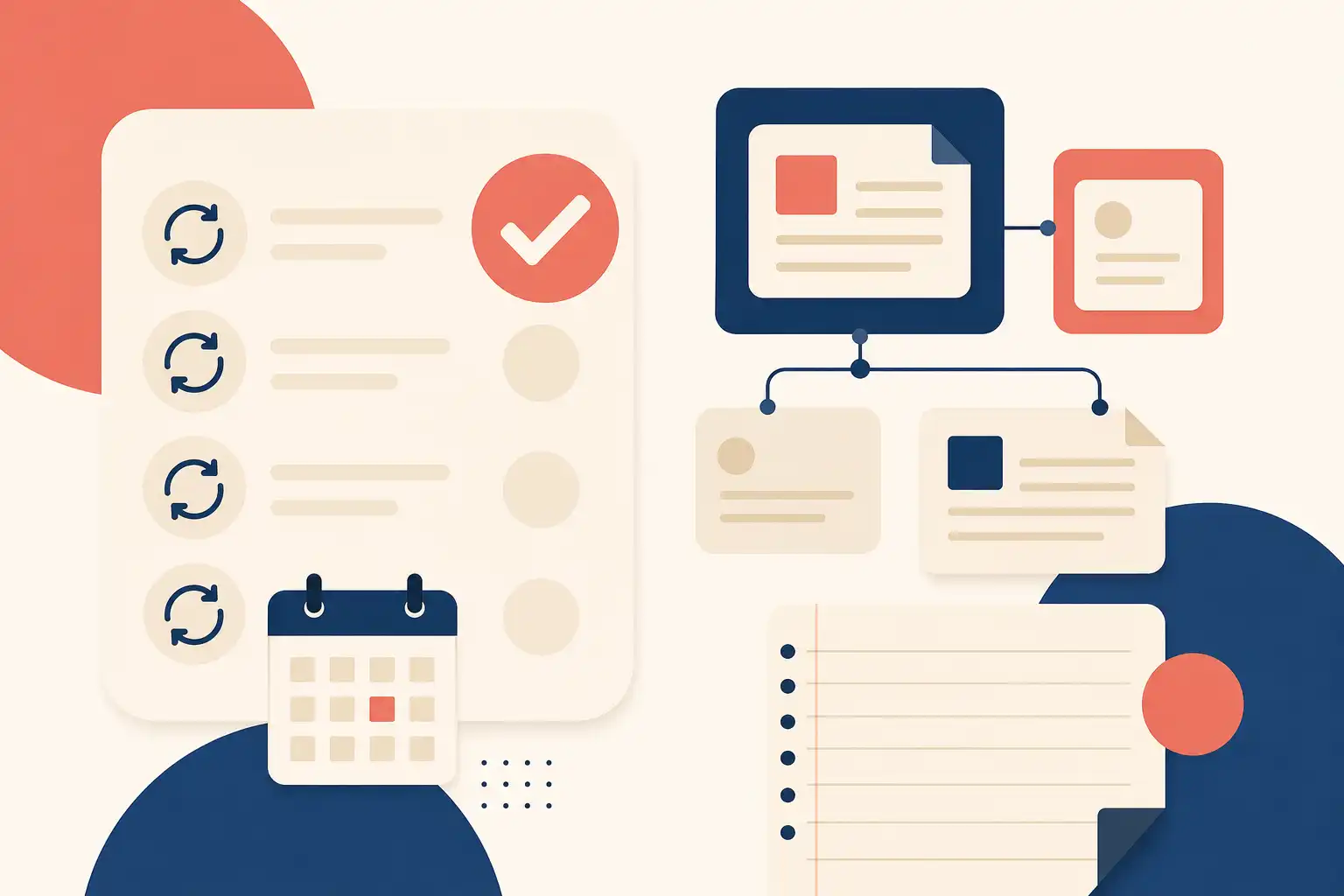
For an ADHD beginner, Things gets a recurring action in front of you faster than Obsidian. Its job is clear: capture the task, decide when it should return, then work from a focused list instead of rebuilding your plan every morning.
Obsidian solves a different problem. It gives you a flexible workspace where routines can sit beside project notes, research, decisions, and personal records, which is powerful when that context changes what you do next.
If “high-functioning ADHD” describes your experience, other people may see the output while you spend substantial energy keeping transitions, commitments, and loose ends from dropping. A routine system should reduce that private workload. It should not become another thing to maintain.
Put the cue outside your head
A routine asks you to remember a future action in the right context, often without anyone prompting you. A systematic review of prospective-memory research found that people with ADHD had greater overall difficulty than neurotypical controls, particularly on tasks that relied heavily on executive capacity, including time-based tasks and tasks with subtle cues (review of the evidence).
That finding gives us a practical design rule: do not ask your brain to both remember the routine and decide when it belongs. Put the cue in a tool you already open, and make the next step concrete.
Rigid schedules are optional
“Prepare for Thursday’s client call” needs a deadline. “Do laundry once the basket is full” needs a chance to resurface.
Fixed times work well for appointments and time-sensitive work, but a missed Tuesday routine can quickly turn into a small failure story that makes Wednesday harder. Flexible routines need a dependable return path, not a fake 9:00 a.m. meeting. For more on building routines around executive-function limits instead of rigid schedules, see ADHD Executive Function Routines: Science, Not Strict Schedules.
Things is the faster path to repeatable action
Things is the better starting point if your recurring question is, “What should I do next?” The structure already exists, so you can add a task, choose when it matters, and move on with your day.
Things supports repeating to-dos that recur after completion or on daily, weekly, monthly, and yearly schedules (Things’ repeating to-do guide). Those two repeat modes cover most routine needs: use a date-based repeat for a Friday review, and use an after-completion repeat for something like checking household supplies.
Where Things earns its place
- Quick daily routines: Create “Ten-minute shutdown” as a repeating to-do and let it appear at the relevant time.
- Weekly resets: Use a recurring Friday project with reusable steps: check deadlines, clear loose notes, and choose next week’s priorities.
- Low-friction capture: Add the thought immediately, then organize it later when you have more bandwidth.
- A clean split between now and later: A routine can exist in your system without hijacking every list you open.
Things has one hard constraint: it is an Apple-device app. If you need native access on Android, Windows, or the web, decide that before you build a workflow around it.
Its limited scope is often an advantage. Things is built for action, not for holding every meeting note, project brief, habit log, and reference document you own; if a routine depends on all of that material living together, you will eventually reach for a second app.
Obsidian is stronger when the routine needs context
Obsidian works well when routines are tied to writing, planning, research, or reflection. A daily note can hold today’s agenda, a short checklist, links to active project notes, and a record of what happened, all in one file.
The tradeoff is setup. You choose the task format, decide where recurring checklists live, build templates, and determine whether a plugin should gather tasks from across your vault. That freedom is useful only after it stops being a project of its own.
Many Obsidian setups use daily-note templates plus community tools to collect scheduled or due tasks in one place while the tasks remain in project notes or planning documents (beginner task setup example). This works beautifully if Obsidian is already the first app you open most mornings. If it is not, a carefully built dashboard can become invisible.
Where Obsidian is especially useful
- Routines with history: Keep weekly planning beside decisions, lessons, and project links.
- Writing-heavy work: Put an editorial or research checklist beside the draft it supports.
- Custom systems: Build around contexts that actually help you choose work.
- Long-term reference: Search past reviews for what you planned, finished, and learned in a specific week.
Here is the clear call: Obsidian is excellent when a routine produces knowledge you will use again. It is too much tool for remembering to replace a water filter.
Things vs. Obsidian at a glance
| Decision point | Things | Obsidian | Practical result |
|---|---|---|---|
| Getting started | Ready-made task workflow | You design the workflow | Things gets a beginner moving sooner. |
| Recurring routines | Native repeating to-dos and projects | Usually templates, task syntax, and optional plugins | Things has fewer moving parts. |
| Daily action cue | Purpose-built daily task views | Depends on the note and dashboard you build | Obsidian rewards a consistent opening habit. |
| Routine context | Lightweight notes and task details | Links among notes, plans, and reference material | Obsidian wins when surrounding information changes the action. |
| Maintenance | Review tasks and adjust repeats | Review tasks plus templates, queries, and plugins | System upkeep is part of the cost. |
| Best fit | You want a short list and a clear next move | You want routines inside a personal workspace | Choose the friction you can handle on a tired day. |
Use each tool’s default behavior before you customize it. A system that needs three dashboards, six plugins, and a weekend of tutorial videos is a side project, not a beginner routine system.
Set up three routines first
Start with three routines, not 15. A busy week will tell you more than an elaborate setup ever can.
Start in Things
- Add one daily routine that takes fewer than 15 minutes, such as “Close open loops before signing off.”
- Add one weekly routine, such as “Plan the next seven days,” on a day you are usually available.
- Add one after-completion routine, such as “Review household supplies,” when its timing naturally shifts.
- Write routine steps so checking one off means a visible action happened.
After seven days, delete or simplify what you ignored. A skipped routine may be too vague, poorly timed, or no longer worth doing, and that is useful evidence.
Start in Obsidian
- Create one daily-note template with a small Today’s routines checklist.
- Create one weekly-note template with three prompts: review commitments, choose priorities, and capture loose ends.
- Keep project-specific routines in their relevant project note rather than building a central dashboard immediately.
- Add a task plugin or advanced query only after you can name the question it answers.
“Which open tasks are due this week?” is a good reason to create a query. “I saw a beautiful dashboard online” is not.
Make one place responsible for action
Choose Things if you need recurring actions to show up with minimal configuration and want a calmer daily list. Choose Obsidian if documenting work and connecting plans to notes are already part of how you think.
A hybrid can work: keep actionable routines in Things, then store the why, supporting notes, and review history in Obsidian. Do not duplicate every open task in both places, because two sources of truth create twice the avoidance.
For routines that matter but do not belong at a fixed time, such as laundry on an open evening or a break after demanding work, OwnTime offers a different model: save the routine once and let recommendations surface it when the context fits. Put appointments on a calendar; let flexible work stay flexible.
Related articles