OwnTime
Claude for ADHD Work Planning: A Practical System
Plan the day without turning planning into more work
Claude can turn a rough 20-item work dump into one visible next step before the inbox claims the morning. That lowers the starting friction.
For many people with ADHD, repeatedly choosing priorities, estimating the time left, and restarting after interruptions can drain more attention than the task itself. Willpower is a poor backup system.
A 2024 study of young adults with ADHD who worked full-time found that time-management and executive-function difficulties were associated with several workplace outcomes, including job satisfaction and formal warnings (Journal of Occupational Rehabilitation). The practical takeaway is simple.
Externalize the decisions that would otherwise keep circling in your head, especially when requests shift or a half-finished project is calling for attention. Your plan should reduce friction rather than become another job to maintain.
Keep Claude in a partner role
Give Claude the messy middle of work, such as an unstructured brain dump, a vague brief, or scattered notes from a meeting. Keep it in the role of planning partner.
It can clarify what you have, suggest an order, and draft a starting point while you retain the context about relationships, standards, and constraints. Never hand a chat window the final judgment on people, commitments, deadlines, or sensitive decisions.
Confident wording can hide missing context, and workplace priorities can change within an hour. That boundary prevents trouble later.
Claude's productivity tools can support ongoing work context and task management when an organization has selected and configured them (Claude Productivity). Start smaller with one daily chat that makes today easier.
Use a three-check-in daily loop
Run the same three check-ins each workday, even if each takes only a few minutes when your calendar is crowded. A lightweight loop wins.
1. Morning: choose an outcome
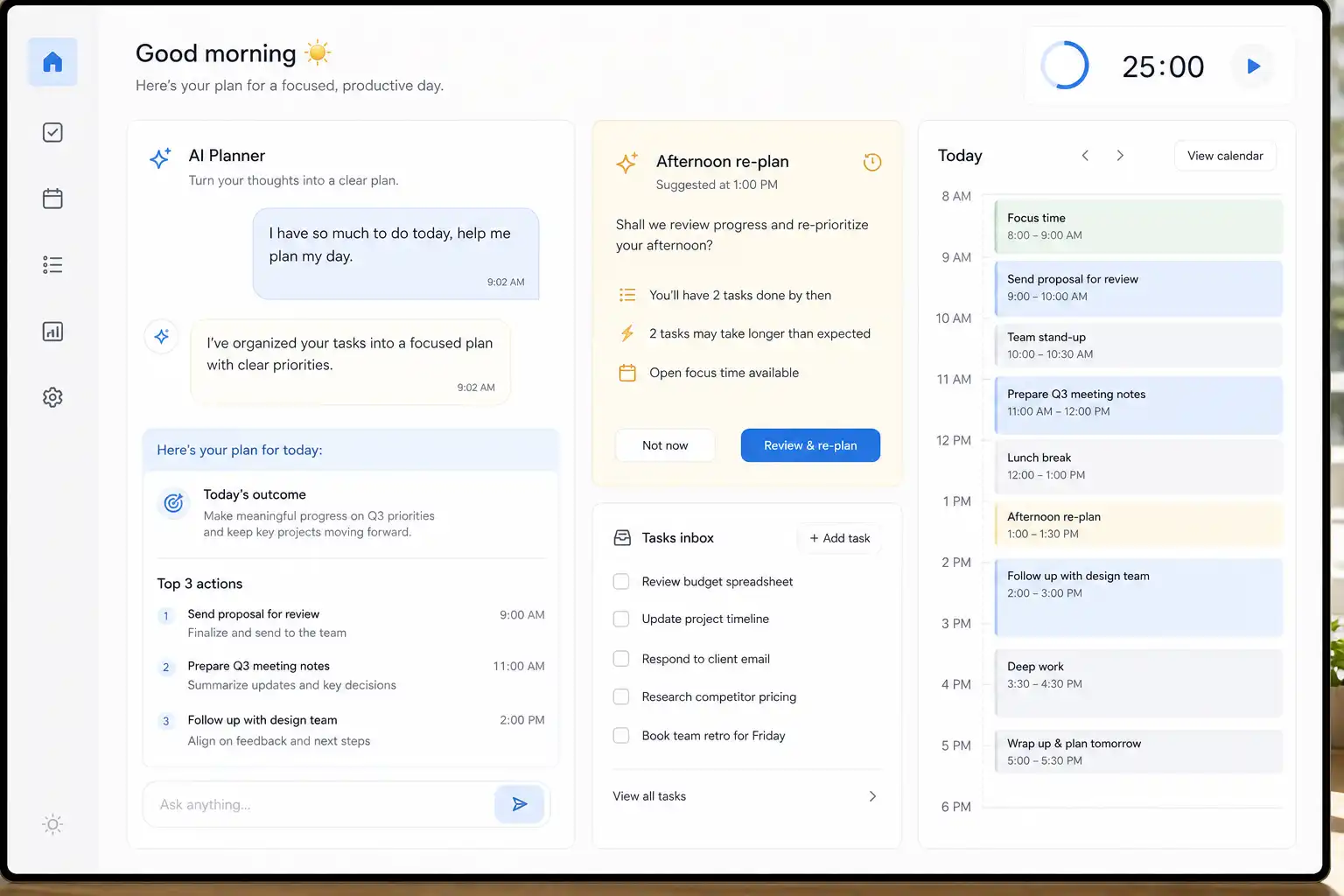
Before opening messages, paste your calendar commitments and task list into Claude, then ask which work has the highest consequence if it remains untouched. Pick one meaningful outcome and up to three supporting actions.
Make the outcome observable, such as sending a revised client proposal for review instead of writing make progress on the proposal. Vague goals create room for avoidance.
Here are my meetings, deadlines, and tasks for today. Identify the one outcome that would make today successful, then suggest up to three next actions in priority order. Flag assumptions and anything I need to confirm with a person.
2. Midday: re-plan from reality
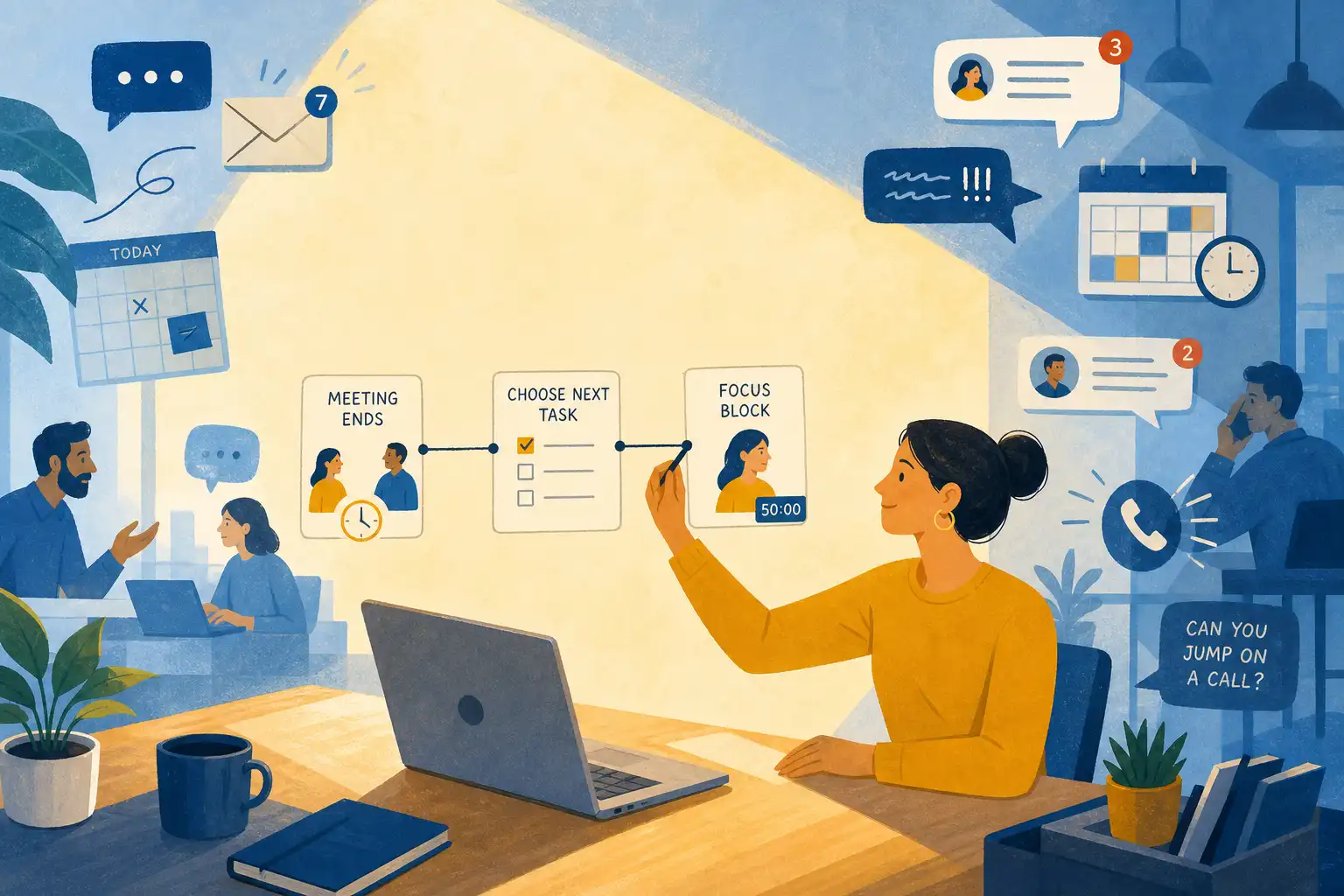
At 2:30 p.m., a meeting may have run long, a colleague may need help, or a difficult task may have taken twice the expected time. Treat that change as information.
Tell Claude what is complete, what changed, how much time remains, and whether your energy is low or high. Ask for a reduced plan instead of trying to rescue the entire original list.
It is 2:30 p.m. I completed these items: [list]. These new constraints appeared: [list]. I have [amount of time] left and my energy is [low/high]. Make a realistic plan around one must-do, say what useful follow-up could fit if time allows, and identify what to defer with a next step.
3. Shutdown: create tomorrow's restart point
At the end of the day, capture loose ends before they become mental background noise that follows you home. Keep the review brief.
Ask Claude for a restart list rather than a full account of everything that happened, because tomorrow's first 10 minutes matter more than an exhaustive recap. This makes re-entry easier.
Turn these end-of-day notes into completed items, work waiting on someone else, next actions, and the first 10-minute task for tomorrow morning. Do not add new work.
Save five prompts for repeating friction
The useful prompt is rarely the longest one, because it provides enough context for a usable draft and requests a format you can act on. Save prompts that solve a problem you meet every week.
| When you are stuck | Prompt to use | What to look for |
|---|---|---|
| Everything feels urgent | Sort these tasks into must do today, schedule this week, delegate or ask about, and drop or park. Explain each choice in one sentence. | A short list rather than a packed schedule |
| You cannot start a project | Break this project into actions that take 10–30 minutes. Start with the smallest action that produces a usable artifact. | A step you can begin without another planning session |
| A meeting was chaotic | Turn these notes into decisions, owners, deadlines, open questions, and a follow-up message. Mark anything uncertain. | Clear ownership and visible uncertainty |
| Email is stealing the day | Draft concise replies to these messages. For each, state whether I need to reply today, schedule a task, or wait. | Fewer context switches and firmer boundaries |
| You are avoiding a difficult task | Help me start this task without motivational advice. Ask up to three clarifying questions, then give me a 15-minute working sprint. | Concrete movement instead of a rabbit hole of planning |
For meeting notes, include the rough material and instruct Claude to preserve uncertainty rather than inventing decisions. Before sending written communication, check the tone, names, facts, and attachments yourself.
Keep workplace use safe
Do not paste confidential client material, employee data, credentials, health details, proprietary strategy, or anything prohibited by your workplace policy into an AI tool. Use your organization's approved account and integrations where available.
Even with approved tools, provide only the context needed for the task and remove identifiers when a generalized version will do. Less exposure is usually better.
Review every output that affects another person, particularly meeting summaries, timelines, recommendations, and external messages. Claude can organize what it receives quickly, but it cannot know what was left unsaid in the room.
This is ordinary risk control, not needless caution. A workflow you can use calmly is more useful than one that creates a later question about what was shared or approved.
Put the next action where you will see it
A strong plan buried in yesterday's chat does little when attention is low and the next task is unclear. Move the few chosen actions into the place where work actually happens.
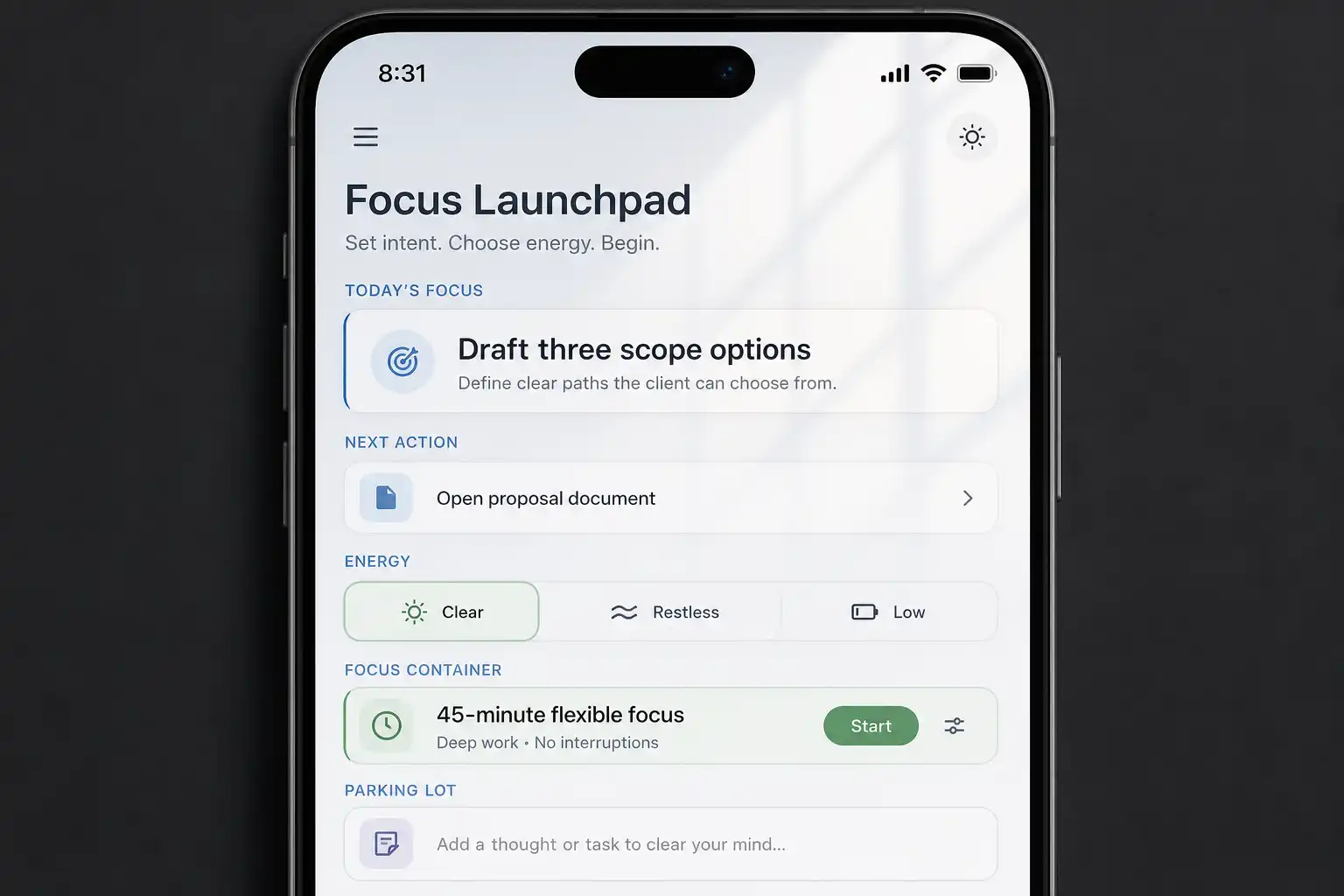
Use one calendar or task system as the source of truth for what comes next, and consider a flexible recommendation tool such as OwnTime if rigid hourly scheduling creates pressure. The tool should surface a suitable task when a gap appears.
This approach is particularly helpful when energy changes across the day, because a short admin task can be a better fit at 4 p.m. than a demanding project step. Match the next action to the moment.
A 2024 study linked ADHD-related burnout among employees with executive-function difficulties involving time self-management and organization or problem-solving (AIMS Public Health). Externalizing the next step is a practical response to that load.
Questions about Claude and ADHD at work
Will Claude make me dependent on it?
Dependence becomes a risk when Claude makes every decision, rather than offering options, drafts, checklists, and concrete next actions. Keep final calls in your hands.
A good test is whether you finish the chat clearer and more able to act. If it produces extra tabs and second-guessing, simplify the system.
What if Claude becomes another distraction?
Give it a narrow job with a time limit, such as choosing the first task within five minutes, then close the chat once you have the answer. Work from the resulting action.
Open-ended brainstorming has a place, but it is usually a poor starting activity when you are trying to begin focused work. Save exploration for a deliberate block.
Do I need to tell my employer about ADHD to use these strategies?
No.
Clear next steps, written follow-ups, focused work intervals, and realistic daily priorities are ordinary work practices that do not require disclosure. If you want formal accommodations, use your local rules, organizational process, and guidance from a qualified clinician or employment adviser.
What is the smallest useful way to start?
For five workdays, use Claude only for the morning prompt and the shutdown prompt, then notice which requests it clarifies well and where your own context still matters. Keep the experiment small.
On day six, retain the prompt that saved the most effort and make that your default before adding anything else.
Related articles