OwnTime
Workplace Procrastination: Motion vs TickTick
Procrastination often begins before the work does
Motion reduces a particular kind of workplace delay by putting tasks into open calendar time around meetings, while TickTick keeps tasks in a flexible workspace where you decide when to act. They solve different problems.
When email, chat, project boards, and calendars all compete for attention, the effort of choosing can consume the energy needed to begin. That is a system-design issue.
Motion and TickTick therefore make different bets about where the next decision belongs. Motion can automatically schedule work around existing commitments and revise the plan when priorities shift, whereas TickTick offers lists, calendar views, habits, and a Pomodoro timer without assigning every task a fixed slot. The distinction matters.
Motion schedules the decision; TickTick leaves it with you
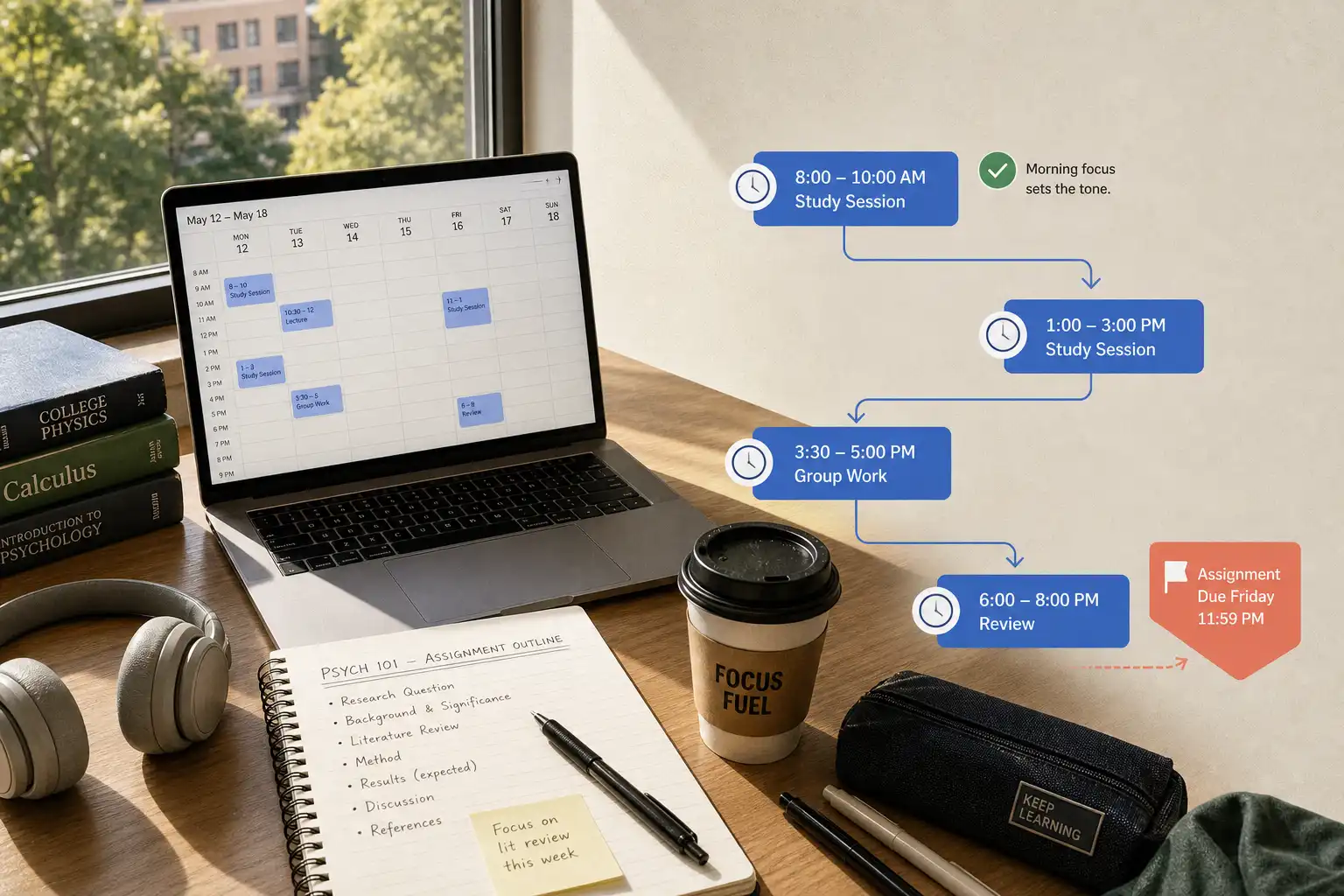
Motion works from the premise that a task is easier to begin once it has protected time on the calendar instead of remaining an abstract obligation on a list. Its schedule becomes the cue.
TickTick takes the opposite tradeoff, giving you one place to capture, sort, and work through commitments while keeping the day open to your judgment. Its task system stays adjustable.
| Workplace friction | Motion’s response | TickTick’s response |
|---|---|---|
| “I do not know when this will get done.” | Schedules work into available time and reshuffles it when plans move. | Lets you set dates, priorities, lists, and calendar views, then choose when to work. |
| “My calendar consumes my day.” | Shows remaining capacity by placing tasks beside meetings. | Keeps tasks visible without automatically claiming time. |
| “Starting feels too large.” | A scheduled block creates a clear cue to begin. | A smaller task, checklist, or Pomodoro session lowers the first-step barrier. |
| “I do not want an app directing my 2:00 p.m. hour.” | Can feel prescriptive when frequent replanning becomes irritating. | Preserves manual control, while requiring more choices from you. |
The real choice is where you want to make the next decision. Motion makes it during planning; TickTick often leaves it for the working day.
Where Motion helps most
Motion is strongest when deadlines are firm, meetings crowd the week, and meaningful work needs more than five-minute gaps. In that setting, the calendar acts as a commitment device.
Its results depend on honest task durations and deadlines, because an optimistic estimate can produce a calendar that looks reassuring while quietly becoming impossible. Bad estimates create bad blocks.
Take Priya’s Thursday client briefing. Her week contains recurring meetings, an unexpected review request, and several hours of analysis that will not fit into scattered gaps.
If Priya enters a credible duration and deadline, Motion can place briefing work around her meetings instead of leaving her with a vague intention to handle it later. When a client meeting runs longer, the remaining blocks can move without requiring Priya to rebuild the whole week by hand.
That is the core benefit: the briefing has a visible place alongside every other commitment, so it no longer competes entirely in Priya’s head. The calendar exposes the tradeoff.
Motion can be a poor fit for highly interrupt-driven roles, exploratory tasks that resist estimation, or anyone who sees a tightly blocked day and feels behind before beginning. A schedule should clarify reality rather than add pressure.
Where TickTick restores traction
TickTick is usually the better fit when task clutter causes more delay than calendar chaos. It keeps different commitments in one accessible system.
Lists, smart views, calendar support, habits, and a Pomodoro timer offer several ways to turn an intention into a manageable unit of work, and its GTD-style organization supports regular task review. Flexible structure can feel calmer.
A writer, for example, can keep a project list, add the next action “draft three outline options,” and start a 25-minute focus session without assigning every future writing task to a calendar block. The opening move is smaller.
That smaller move lowers the cost of starting, which is often half the battle. TickTick does not need to plan an entire week before it becomes useful.
The cost is equally clear: TickTick preserves the choice that makes many overloaded workers stall, namely deciding what to do next. That decision remains yours.
For people who review their lists, select priorities, and arrange their own days, TickTick can work extremely well; a practical TickTick workplace setup can prevent the system from turning into another job. A task warehouse will not produce a next action by itself.
Add an if-then plan for difficult starts
Neither a calendar nor a task list removes the resistance that can come with a boring, uncertain, or difficult assignment. Motivation alone is unreliable.
A useful companion practice is mental contrasting with implementation intentions: name the outcome you want, identify the obstacle that usually interrupts it, then write a specific if-then response. The sequence is simple.
- Name the outcome. “I want a credible first draft of the proposal by Wednesday.”
- Name the likely obstacle. “After the team meeting, I usually open email and lose the hour.”
- Write the if-then response. “If the meeting ends before 11:15, then I will open the proposal document, write the three section headings, and work until 11:40.”
Research on mental contrasting with implementation intentions found that participants scheduled more time for pressing concerns, and one study also found improved attendance among working mothers in a vocational program. The mechanism is practical.
The plan identifies the moment when attention normally drifts and gives that moment a prepared response. Put the opening action first in TickTick, or schedule a short Motion block before the longer one.
Choose based on the friction you actually have
Choose Motion when
- Your calendar is the source of truth for the workday.
- Changing meetings and deadlines make manual time-blocking exhausting.
- You want new requests to reveal the finite hours they will displace.
- You can maintain believable task durations and let the schedule revise itself.
Choose TickTick when
- You need fast capture and flexible organization across work and life.
- You prefer selecting your own sequence instead of accepting automatic calendar blocks.
- Small checklists, focus timers, and periodic reviews help you begin.
- Your work is varied or uncertain enough that precise scheduling would feel artificial.
The stronger option is the one that removes your current bottleneck, not the one with the more advanced interface. Mismatched structure creates friction.
A next-task model can sit between both approaches
Some workers do not want every flexible task placed on a calendar, yet scanning a long list whenever 40 minutes open up is no better. That middle ground is reasonable.
OwnTime is designed to surface a small set of tasks suited to the moment while considering hard calendar commitments, urgency, effort, and the context you provide. The aim is a lighter choice.
This can help with flexible work such as a non-urgent reply, tomorrow’s meeting notes, a short break, or a personal errand between meetings. It favors useful momentum over a perfectly packed calendar.
For the next five workdays, use the tool that makes one honest opening action visible before the day gets crowded, then notice whether starting becomes easier or whether the system creates more decisions. That observation gives you a better basis for choosing than feature comparisons ever will.
Related articles