OwnTime
Motion vs TickTick for Family Time Management
Family planning should lighten the mental load
A family system earns its place when it helps you deal with a school form, a work deadline, and a changed pickup plan without keeping every loose end in your head. The next decision should be easier. A calendar packed with pretend appointments or a task list containing 45 forgotten items does the opposite.
Researchers describe this behind-the-scenes scheduling and organizing as domestic cognitive labor, which explains why one missed dentist reminder can create far more stress than the task itself suggests. It is work. In a 2023 study of parents with ADHD who completed a time-management occupational therapy intervention, participants reported greater predictability and more active parenting afterward, though the study did not test any app or show that software alone caused those results. The findings still point to the value of practical time supports in family life.
That is the standard for Motion and TickTick. Pick the tool that reduces decisions during your actual week, especially after the plan gets knocked sideways.
Motion schedules time while TickTick organizes choices
Motion automatically places tasks into open calendar time based on factors such as duration, deadlines, priority, work hours, and existing events. When an appointment moves, it can reshuffle flexible work around the new constraint. Motion's auto-scheduling documentation explains the rules and inputs behind that process.
TickTick takes a different route, giving you tasks, recurring reminders, shared lists, calendar views, habits, and focus tools without deciding your schedule for you. You stay in charge. A grocery item can remain a quick list entry, while a school deadline can get a date and reminder.
The choice comes down to one practical pressure point. Motion is stronger when you need to protect limited time, while TickTick is stronger when you need to remember and sort a large number of moving household details.
Where Motion earns its keep
Motion fits parents whose usable work hours are narrow because of school schedules, childcare coverage, nap windows, or a few protected evenings. Its calendar blocks turn an ambiguous pile of deadline-driven work into a visible plan beside medical appointments and family commitments. That can remove a lot of calendar Tetris.
Say a school event takes over Wednesday afternoon. Motion can move a flexible task instead of leaving you to rebuild every remaining block by hand, which makes the cost of accepting one more commitment easier to see before it becomes a problem.
The downside is equally clear. An automatically generated calendar can feel like a contract with your past self, even though its task durations were often estimates made on a better day. Treat those blocks as protected attention, not obligations that must survive a sick child or a rough bedtime.
Where TickTick works better for household logistics
TickTick is usually easier when family life produces many small responsibilities that need remembering but do not deserve a dedicated calendar block. Fast capture, natural-language dates, widgets, recurring reminders, and shared lists work well for lunchbox supplies, medication refills, permission slips, and household purchases. The friction stays low.
Different household members can also use the same information in different views, including a list, a calendar, or a filtered Today screen. That matters when one person thinks in weekly plans and another needs only the next few actions. For general household coordination, TickTick is the better default.
Its tradeoff is manual prioritization. When 20 minutes opens up and TickTick holds 45 tasks, the app cannot decide what deserves that window unless you build a small rule or saved filter first.
Motion and TickTick side by side
| Family time-management need | Motion | TickTick | Better fit |
|---|---|---|---|
| Protecting limited work time | Automatically places tasks around availability and calendar events | Shows tasks beside calendar items, but you choose the placement | Motion |
| Handling a changed day | Replans scheduled tasks around new constraints | Requires manual deferring, rescheduling, or reprioritizing | Motion |
| Capturing a small household task | Works best when a task has a duration and scheduling details | Quick capture, voice input, widgets, and natural-language dates reduce friction | TickTick |
| Remembering recurring responsibilities | Supports recurring scheduled work | Repeating reminders and habit tools suit many household routines | TickTick |
| Sharing household coordination | Best when one person owns a calendar-driven plan | Shared lists and assignments make ownership visible | TickTick |
| Avoiding unrealistic plans | Needs honest durations and accurate availability | Needs a regular review so lists do not become storage | Depends on your habits |
Use a simple setup before adding features
Keep fixed commitments separate from flexible tasks. A 4:00 p.m. orthodontist appointment belongs on the calendar, while "send camp form this week" needs a deadline or reminder rather than a fake Tuesday time slot.
- Put immovable commitments on the calendar. Include school pickup, medical visits, flights, performances, and meetings that cannot shift.
- Give flexible tasks an honest window. A due date, this-week label, or morning reminder is usually more useful than a calendar slot you already expect to ignore.
- Limit each day to two active outcomes. Choose one work result and one household or care result, then treat anything else as optional progress.
- Run a 15-minute weekly reset. Review the next 7 days, remove stale tasks, and protect time for deadlines with consequences.
- Use recurring alerts sparingly. Repeat tasks that disappear from memory, rather than every routine you hope will happen perfectly.
With Motion, set work hours and family unavailable time before judging its schedule. Otherwise, the app is planning against an imaginary week. With TickTick, make a saved Today + Important view that contains no more than three must-do tasks, so opening the app produces a decision instead of a warehouse.
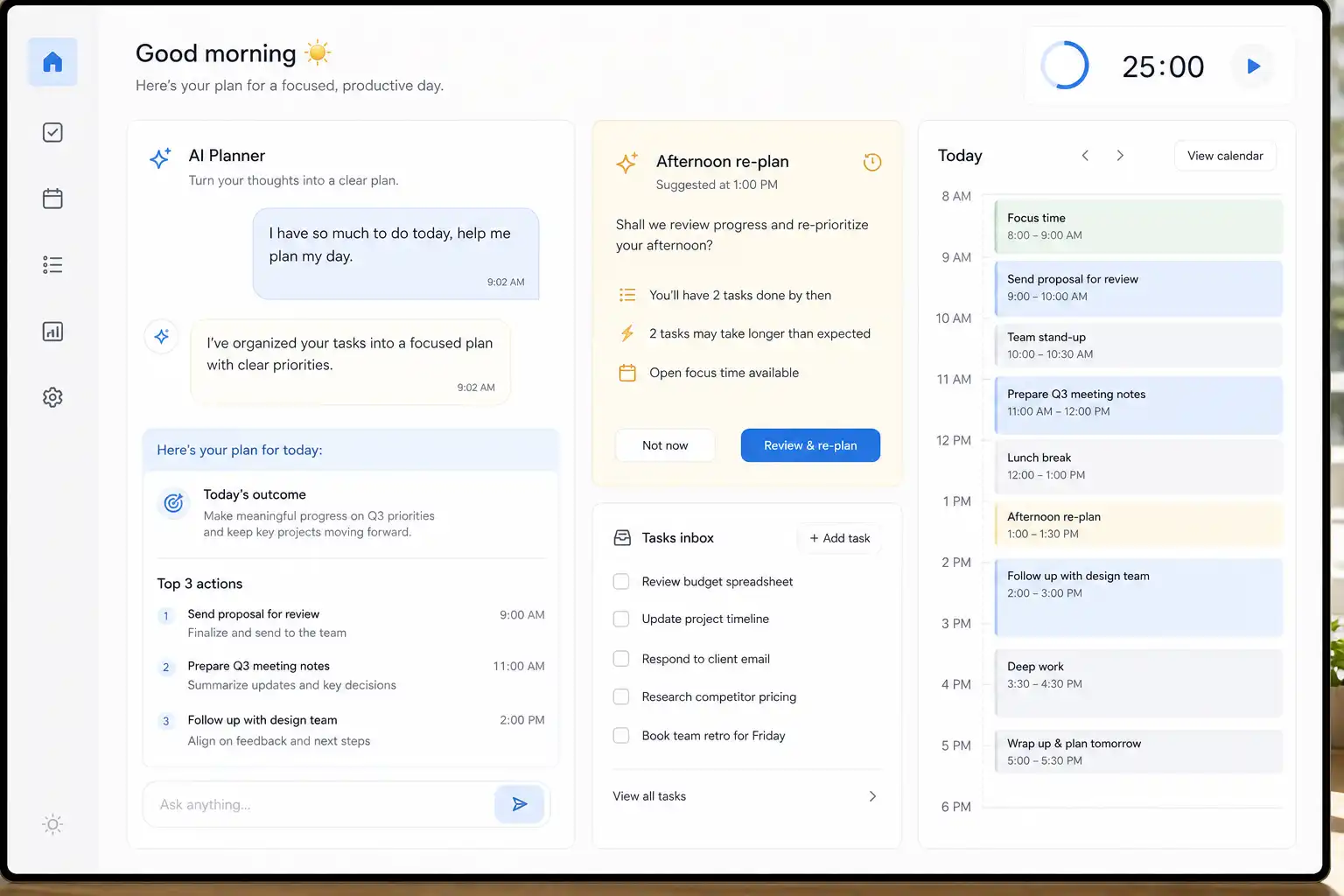
Some parents prefer a third approach for unpredictable pockets of time. OwnTime is designed to suggest an appropriate next task from context and priorities, which can suit the 10 or 20 minutes after school drop-off when a full calendar block would be overkill.
Fix the failure mode instead of abandoning the tool
A good system should remove work from your day rather than becoming another household chore. These adjustments address the most common breakdowns before frustration turns into a full reset.
| Failure mode | What you will notice | Specific adjustment |
|---|---|---|
| Motion calendar overload | Tomorrow contains task blocks you already know you will ignore | Shorten available work hours, mark childcare and recovery time unavailable, and schedule only deadline-driven tasks or tasks with meaningful consequences. |
| TickTick list overload | You open the app, scroll, and close it without choosing anything | Create one Now or Today filter with a maximum of three must-do items, then hide the rest until the weekly reset. |
| Bad duration estimates | Motion repeatedly fills a time window with more work than fits | Double estimates for unfamiliar tasks for 7 days, then revise them using what happened in practice. |
| Reminder fatigue | Notifications become background noise or get swiped away | Reserve alerts for time-sensitive commitments and keep one daily reminder for reviewing flexible tasks. |
| Uneven mental load | One parent still gets asked to remember everything | Assign ownership by area, such as school forms for one person and medical scheduling for the other, instead of merely assigning isolated tasks. |
Which app should parents choose?
Choose Motion when the biggest problem is finding focused time for deadline-driven work inside a calendar that changes often. It is most useful when seeing an updated plan helps you accept what can fit and what needs to wait.
Choose TickTick when the bigger burden is tracking household details, recurring responsibilities, and shared tasks that do not need an exact time block. Its flexibility makes it more forgiving when family logistics refuse to behave like a neat work schedule.
Test your choice for one busy, typical week rather than a quiet one. Keep it if, after an interruption, you can open the app and identify the next useful action within a minute.
Related articles