OwnTime
ADHD Work Habits That Survive Interruptions
Build for interruptions, not an ideal day
When a 10:00 meeting runs until 10:42 and six messages arrive before you can reopen your document, a routine built for an uninterrupted morning has already failed. That is a design problem.
For many people with ADHD, work gets harder at the handoff between contexts, when working memory is carrying unfinished tasks and the next demand is already flashing. A useful routine reduces decisions at that exact moment. ADHD can affect organization, working memory, task switching, and follow-through, especially once the day gets busy or mentally expensive. It says nothing about effort or character.
Workplace-specific evidence is still thinner than it should be. A 2022 systematic review covering 143 studies found that much of the research focused on medication rather than workplace interventions, leaving major gaps around what helps in day-to-day jobs.
The practical move is to build small systems around the moments where work usually goes sideways. Then make them light enough to use on an ordinary Tuesday.
Map the transitions in your actual workday
Track two normal workdays before adding a new habit, including interruptions, detours, sudden requests, and rescheduled blocks that a pristine planner would ignore. Reality wins here.
Look for recurring shifts such as these:
- Opening your laptop or arriving at your desk
- Finishing a meeting, call, or focus block
- Returning after lunch or another break
- Receiving an urgent request that changes the plan
- Moving between client work, admin, internal projects, and review work
- Closing your laptop at the end of the day
You are looking for friction points, not personal flaws. If a meeting ends and you open chat for one minute, then lose the thread of the task you were doing, that is a useful system failure to record.
Write down the three transitions that happen often and create the highest cost when they go badly. Attaching a routine to a reliable event works far better than attaching it to a vague intention such as being more organized.
Start with three flexible anchors
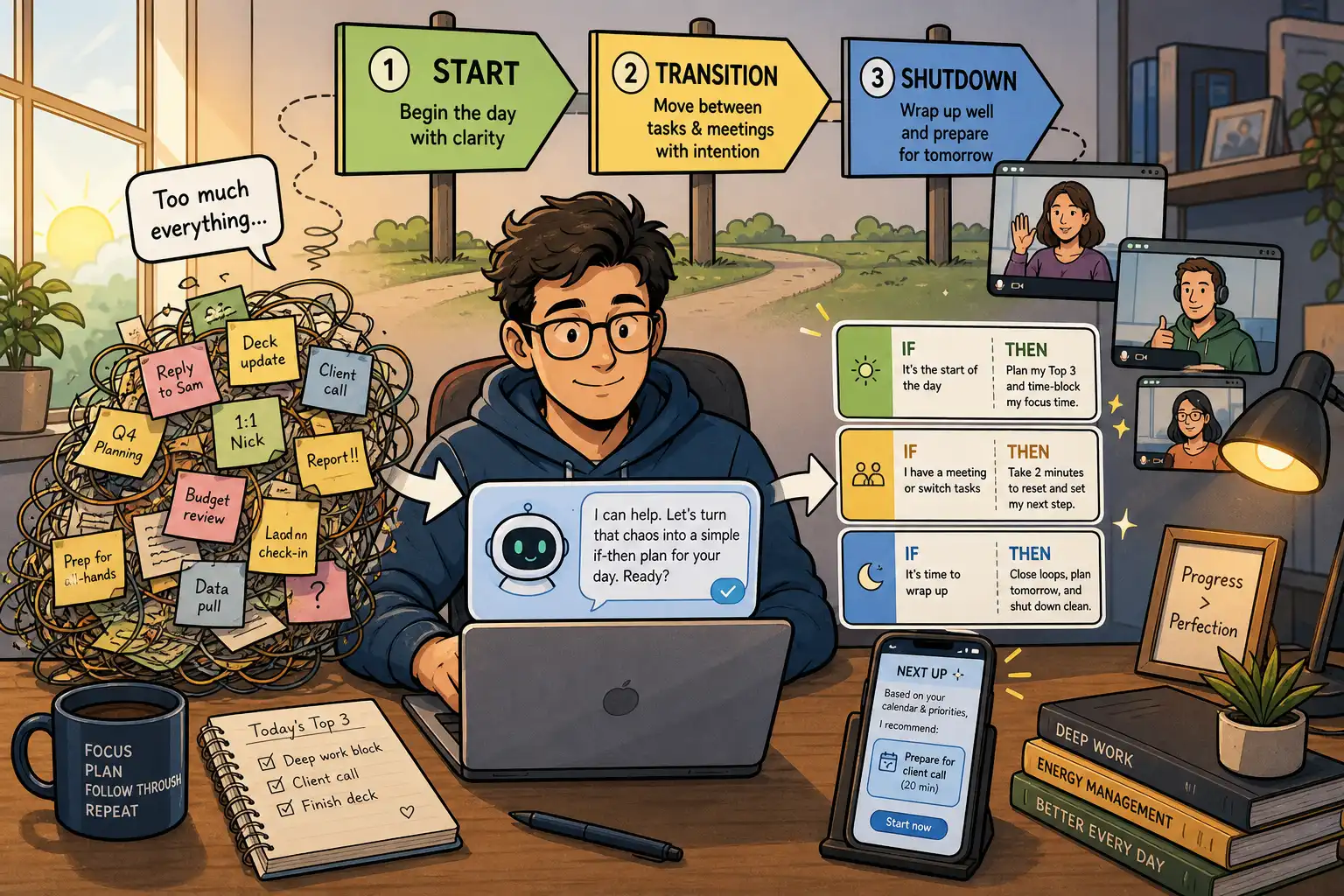
Use one anchor to begin work, one to restart after an interruption, and one to close the day. More routines can wait.
| Anchor | Trigger | Default action | Low-energy fallback |
|---|---|---|---|
| Start | Your laptop opens or you begin your first coffee | Review the calendar and choose one meaningful next action | Open the task list and read the top recommendation |
| Restart | A meeting, call, or unexpected request ends | Write the next physical step for the task you were doing | Set a 3-minute timer and gather the needed file or link |
| Shutdown | You are about to leave work or close your laptop | Capture loose tasks and choose tomorrow's first action | Write one line, Tomorrow, start with ___ |
Keep the default action small enough for a scattered day, because high-energy-day systems are not the bar. The fallback should feel almost too easy.
Here is the firm opinion. Elaborate workplace morning routines are usually productivity theater, and a two-minute start that survives a chaotic Monday beats a 45-minute ritual that appears only when the calendar is empty.
Write an if-then plan for each anchor
A routine needs a cue that is visible, repeatable, and specific enough to notice. “When I have time” is not a cue.
Use this format.
If [a specific work event happens], then I will [a small action] before I do anything else.
For example:
- If I finish a video call, then I will write my next action before opening chat.
- If I open my laptop, then I will check today's calendar before checking email.
- If I feel stuck between tasks, then I will choose one task that can move forward in 10 minutes.
- If an urgent request arrives, then I will write down what it displaced before switching to it.
If-then planning pre-decides a response while your executive function is busy dealing with something else. A study of children with ADHD found that implementation intentions improved performance on tasks involving inhibition and distraction, although that finding does not make an if-then plan a replacement for adult clinical care or individualized support. Read the study.
Use wording you would say to yourself at 3:30 on a rough afternoon. Corporate-poster language will not last past the first messy week.
Design for recovery, not streaks
The goal is fast recovery after disruption. An unbroken streak is optional.
Give each routine a restart rule. When the full version does not happen, use the smallest version at the next available transition, whether that means doing shutdown at 6:15 rather than 5:00 or using the fallback after a surprise meeting swallows the afternoon.
Do not compensate for a missed routine by making tomorrow's version bigger. That turns one missed cue into a punishment, and punishment is a terrible systems designer.
Run a 30-second check when a routine keeps failing.
- Did the triggering event disappear or become inconsistent?
- Did the action grow beyond two minutes?
- Was the cue too easy to miss in the moment?
- Did an external barrier, such as back-to-back meetings, block the routine?
Adjust one piece, then test again. If an after-lunch routine keeps failing because lunch lands anywhere between 11:30 and 2:00, attach it to reopening your work laptop instead of the clock.
Put the next action outside your head
Resuming work gets much easier when you do not have to remember the status of five projects while a notification is blinking. Externalize the decision.
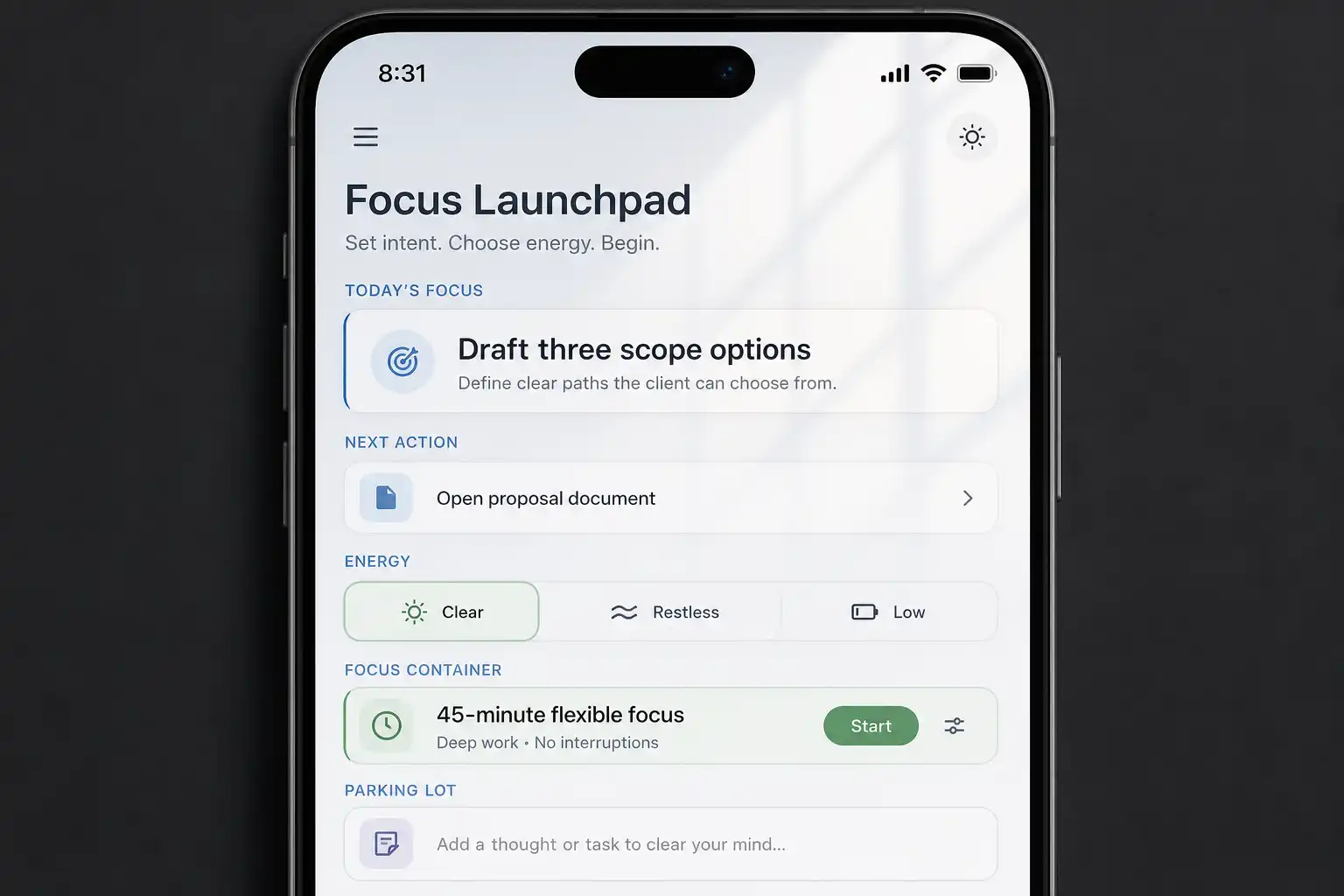
Keep one visible home for your next action, whether that is a pinned note, a paper card, a calendar block, or a task workspace. It should answer one narrow question quickly: What can I do next from here?
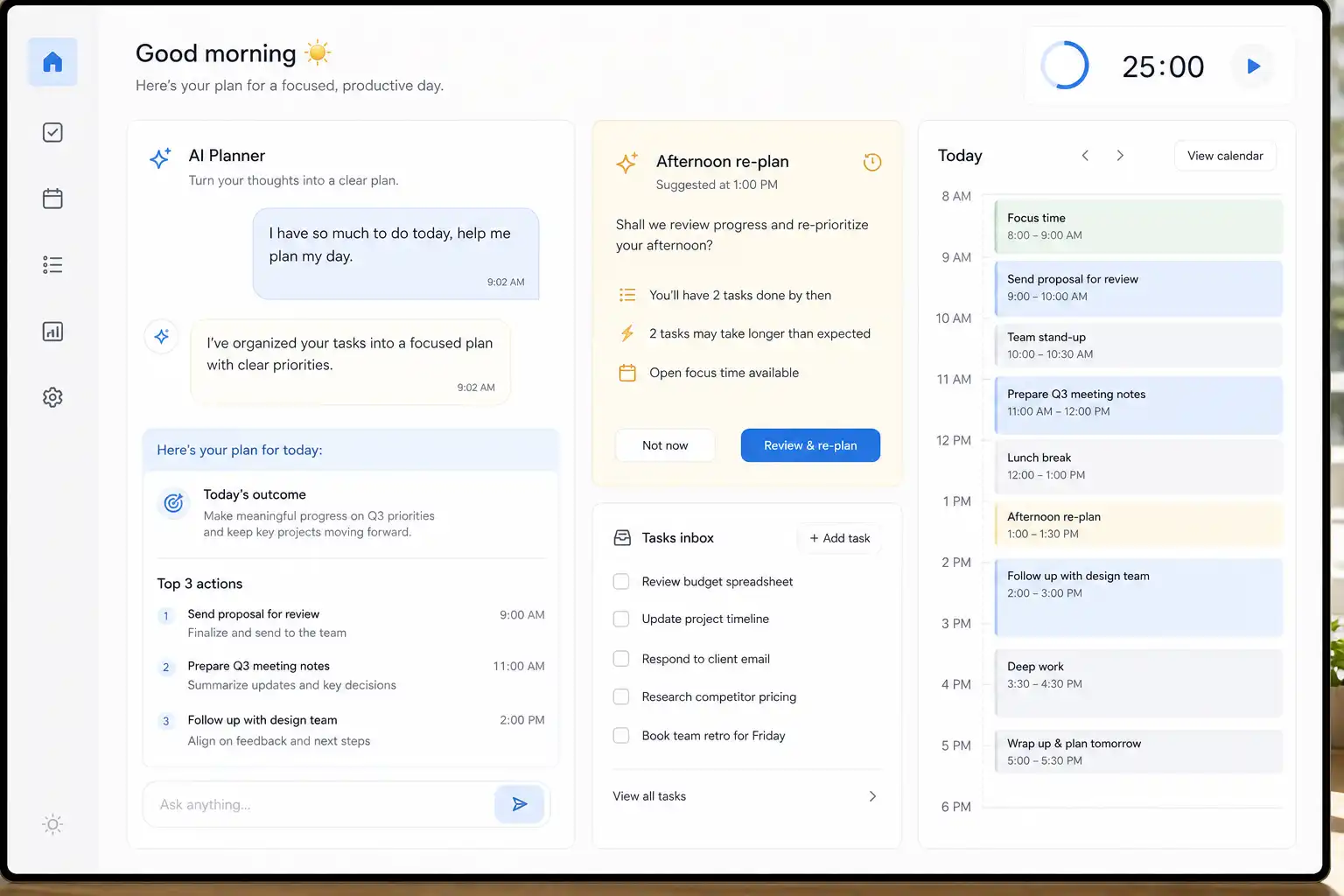
OwnTime can help because it lets you capture a work task in plain language, save simple instructions for how recommendations should behave, and return to a suggested next action after a meeting. The aim is not another elaborate system. The aim is to stop burning your remaining mental battery sorting a sprawling backlog.
A few low-friction supports can reduce restart time:
- Keep the document or project link for the next task open in a browser group.
- Put meeting notes and the follow-up action in the same place.
- Silence nonessential notifications while you run an anchor routine.
- Place a physical cue, such as a closed notebook on your keyboard, to show that shutdown is unfinished.
The best tool lowers the cost of resuming work. Fancy is optional.
Review after two weeks of normal work
Give the three routines 14 days of ordinary use before judging them. Do not wait for a perfect stretch of work.
At the end of those two weeks, review the four questions above and look for observable results, such as fewer abandoned tasks after meetings or a clearer first task at 9:00. Keep the routines that reduce friction, shrink the ones that feel heavy, and replace any anchor that targets a problem you do not actually have.
A 2024 meta-analysis of 23 studies involving 3,835 participants found that pharmacological and psychosocial interventions both improved work-relevant outcomes for adults with ADHD, while also reporting variation across studies and a need for cautious interpretation. Cognitive behavioral therapy had the strongest psychosocial result in that analysis. See the meta-analysis.
That result supports a sensible standard. Use routines as one part of a broader support plan, and judge them by whether they create relief in your actual workweek.
When workplace support can do more than a routine
A personal routine cannot fix a distracting office, vague priorities, unreasonable workload, or a calendar packed with back-to-back meetings. Systems work better when the environment stops fighting them.
Depending on your role and comfort level, useful changes can include written follow-ups after verbal instructions, a quieter workspace, protected focus time, clearer definitions of urgent work, meeting agendas, regular check-ins, and permission to use noise-reducing tools. You do not have to disclose every detail of your health to request a clearer process.
If work difficulties are persistent or affecting your wellbeing, consider speaking with a clinician, therapist, ADHD coach, or an appropriate workplace contact. Support can multiply the value of the systems you already use.
Questions about ADHD work routines
Do I need to do a work routine every day?
No. A durable routine is tied to a context, such as opening your laptop or ending a meeting, rather than a perfect daily streak. Protect the cue when the day changes.
What if my schedule changes constantly?
Use event-based triggers instead of time-based ones, because a meeting ending or a work session beginning is usually more reliable than a specific hour. Start with one anchor.
Should I tell my manager I have ADHD?
Disclosure is personal, and requirements and protections vary by employer and location. It is optional.
You can often ask for a practical condition first, such as written priorities after a planning meeting or an agenda before a recurring 30-minute call. Request the support that solves the work problem.
What if I get bored with the routine?
Keep the trigger and change the action when repetition makes the routine invisible. The structure can stay stable while the details change.
Pick one transition that reliably derails you today, write its if-then line where you will see it, and test it for the next five workdays. Then revise the cue or shrink the action after the first interruption.
Related articles