OwnTime
Sleep and Energy: 6 Assistant Settings That Help
Why sleep-aware planning beats perfect sleep tracking
After a short night, even a 25-minute gap between meetings can become an expensive choice between answering messages and advancing a draft. Every decision asks for more effort. The issue is rarely a total inability to work; it is the extra friction involved in judging what deserves attention, whether something is ready to send, and how much risk a task carries.
A 2025 scoping review of sleep deprivation and decision-making found mixed effects across tasks and study designs, although many studies reported poorer decisions or greater risk-taking after partial or total sleep loss. That variation matters. A planning system should not label someone useless after one poor night, but it should make consequential choices easier to defer and useful work easier to start.
Readiness scores are a bad default for most knowledge workers. A 200-item task menu is especially unhelpful when choosing already feels hard.
The following six assistant settings work in OwnTime and in other tools that can recommend a useful next action.
1. Create a low-energy task lane
A low-energy lane is a short list of work that still matters when concentration is limited. It should not be a hiding place for fake-busy tasks. The best items have a clear endpoint, carry little risk, and can be paused without creating tomorrow's cleanup job.
| Good low-energy tasks | Poor low-energy tasks |
|---|---|
| Triage an inbox by archiving, delegating, or flagging | Rewrite an important strategy document |
| Add notes from a completed meeting | Negotiate a sensitive contract |
| Review a short document with a checklist | Choose between major vendors |
| Prepare source files for tomorrow's focused work | Start an ambiguous research project |
| Complete a small admin task with a defined finish | “Catch up on everything” |
Define this lane on an ordinary day, when the difference between maintenance and avoidance is easier to spot. Timing helps here. Once a rough afternoon arrives, the assistant can route work somewhere useful without demanding a fresh round of task triage.
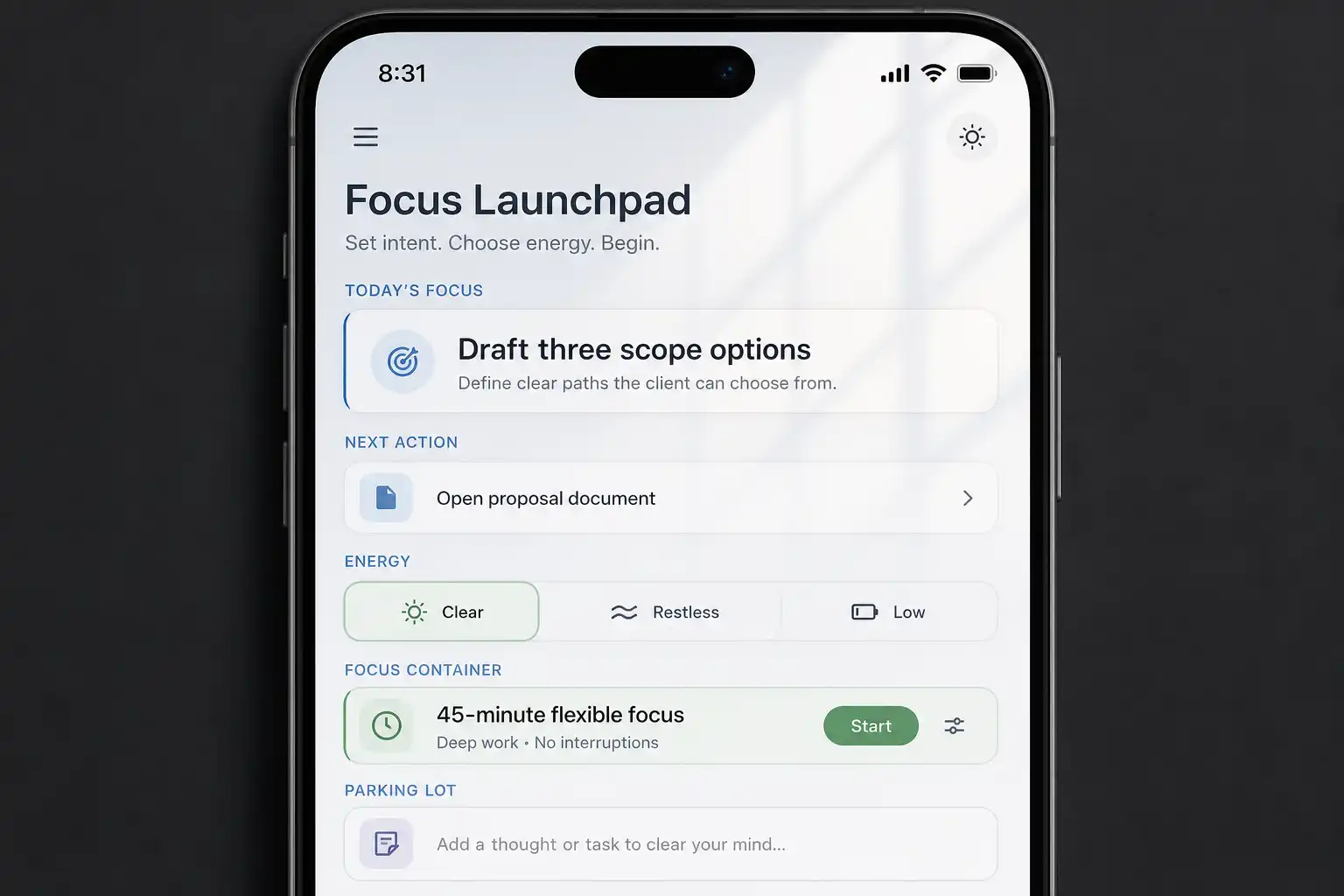
OwnTime can consider effort, time windows, flexibility, and recently finished work when it recommends a task. Give the low-energy lane a direct rule, such as “When energy is low, recommend short administrative work or brief reviews before deep creative tasks.” For a closer look at manual curation versus flexible recommendations, see Things vs OwnTime for low-energy days.
2. Protect high-consequence decisions
Sleep-aware planning does not mean indefinitely avoiding difficult work. It means separating progress from irreversible judgment. When energy is low, prepare the decision now and make the final call during a better window.
Gather evidence, write a comparison, identify missing information, or draft the available options before committing to a direction at 4:45 p.m. after a broken night. That preparation still counts. A deadline may be fixed while the final judgment can wait until tomorrow morning.
| Larger task | Lower-energy companion action |
|---|---|
| Choose an analytics vendor | Write the non-negotiable requirements |
| Send difficult feedback | Draft the factual timeline and desired outcome |
| Approve a launch plan | Mark assumptions that need review tomorrow |
| Hire for an open role | List the evidence still needed before a decision |
This setting is particularly useful when urgency starts masquerading as immediacy. Those are different things. A good assistant should surface the preparation step instead of repeatedly presenting the whole decision as one giant task.
3. Change recommendations, not your standards
Two rigid responses tend to fail after poor sleep. One demands the ideal schedule anyway, while the other writes off the day. Neither approach holds up when actual work includes meetings, deadlines, and an unpredictable nervous system.
Keep the intended outcome, then reduce the entry cost. “Make progress on the client presentation” can become “Open the deck, choose the next slide, and collect two supporting links.” Small starts are allowed.
An assistant earns its place by suggesting that lighter subtask after a long meeting, avoiding back-to-back high-effort blocks, and offering a brief reset after mentally demanding work. Manual reprioritizing at noon is often where plans go to die. The standard remains the same, while the next action becomes doable under today's conditions.
4. Use light and movement as transition cues
A tired brain may need a state change before it needs a better plan. Stand up for a few minutes. Get water, step outside, or work near daylight when that option exists.
These are modest interventions, not replacements for sleep. A field study of office workers found that circadian-effective lighting at work was associated with lower self-reported sleepiness and higher alertness, vitality, and energy on intervention days (study). The practical lesson is pleasantly unglamorous: the work environment can make the next block feel more possible.
Attach the transition to an assistant rule rather than trusting memory alone.
- After two consecutive meetings, suggest a 10-minute walk or reset before focused work.
- After lunch, surface a task that fits into 15 minutes rather than proposing a two-hour sprint.
The goal is to stop treating the body as irrelevant input to the workday. A brief transition will not erase exhaustion, yet it can prevent a tired afternoon from turning into two hours of stalled task switching.
5. Ask for fewer, smarter notifications
Generic alerts become background noise quickly on a low-sleep day. The useful notification removes a decision at the moment it matters. That usually means fewer interruptions with better timing.
Configure the assistant to notify you in situations such as these.
- A fixed-time commitment needs preparation soon.
- A high-priority task has a realistic open window.
- Demanding work has just ended and a suitable short follow-up task is available.
- Spare time is available for a low-effort task that can be completed cleanly.
- A task has been deferred enough times to require a conscious choice to shrink, schedule, delegate, or remove it.
Hourly guilt pings are one of the worst defaults in personal software. They train people to swipe away their own plans, which is a lousy bargain when executive function is already running low.
OwnTime lets people describe notification preferences in plain language, which is helpful when rules depend on context rather than a fixed calendar pattern. “Do not interrupt me for flexible tasks before 10 a.m.” is specific. “After a poor night, notify me only about appointments and tasks due today” gives the system an even tighter boundary; keep rules reversible and review them after 7 days of use.
6. Keep sleep data optional and private
An assistant can account for low energy without collecting every sleep stage from a wearable. A manual context label such as “low energy” or “between meetings” can already change recommendations in a useful way. That restraint is a feature, not a missing feature.
A review of consumer sleep apps identified uneven evidence behind app claims, potential false positives, and data-sharing concerns involving sensitive sleep data (review). More data does not automatically produce better action. Tracking may help some people, but an imperfect score should remain a clue rather than a verdict about whether work is possible.
If wearable or sleep data is connected, check these three basics.
- Can the core planning features work without sharing sleep data?
- Can stored information be viewed, exported, and deleted?
- Does the service explain whether the data supports recommendations, analytics, advertising, or model training?
Persistent sleep difficulties, severe daytime sleepiness, loud snoring, or fatigue that affects safety deserve support from a qualified healthcare professional. A productivity setting cannot diagnose or solve those problems.
Build for an average Tuesday
Start with one low-energy lane. Add a rule that protects important decisions, then set one notification boundary. That is enough to test the approach without rebuilding an entire workflow.
Review the setup on an average Tuesday rather than judging it only on a high-energy day. The better assistant is the one that notices a low mental battery, reduces the decisions in front of you, and leaves room for meaningful progress without pretending sleep does not matter.
Related articles