OwnTime
Productivity Planning: Your Perfect Day Is the Problem

A perfect day is not a plan
At 10:17, a client message, sales call, production incident, or fresh idea can erase the neat sequence mapped before coffee. That schedule was never a useful promise. Founders and freelancers work inside volatile days, where surprises reshuffle the agenda without removing the work that would materially move the business forward. Treating one interruption as proof that the day is lost turns a scheduling miss into a design failure. Planning a volatile day as a factory schedule is productivity theater.
Build the plan around a clear route back into valuable work.
Priority rankings break under interruption
Priority ranking helps until an interruption forces a different choice about time, attention, and what can wait. That condition has been studied. A field study of employees found that the benefits of standard time-management planning weakened as interruptions increased, while contingent planning supported performance at both lower and higher interruption levels. Contingency means anticipating likely disruptions and writing an alternative response.
Separate experiments found that making specific plans for an unfulfilled goal removed the goal's intrusive and distracting cognitive effects. Vague intentions leave the loop open. Specific plans beat elaborate systems when interruption is the constraint.
The popular idea that every unfinished task is remembered better is too blunt to guide a workday. The distinction matters. A 2025 meta-analysis found no overall recall advantage, although people did show a general tendency to resume interrupted tasks. Clear restart cues are more useful than trying to generate urgency with an impossibly packed schedule.
Plan by constraints, not importance alone
A priority label cannot tell you whether a task belongs at 2 p.m., must wait for a stakeholder, can move to Thursday, or fits the 15 minutes before a call. Constraints can. Use four buckets that make the next decision faster.
| Task type | What it means | Example |
|---|---|---|
| Fixed commitment | Has a real time or hard deadline | Client call; tax filing |
| Movable commitment | Matters within a useful window | Draft proposal; ship feature |
| Maintenance work | Keeps operations running | Send invoice; reconcile expense |
| Reset work | Restores energy or reduces setup friction | Lunch; prepare tomorrow's workspace |
The labels are deliberately plain because the point is to make a sound choice in 20 seconds when the calendar changes, rather than maintain a taxonomy that looks smart and collects dust. Speed matters here. Put fixed commitments on the calendar. A movable commitment needs a next action and fallback window, while maintenance work needs a defined container. Reset work deserves space before it becomes an energy problem.
Use the 1-3-2-1 daily plan
Set this up in 10 minutes before work starts. Keep it on one screen.
- 1 anchor outcome Choose one meaningful result. It should make the day materially advanced even if fixed commitments expand and the rest gets noisy.
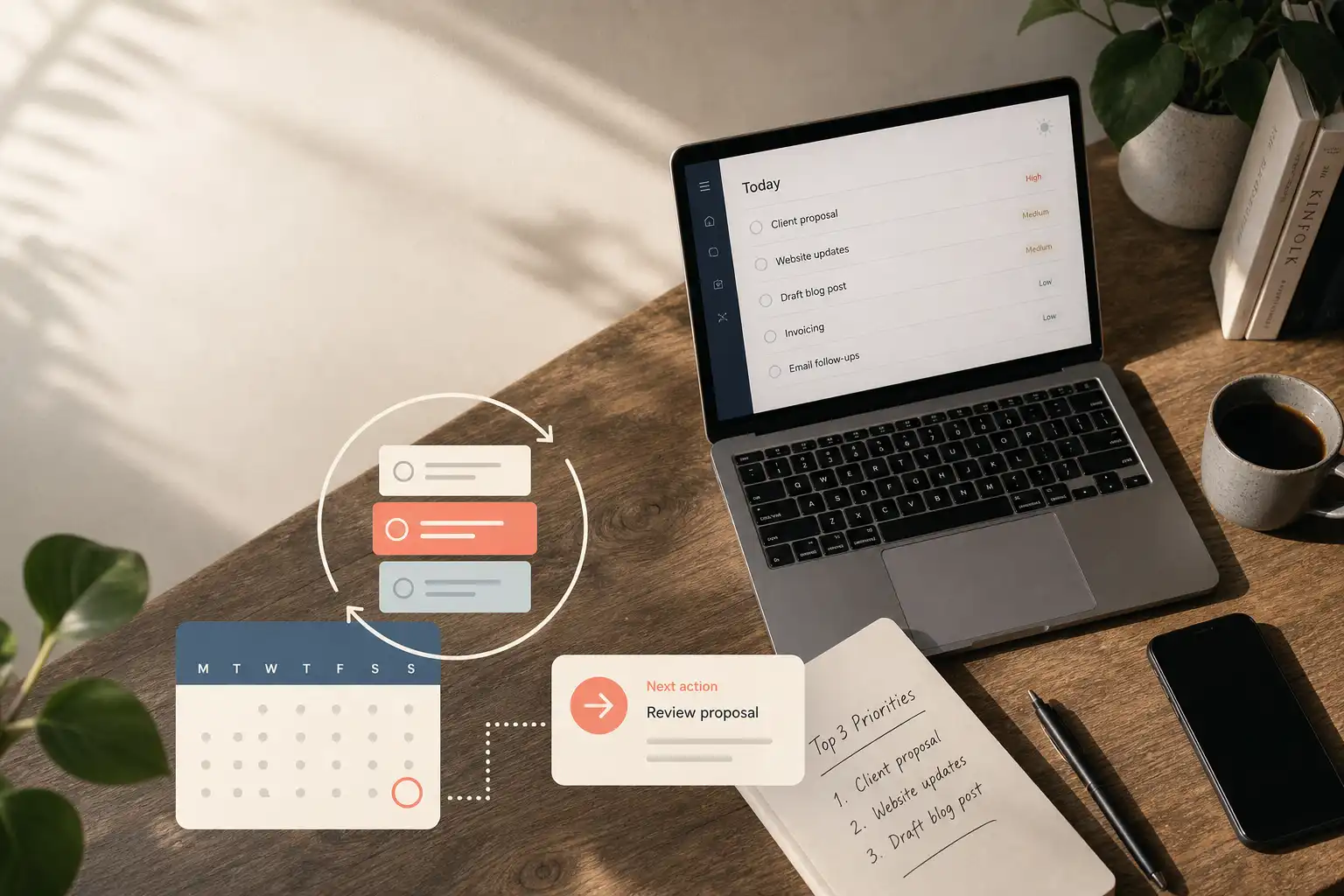
- 3 ready actions List three verbs you can start without another sorting session, such as drafting a proposal or testing the checkout flow.
- 2 flex windows Protect two unscheduled blocks for surprises and later-arriving work.
- 1 restart note Before stepping away, write the next physical action, including the file to open and the decision to make.
This compact view gives you a sensible decision point after the day shifts, without turning every hour into a commitment that was too brittle to keep. Keep it visible. It belongs beside the calendar, not buried in a dashboard.
Run an interruption protocol
When a new request arrives, capture it instead of re-ranking the entire backlog in your head. Do not negotiate with every task.
- Capture the incoming request. Put it in one trusted place, add a due date when one exists, and write a sentence about the expected outcome.
- Protect the current task. Leave a restart note such as
open the client notes, choose the strongest quote, then draft the first two sections. - Classify the interruption. Decide whether it is fixed, movable, maintenance work, or noise that deserves no action today.
- Choose the trade-off explicitly. If it must happen now, name what moves or shrinks instead of pretending the original day still fits.
- Reassess in the next flex window. Check the anchor outcome, available time, and current energy before choosing what happens next.
Color-coded calendars look more satisfying than a restart note. The note is what gets a half-finished proposal reopened without another 15 minutes of deciding where to begin after a 35-minute interruption. That is sustainable execution.
Fix the failure you can see
Planning systems usually break because they are either too rigid to survive a normal Tuesday or too vague to guide a decision when attention is low. The repairs are small.
| Failure mode | Sign you will notice | Specific adjustment |
|---|---|---|
| Every task is scheduled today | The plan is impossible by 10 a.m. | Keep one anchor outcome and return nonessential work to a flexible window |
| Flex windows are filled in advance | One surprise collapses the schedule | Leave the windows empty until something earns the space |
| Restart notes are vague | You reopen a document and check messages | Name the file and the first visible action |
| Maintenance work takes the morning | You stay busy while the anchor never starts | Batch routine messages and admin later unless they are urgent |
| Weekly review feels punitive | You avoid it because it feels like a scorecard | Review recurring friction and capacity, then change one rule |
For the next five workdays, change only the rule attached to the failure you observe most often, so you can tell whether it fixed capacity or merely made the plan prettier. One variable is enough.
Make your task system do less
One task view cannot show every responsibility and still make the next decision easy when client work, household logistics, relationships, and long-term projects share the same mental space. That is normal. Keep one trusted place to capture commitments, then let the working view show fixed commitments, the anchor outcome, ready actions, and relevant flexible tasks. Hide the rest while working.
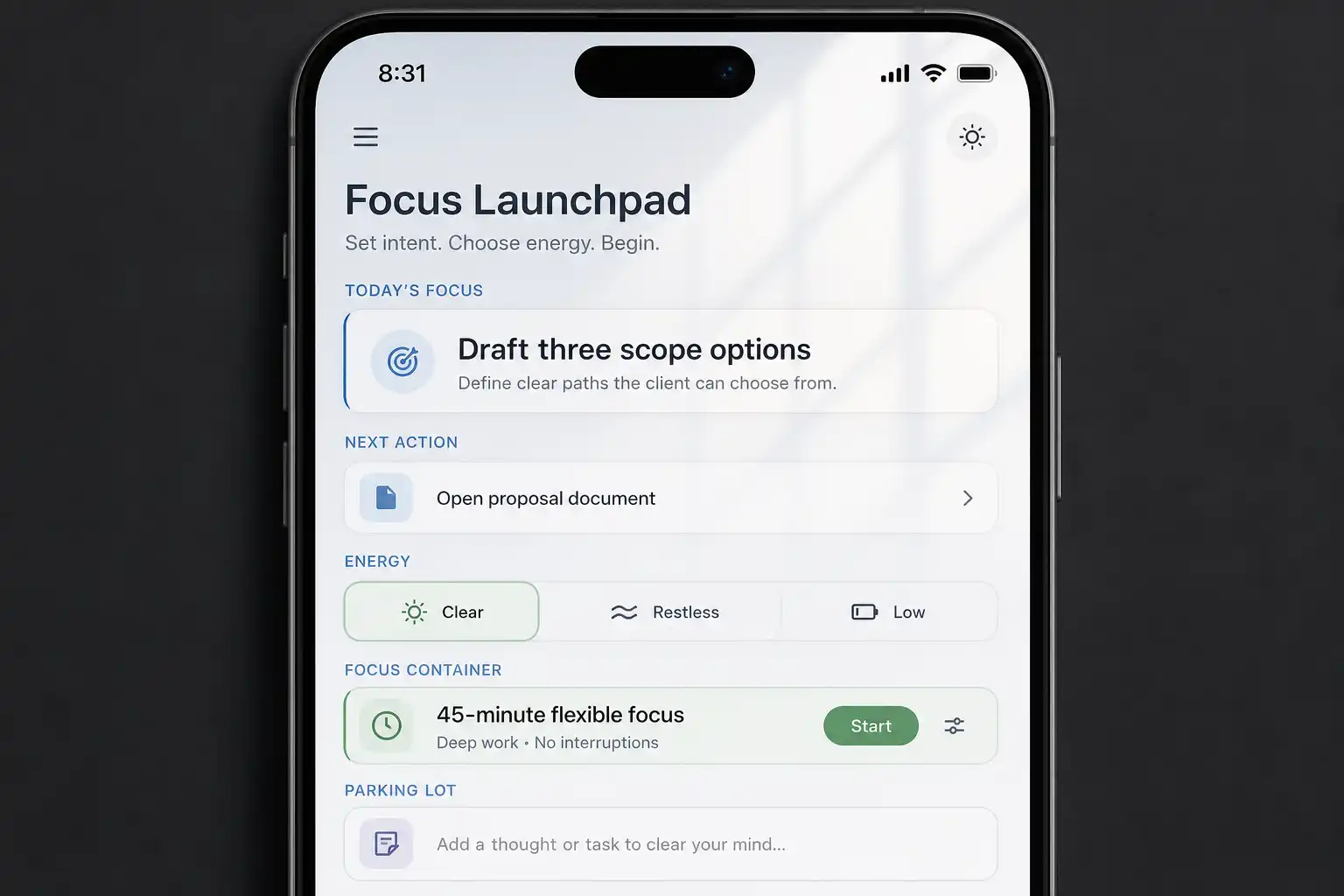
OwnTime is useful for this because it keeps the wider set of commitments available while surfacing a suitable next action based on timing and context. You remain in charge of the trade-offs.
A planning tool should reduce the number of choices you make at 4:30 p.m. when attention has thinned and the calendar has changed twice. If it creates a daily clerical shift, move on.
Review the system, not your character
Reserve 10 minutes once a week to inspect the plan rather than grade your discipline. Do not score yourself. Look for recurring friction, then adjust the system that created it.
- Which tasks repeatedly moved because they were larger or less defined than expected?
- Name any interruption that was predictable enough to get a contingency next week.
- Where did maintenance work expand beyond its intended container?
- Did the anchor outcome match the work that actually mattered?
- At what time did focused work become hardest to resume?
Change exactly one default, such as batching client follow-ups in the afternoon or reserving a flex window before recurring meetings. Keep the experiment small. After four weeks, the system contains four tested changes instead of a vague self-critique.
Plan for the day you will actually have
Before ending a focused block today, write a restart note that names the file and the next visible action, then keep two flex windows open instead of filling the calendar to 100 percent. This takes under a minute.
When a client request lands at 10:17 tomorrow, you will know what gets traded and exactly where to resume afterward, which beats rebuilding the whole plan from scratch.
Related articles