OwnTime
Remote Work Sleep: 8 Boundaries That Reduce Procrastination

Why sleep and procrastination collide at home
At home, the distance between “I should finish this” and “I’ll check one more thing” can be three steps from desk to couch. That proximity matters. When sleep is thin, beginning demanding work costs more the next morning, even when the task matters to you.
That reaction is not a character flaw. A meta-analysis of 79 publications on sleep loss and executive function found that sleep loss impaired executive function, the set of mental abilities used to hold plans in mind, resist distractions, and adjust when work changes. Those are the skills procrastination attacks first.
The work connection shows up in daily life, too. A daily-diary study of full-time employees linked poorer sleep quality with more work procrastination the following day, and self-control shaped how strongly people felt that effect. Sleepy days make avoidance easier to rationalize.
My view is simple: a late-night “quick catch-up” is rarely proof of commitment when it quietly becomes routine. It is usually a boundary problem in a hardworking costume.
If this loop has been running for a while, this seven-day sleep and procrastination reset can help you test a broader set of changes. Start smaller here.
Start with a realistic sleep baseline
For adults ages 18 to 60, the CDC recommends at least 7 hours of sleep a night, while recognizing that quality matters alongside duration. Seven hours is a floor, not a scorecard.
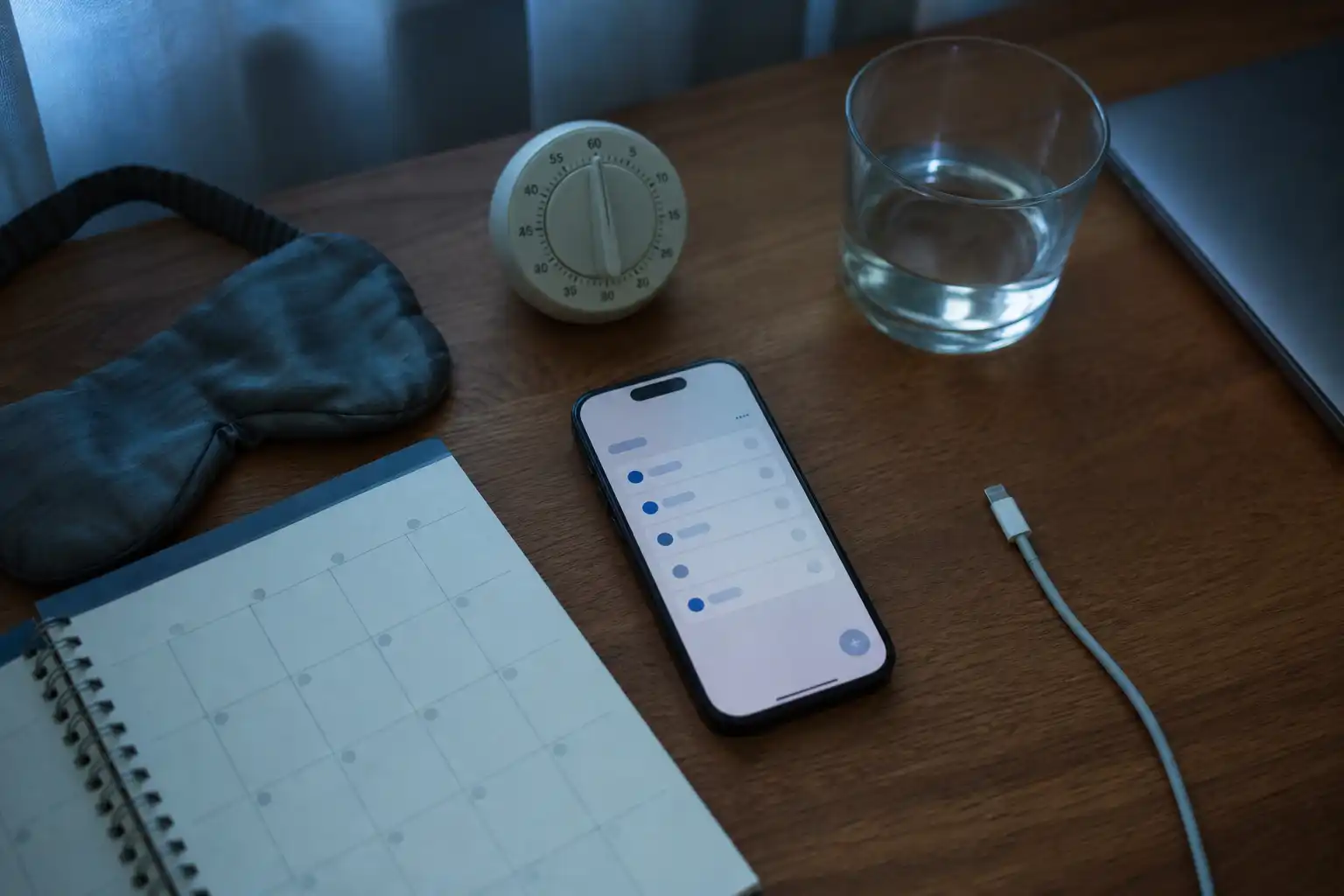
The CDC’s advice remains pleasantly unglamorous: keep a regular schedule, make the bedroom comfortable, reduce late electronics, and skip late caffeine when it disrupts your sleep. Boring works.
Do not turn sleep into another optimization project. Pick one wake-up time that fits most weekdays, then let your work routine protect it. The target is fewer nights where unfinished work keeps expanding into recovery time.
8 remote-work boundaries worth trying
1. Set a visible end-of-work signal
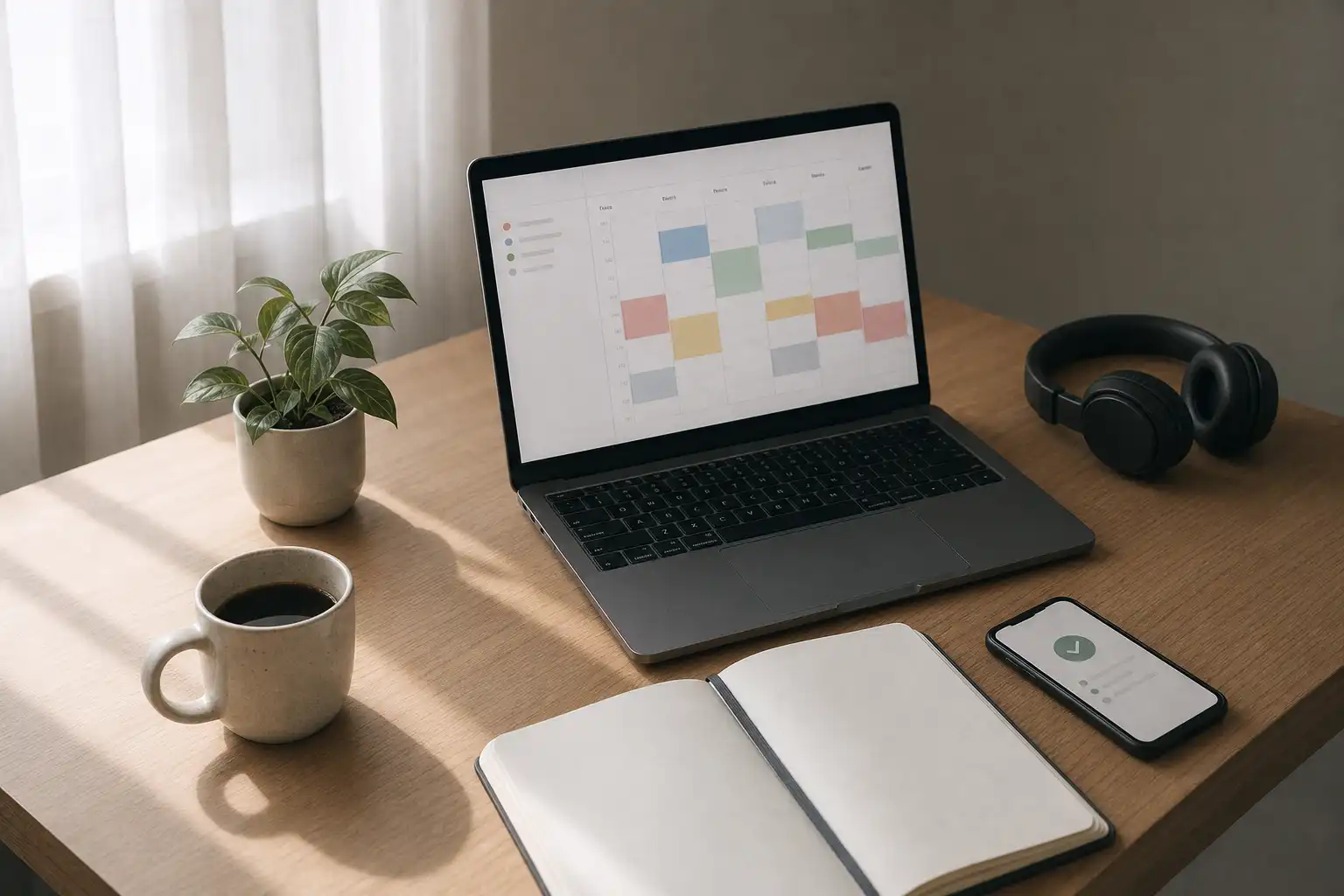
Use a cue that is hard to miss, such as a recurring 5:30 p.m. calendar block, an alarm, or a team-status change that happens at roughly the same time each day. Make it visible.
The cue does not mean every task is complete, because work is almost never fully complete. It means you have decided when work stops taking new territory.
2. Send a short handoff before logging off
Before closing your laptop, send the relevant teammate a compact update that states what changed and what should happen next, especially when work moves across time zones. Then log off.
That message reduces the vague fear that someone is waiting on you. Late checking loses much of its pull when the context is already shared.
3. Put work equipment out of sight
A dedicated office helps, but closing the laptop, putting it in a drawer, or covering the desk after work can still change the default when you work from a small home. A little friction goes a long way.
Your home does not need to become hostile to work. It needs an evening setup that stops asking for attention every time you pass the desk.
4. Get morning light before opening your inbox
Step outside shortly after waking, open the blinds while making coffee, or take a brief walk before your first meeting, because bright morning light helps reinforce a consistent sleep-wake rhythm. Light counts.
Remote work removed the old commute for many people. Use morning light as a clear start-of-day signal before Slack gets to set the tone.
5. Begin with a physical, low-friction action
On a tired morning, open the document, write one ugly sentence, review the meeting agenda, or clear one decision rather than demanding a full deep-work session from yourself. Tiny is strategic.
Procrastination often wins at the starting line, while the task still feels abstract and oversized. Start with something your attention can grab.
6. Create response windows instead of permanent availability
If your role permits it, check chat and email in intentional batches while keeping a clear route for urgent issues, rather than treating every notification as an instruction to switch contexts. Define urgent.
Constant checking stretches work across the day and makes it harder to feel finished at night. Evening pings then become fresh open loops.
7. Protect the final 30 minutes before bed
Reserve the last 30 minutes before bed for anything other than reopening work chat, reading a tense thread, or doing a “quick” project check, since activating work is a poor handoff to sleep. Close the loop earlier.
If an idea arrives, write it down in one line so it survives until morning. Return to winding down.
8. Treat after-hours work as an exception
A broken launch or an immovable deadline can make late work the right call on a particular night. Exceptions happen.
The damage starts when exceptions become an invisible team default and everyone has to guess whether disconnecting is allowed. Name when the sprint ends, then give people room to recover.
Choose the first boundary that removes the most friction
Installing all eight habits at once is productivity theater. Pick the boundary that addresses the most annoying pattern in your actual week.
| If this is happening | Start here | Likely payoff |
|---|---|---|
| You keep checking messages after dinner | Set an end signal and put the laptop away | Fewer work cues during recovery time |
| You wake up groggy and start late | Get morning light before opening inboxes | A clearer start-of-day rhythm |
| You avoid important work until late afternoon | Begin with one physical, low-friction action | Less pressure at the hardest moment, starting |
| Team messages make you feel always on call | Create response windows and an urgent channel | Better focus without disappearing |
| You lie awake replaying unfinished work | Send a handoff and capture the next loose thought | Less mental looping at bedtime |
The best first boundary will often feel almost too simple. That is a feature.
Make the boundaries visible to your team
Personal habits go only so far when the team accidentally punishes them. Signing off on time does little if the next morning begins with a pile of anxious messages and implied urgency.
Agree on where urgent requests go, when replies are expected, how handoffs work, and which messages can wait until the next workday. Clear beats heroic.
Managers set much of this standard through their own behavior, because a late-night message can read like an expectation even when it is meant casually. Label after-hours notes as non-urgent or schedule them for the morning.
Use a lighter restart system
A shutdown gets easier when unfinished thoughts have a place to go and you trust they will still be there tomorrow. Your brain can stop rehearsing them.
OwnTime can help here by giving you a quick place for a brain dump before sign-off, then surfacing a sensible next step when you return to your desk. That saves depleted energy for the work itself.
Keep instructions plain, such as “don’t notify me after 6 p.m.” or “show short admin tasks when I have 15 minutes.” The tool should respect the boundary you set.
Run a five-day experiment
For the next five workdays, choose one morning boundary and one evening boundary, then spend less than a minute recording your stop time, how rested you felt on waking, and whether starting work felt easier. No dashboard required.
Review the notes on day 5 and keep the change that made work easier to begin or evenings calmer. Drop the rest.
If sleep difficulties or daytime exhaustion continue after reasonable changes for more than a week or two, talk with a healthcare professional rather than treating the problem as a willpower failure. Your five-day notes give that conversation a concrete starting point.
Related articles