OwnTime
Remote Work Habits That Protect Personal Time
Boundary habits beat a tighter schedule
A Slack reply sent at 6:18 p.m. can pull a remote worker from serving dinner back into the workday, even when the message looked like a 30-second favor. That drift adds up.
A tighter home schedule rarely fixes this problem, because it turns ordinary life into another plan that can fail by 9:15 a.m. It creates another scoreboard. The better tradeoff is a few restartable transition habits, since routines that work only on calm Tuesdays are fragile by design.
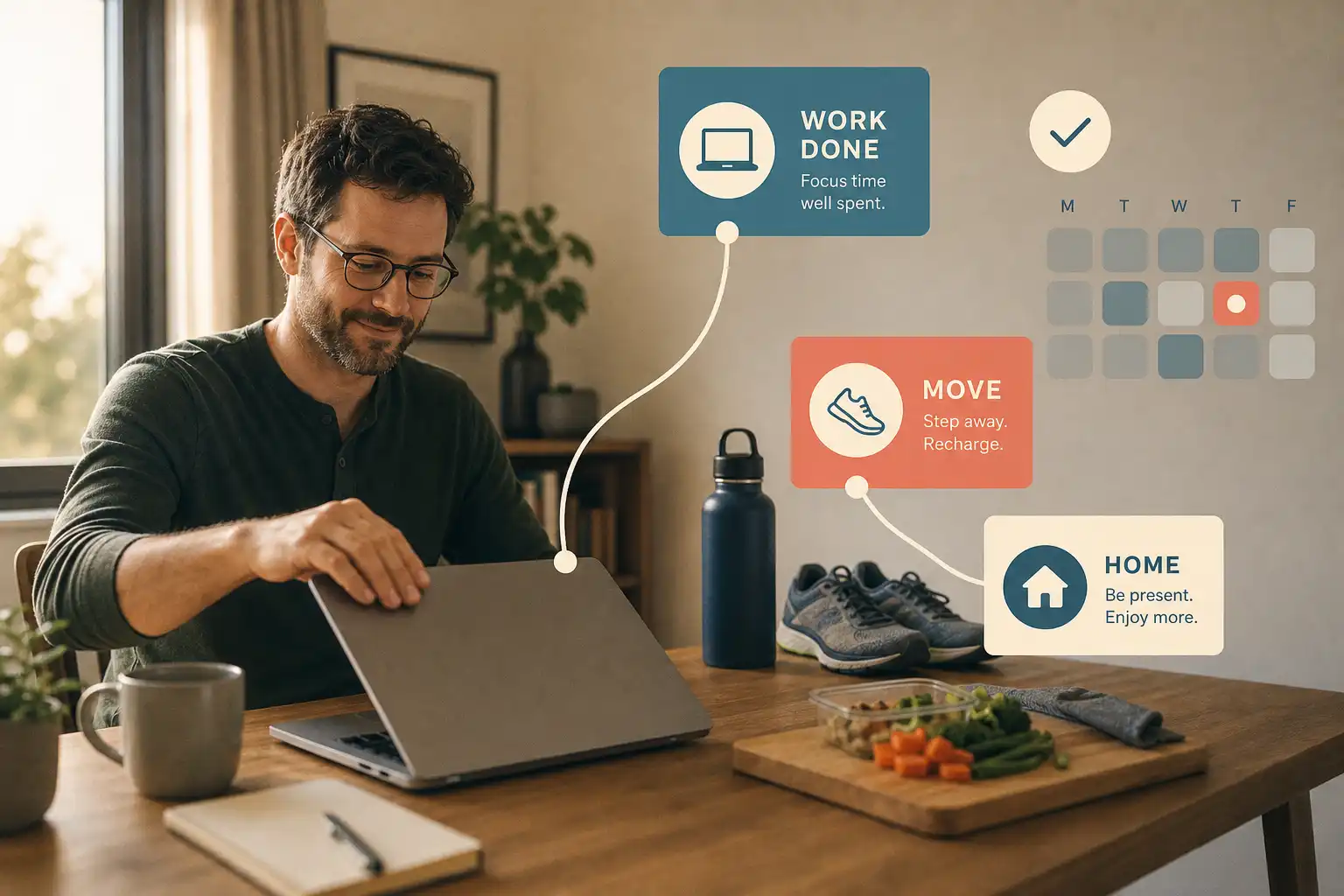
Use three anchors: one to begin work, one to keep a personal responsibility visible, and one to end the day. None needs to look impressive. Each needs to be easy to resume after a deadline, a school pickup, or poor sleep.
Research on remote workers has linked daily flow experiences with fewer work-home interruption behaviors, which suggests that protecting attention during work can reduce spillover at home as well. Switching costs attention. Durham University's repository has the study.
A habit needs a cue, not a clock-time promise
A remote-work habit does not need to happen at 7:00 a.m. every weekday to count. Real life disagrees.
| Myth | Reality | Practical consequence |
|---|---|---|
| “I need to do it at the same time daily.” | A consistent cue can work better than a fixed hour. | Attach the action to finishing breakfast or closing the laptop. |
| “Missing a day means the system failed.” | Travel, childcare, deadlines, and illness are normal. | Make the next version small enough to resume tomorrow. |
| “The best habit tracker creates pressure.” | The useful system reduces remembering and choosing. | Let it surface a helpful next step rather than defend a streak. |
A randomized trial compared routine-based cues with time-based cues, which is a useful reminder to design what happens immediately before the action. The goal is recognition rather than perfection. Read the habit-planning study.
“Walk at 5:30” falls apart when a meeting runs late. “After my last work call, put on shoes and walk for 10 minutes” still has a clear starting point on a chaotic Tuesday.
Start with three personal-life anchors
Three anchors are enough to cover the points where work tends to expand into personal time. A giant habit stack is overkill here.
1. Create a start-work anchor
Choose one action that signals the handoff into work, such as making tea or opening a work notebook before messages take over. Keep it under 2 minutes.
Starting the day from bed or while making breakfast is understandable, especially when the laptop is nearby and the first meeting starts at 9:00 a.m. The boundary begins blurred.
2. Keep one personal responsibility visible
Pick one observable action that stops life admin from becoming an invisible backlog, such as taking medication, ordering a prescription refill, booking an appointment, or resetting the kitchen. Keep it specific.
Place this anchor after lunch, during a break, or after work when the timing can move. Flexibility is the feature.
3. Make shutdown physical
At the end of work, close the laptop, change rooms, take a short walk, or put headphones away so the transition has a visible signal. Small rituals are not magic, yet they give the brain a clear stopping cue.
A 2025 self-regulation intervention for people in flexible work arrangements improved outcomes including positive affect, work engagement, stress, and work-family conflict. Its strategies included detaching from work and separating work from private life. See the intervention study.
Build around cues instead of motivation
Motivation is welcome when it appears. It is a terrible operations manager.
Choose an event that already happens on most workdays, then define the smallest response that follows it. This gives the action somewhere to live when energy is low.
- After making coffee, refill the water bottle and open the task list.
- After sending the last client message, write tomorrow’s first work task.
- After closing the laptop, start a 10-minute dinner or movement timer.
- After lunch, complete one personal admin action that has been waiting.
- After a draining meeting, stand up and decide whether the next task needs deep focus or low effort.
These cues rely on events rather than a perfect hour on the clock. The hour can move.
For teams spread across time zones, event-based cues are also kinder than copying somebody else’s 9:00 a.m. routine. That time may overlap with a school run, a shared-workspace commute, or the middle of the night.
Let the task system protect the habit
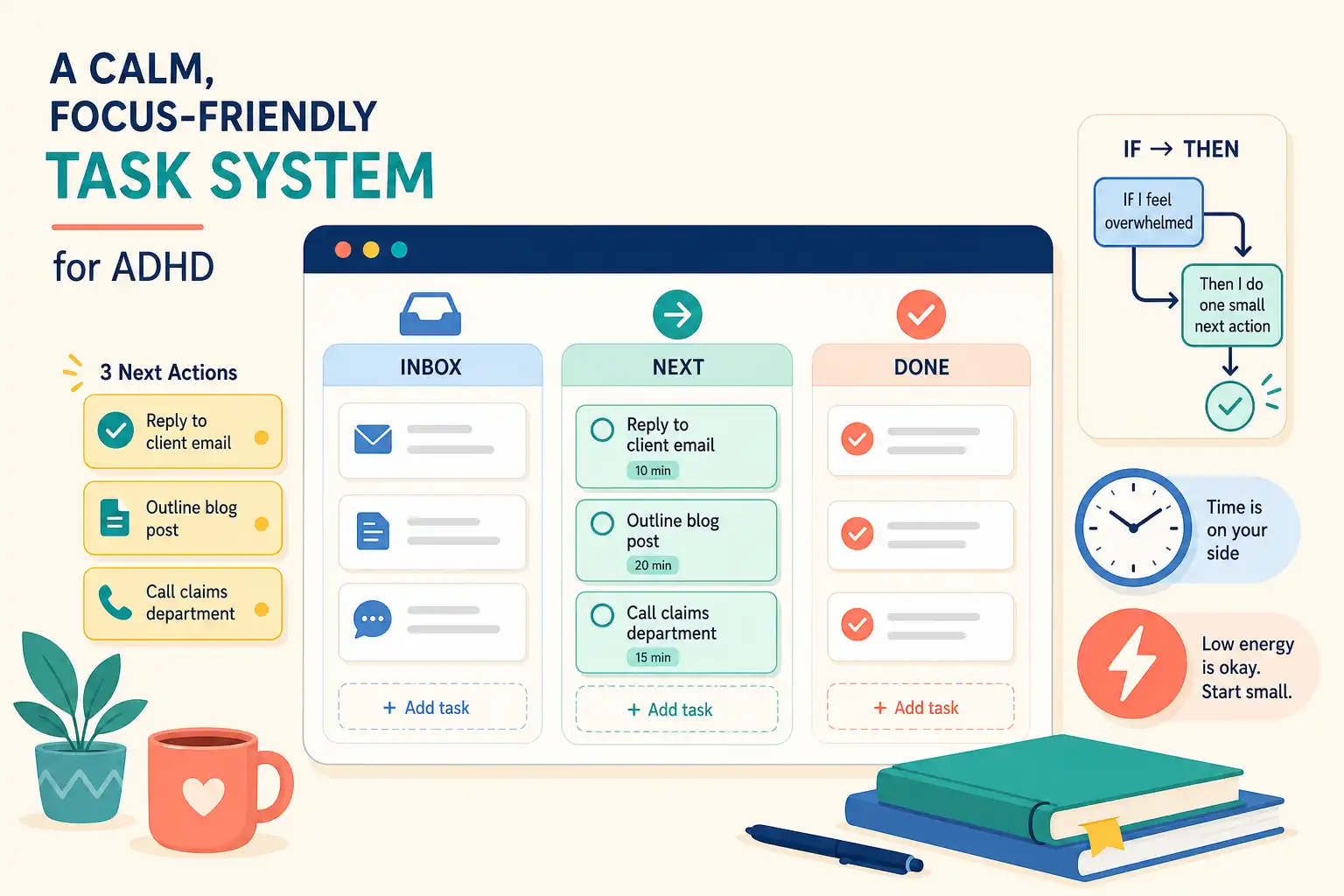
When the brain is tired, deciding what counts as the next step can send a useful evening straight into scrolling. A flexible task system reduces that decision load.
In OwnTime, personal tasks can be captured without assigning a priority, category, due date, recurrence pattern, or perfect label first. The app can use timing, effort, flexibility, and recently completed work to recommend an option that fits the moment.
At 5:00 p.m., “go to the gym” may be a poor recommendation after a late meeting. A better system can surface “put walking shoes by the door,” “pack tomorrow’s gym bag,” “take a 10-minute walk,” or “start dinner.”
Use five setup steps.
- Capture the personal tasks creating background stress, including meals, errands, appointments, household resets, movement, and calls.
- Write each item as an action, such as “order prescription refill” rather than “health stuff.”
- Mark truly fixed commitments as fixed, while leaving movable habits flexible.
- Add a plain-language preference such as “recommend short, low-effort personal tasks after my last meeting.”
- Keep a tiny fallback version for busy days, such as 5 minutes of stretching or putting laundry in the machine.
OwnTime can also break a vague task into actionable subtasks, which helps when “sort out the insurance form” has occupied mental space for 3 weeks. Seeing a doable first step often makes starting less of a slog.
Agree on lightweight team norms
Personal boundaries do not require colleagues to know every detail of someone’s home life. Predictable norms do the job with less friction.
| Team agreement | Why it helps personal habits |
|---|---|
| Use status messages for focus or offline blocks. | People can protect time without explaining where they are. |
| Default to asynchronous updates when an answer is not urgent. | A personal transition is less likely to be interrupted by a message that could wait. |
| State urgency and response expectations clearly. | Fewer ambiguous pings mean less reflexive checking after hours. |
| Avoid treating constant availability as the cultural baseline. | People can finish work without proving commitment through presence. |
The best agreement is usually boring and explicit. “No response expected after local working hours” gives people a clearer boundary than a vague promise about work-life balance.
Managers set the tone through behavior. Schedule late messages for tomorrow, take visible breaks, set an offline status, and avoid praising midnight replies.
Review after an ordinary week
Do not judge the setup after one flawless Monday. Review it after a week with a late meeting, an errand, low energy, and an unexpected family change.
Use four prompts during that review.
- Which cue did I actually notice?
- Which personal task felt easiest to begin while tired?
- Where did work leak into off-hours?
- What smaller boundary could help next week?
Change one part of the system at a time. The shutdown cue may work better after the final meeting than at 5:00 p.m., or the maintenance task may need a shorter weekday version.
Run the setup for seven workdays before making a bigger judgment. At the end, keep the cue that appeared most reliably and adjust the one that kept getting lost.
Related articles