OwnTime
Notion vs TickTick: ADHD Time Management That Sticks
Choose for the breakdown you actually have
Choose TickTick when future commitments vanish until they become urgent; choose Notion when the next task makes no sense without the surrounding project information. That difference matters on a busy Tuesday.
Both apps can store tasks and due dates, yet they remove different kinds of friction once attention is already stretched. Notion helps build and understand a system; TickTick helps run one today. TickTick is the better default when missed prompts are the main problem. A beautiful workspace that stays closed when the day gets messy is a hobby, not a time-management system.
What the research can tell you
ADHD time management often involves prospective memory, meaning remembering to carry out an intention later without someone or something prompting you at that exact moment. Time-based prospective memory is especially relevant here. In a 2012 study of adults with ADHD, participants showed a large impairment in time-based prospective memory, while event-based prospective memory did not show the same difference. External cues can fill part of that gap.
Apps are supports, not treatment. A 2017 systematic review of ADHD self-management technology for children and young people found some promise, but it also found small samples and non-validated measures, while research methods were often weak.
Use a practical standard instead of expecting an app to solve every executive-function challenge. It should help capture a commitment, bring it back at a useful time, and let you restart after an off day.
Notion works best when context is missing
Notion earns its place when a task needs to live beside a project brief, past decisions, reference material, or a longer plan that explains why the work matters. That shared context reduces searching. Its pages and databases can hold a detailed project home without scattering information across several places.
Use Notion when work stalls because the supporting information is spread across documents, messages, or paper notes, or when a project has several stages before its next physical action is clear. A single project hub can hold the brief, milestones, and current next action. For a lighter starting point, a simple ADHD-friendly Notion to-do list is usually more useful than a large template.
The cost is delayed usefulness. Before a dashboard tells you what to do, you may need to decide on properties, views, labels, filters, templates, and rules. That setup work can quietly consume an afternoon.
Choose Notion if you will return to it for planning and need rich project context in one place. Start with one active project rather than a full "second brain" build.
TickTick works best when prompting is missing
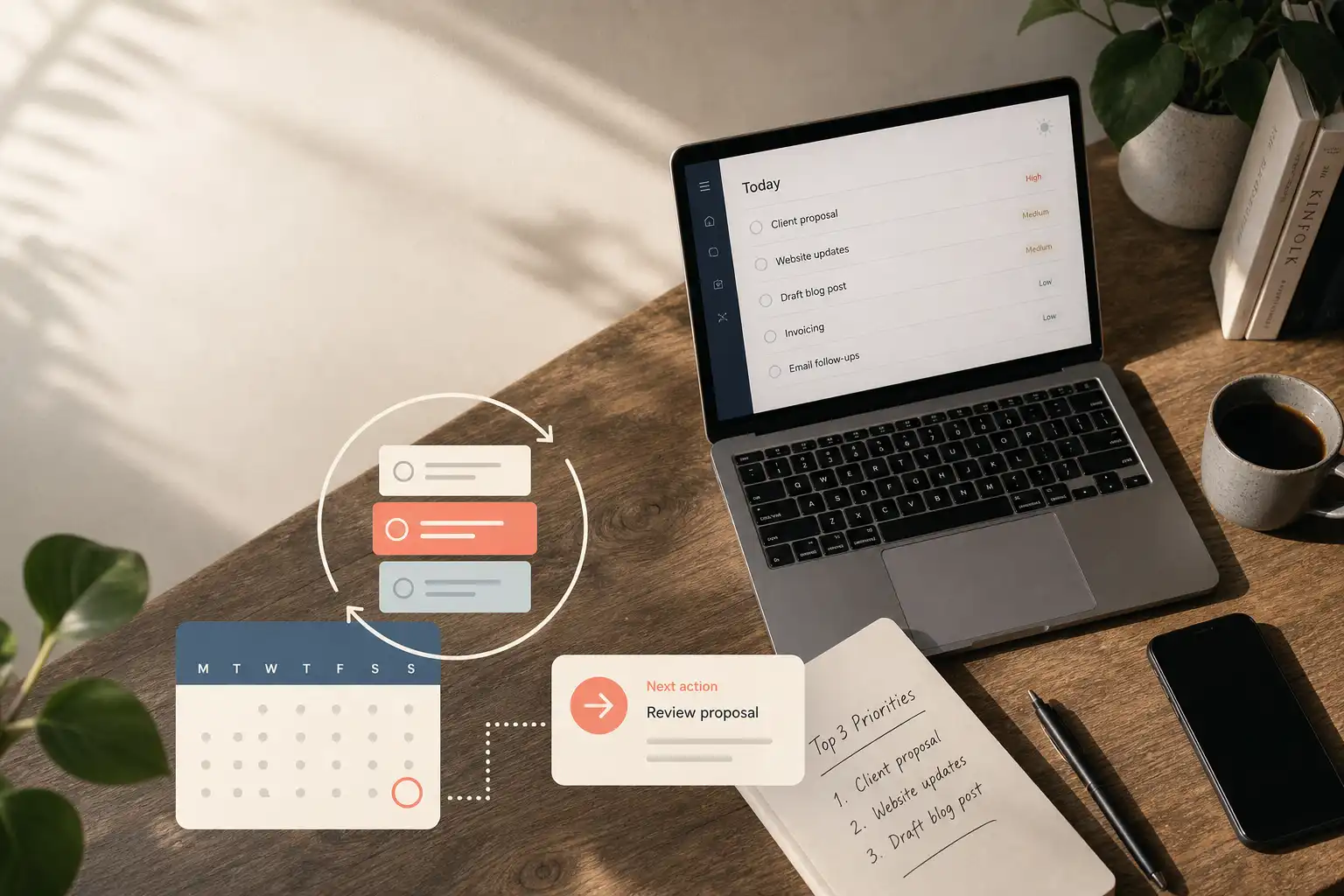
TickTick is built for the daily operating side of time management, with fast capture, due dates, reminders, calendar views, and recurring tasks ready early in the setup. That speed matters. A useful Today view can exist within minutes rather than after a database design session.
For people who often think, "I wrote that down somewhere," TickTick gives intentions a clearer route back into view through reminders and date-based lists. Its recurring tasks, habits, calendar options, and focus timer also suit routines that need regular cues. The task should already be actionable.
TickTick is less suited to building a deep knowledge base or mapping detailed project work. A task can contain notes, but the app works best when the next step is already concrete.
Choose TickTick if you need a dependable landing place for tasks and a short view of what needs attention now. Keep the number of lists lower than your first instinct suggests.
Notion vs TickTick at a glance
| If you need… | Better fit | Why it helps |
|---|---|---|
| A home for project context | Notion | Tasks can sit beside the information needed to finish them. |
| Fast capture and daily triage | TickTick | The core workflow works without building a dashboard first. |
| Time-sensitive prompts and recurring chores | TickTick | Dates, reminders, calendar views, and repeats are central features. |
| A custom workflow for complex work | Notion | You can tailor views and connect related information. |
| A system usable on low-planning days | TickTick | It requires fewer design decisions before showing a useful list. |
| One source of truth for a long project | Notion | It handles detailed context better than a task-first app. |
Feature grids make these apps look closer than they are. Focus on whether the failure happens during planning or when a future action needs recalling.
Pick based on the failure point
Pick Notion when the missing piece is context
Use Notion if a task disappears because its instructions, decisions, or project history are elsewhere, or if you need to work through several stages before assigning a deadline. A Projects database linked to a Next Actions view is enough for many people. Keep the first version plain.
A task called "taxes" is a container rather than an action. Rename it to the first physical move, such as "find last year's tax return."
Pick TickTick when the missing piece is a prompt
Use TickTick if commitments are remembered too late, if a long list hides the next step, or if household and work responsibilities need to return without being rebuilt every week. Less reconstruction each morning gives the system a better chance during a hectic week. Put dates only on tasks that have a true date.
Everything else can live in a short reviewable list. This keeps Today from becoming an aspirational pile.
Use both only with a firm boundary
A combined setup works when Notion holds project context and TickTick holds dated, actionable commitments, with one app designated for deciding what to do today. TickTick supports two-way synchronization with selected Notion databases, which can reduce manual copying when that boundary is clear.
Do not keep two task inboxes. Duplicate capture points create duplicate doubt.
Set up the smallest version for seven days
Give the first setup about 20 minutes, not an entire weekend. Build only what can help during the next seven days, then adjust from actual use.
If you choose Notion
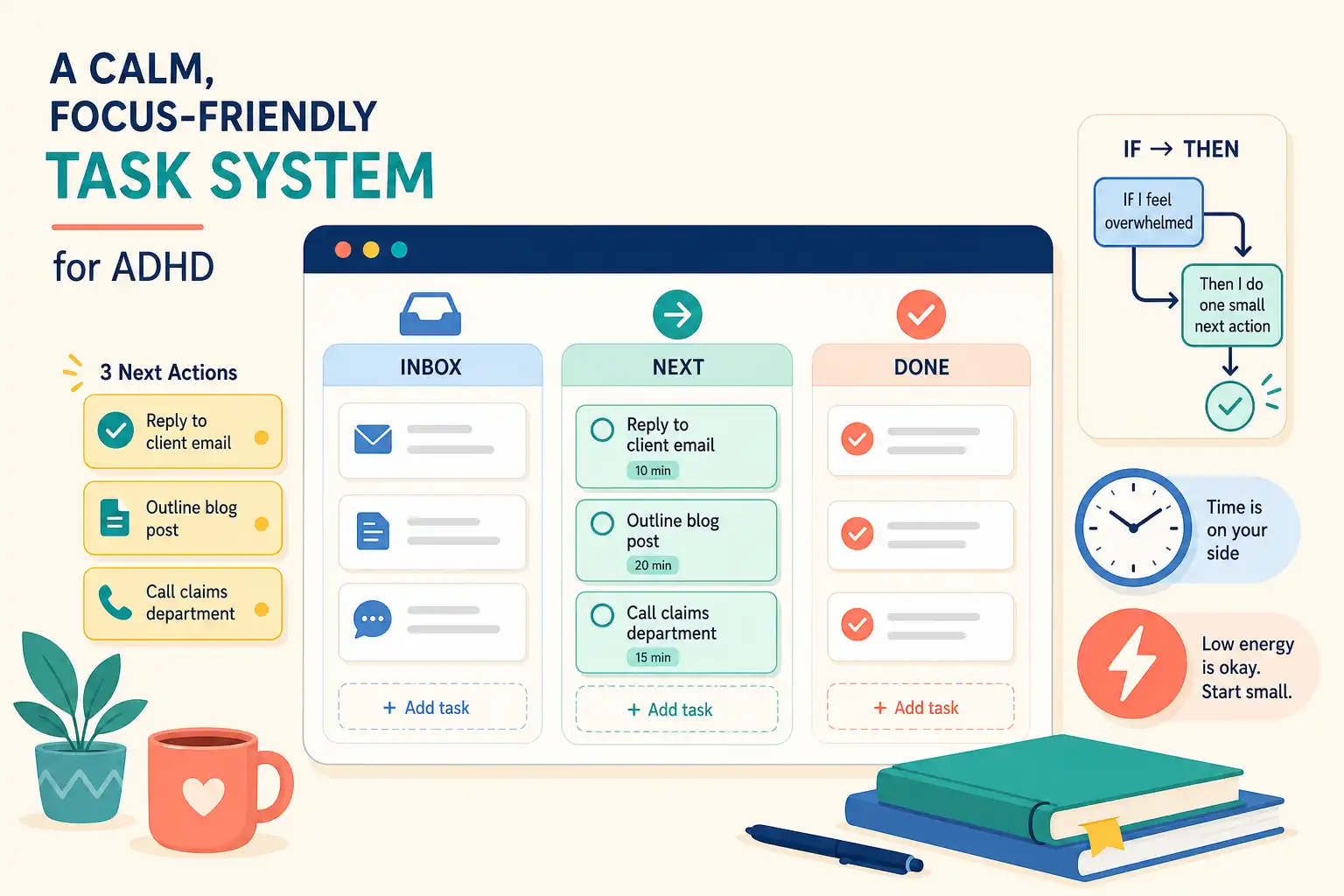
- Create an Inbox page for uncategorized tasks and thoughts.
- Create a Next Actions database with a task name, project, and optional due date.
- Add one view for unfinished tasks due soon or marked as the next action.
- Set a 10-minute weekly review to turn vague entries into verbs, such as "email Sam for budget approval."
Avoid adding fields because a template includes them. A task list with three useful fields beats a polished dashboard you stop opening.
If you choose TickTick
- Keep one inbox and two to four lists.
- Add dates for actual deadlines, appointments, and the next occurrence of a repeating responsibility.
- Check Today once in the morning and once at a transition point, such as after lunch.
- Keep a short no-date list for work that matters this week but does not belong on a particular day.
Do not fill Today with every task you hope to finish. A shorter list gives clearer feedback about available time and attention.
Test the system before redesigning it
Run the setup for 14 days before changing its structure, then notice the exact point where you stopped using it. That moment usually reveals whether capture, prompting, setup effort, or list size is getting in the way.
If notes and plans are organized but choosing the next useful task still takes too much energy, OwnTime takes a different route by offering context-aware task recommendations instead of requiring repeated backlog sorting. The useful result is a gentler restart when priorities shift.
At the two-week mark, remove one unused list or view before adding anything new, because fewer decisions often make the system easier to return to.
Related articles