OwnTime
TickTick Calendar Capacity Planning for Client Work

Why a full calendar can still leave client work unfinished
A week with 12 booked hours can still contain only three that are fit for concentrated client delivery. That gap matters. A calendar counts commitments, while a capacity plan shows what can be promised without betting on a flawless week.
Founders and freelancers need an answer to a practical question: given the hours that are actually usable, what can be finished responsibly? It is a promise check. Meetings, email, invoicing, and business development all draw from the same limited attention pool.
Every open slot can look available when planning starts, then one late call or a difficult dependency bends the whole schedule out of shape. Plans snap. A calendar packed down to the minute usually turns into a guilt-colored repair project by Wednesday.
Minute-by-minute scheduling is productivity theater for most independent workers. Calendars should expose trade-offs and protect work that matters. When a plan needs constant repair to survive ordinary interruptions, the plan is creating busywork.
A 2023 randomized study of workers using computer-assisted protected time found that participants reported better performance while their work was rearranged rather than expanded. Its lesson is plain. Focus time comes from making room for it, not from finding a fictional extra hour. Read the study
Start with fixed commitments and real availability
Open TickTick's week calendar and add the events that are difficult to move, including client calls, travel, school pickup, appointments, and hard deadlines. Put those in first. They are constraints, not suggestions.
TickTick offers week, month, year, and list calendar views, and it can show subscribed third-party calendars alongside its own tasks. Use the week view. It gives a usable view of both work obligations and personal limits without bouncing between apps. TickTick's calendar guide explains the subscription setup.
Next, mark the working windows that remain after those commitments. Someone who nominally works from 9 to 5, takes lunch, and has recurring calls from 10 until noon does not have an eight-hour production day. Estimate the remaining hours without wishful thinking.
A simple capacity map makes the trade-offs visible before tasks start multiplying. Keep the categories broad.
| Block type | What belongs there | Planning rule |
|---|---|---|
| Client delivery | Writing, design, coding, analysis, preparation | Reserve the clearest and longest blocks first |
| Business growth | Proposals, lead follow-up, strategy, partnerships | Schedule it before delivery expands to fill every opening |
| Operations | Invoices, bookkeeping, scheduling, documentation | Batch it into limited windows rather than scattering it across the day |
| Communication | Email, Slack, feedback, status updates | Use short response windows unless live coverage is part of the role |
| Buffer and recovery | Overruns, transitions, lunch, walks, unexpected issues | Leave this time intentionally unassigned |
Buffer time is the part that makes the rest of the schedule believable. Keep it. A week with no slack assumes clients, technology, and human energy will cooperate for five straight days.
Give each block a job
Once fixed events are visible, reserve named work blocks instead of assigning every task to a precise hour. Labels such as Client A production, Proposal work, Admin, and Weekly planning are enough. The point is to decide what each stretch of time is for before small requests claim it.
This is less precise than putting a task on every hour of the calendar. It survives normal Tuesdays far better. Broad blocks can absorb a changed priority without forcing a full reschedule.
Reserve space for four kinds of work each week. Delivery gets first claim on the best hours, but future revenue and business maintenance need visible space too.
- Client delivery holds the work clients are paying for now.
- Business growth covers proposals, pipeline follow-up, strategic work, or product development.
- Operations contains necessary administration that otherwise leaks into every day.
- Communication keeps response work from invading blocks meant for concentration.
Communication deserves its own boundaries whenever the role allows it. Checking messages after every small task feels responsive, yet each return to the main task has a restart cost. It fragments the day.
Growth work should stay on the calendar even when delivery is busy. A calendar containing only meetings and client execution can turn a healthy pipeline into an empty one with surprising speed.
Set up TickTick without creating a second job
TickTick includes tasks, calendar views, the Eisenhower Matrix, Pomodoro tools, habits, and several grouping options. Use only the parts that help make a decision. Turning on every feature is usually just more settings to maintain.
A small setup is enough for most client-service businesses. This TickTick system for knowledge work is useful if the task list has already become one giant pile.
- Lists can cover Client Delivery, Business Growth, Operations, and Personal.
- Tags work well for client or project names such as
Client-AandWebsite-refresh. - Priorities should be reserved for commitments with a concrete consequence, rather than anything that feels mildly urgent.
- Calendar blocks should stay broad, with only high-confidence tasks placed inside them.
- Saved views or groups can show tasks by time, priority, tag, list, and other criteria during planning.
TickTick can group tasks by time, priority, tag, list, and other fields, so the planning view does not need to show the entire backlog. A backlog is inventory. It is not an instruction to work on everything today.
Recurring tasks are useful for predictable administration, such as sending invoices every Friday or reviewing leads on Monday morning. TickTick supports daily, weekly, monthly, yearly, and custom repeats, including repeats based on completion date. Its recurring-task options are particularly useful when a task should recur after completion instead of on a rigid date.
Treat recurring tasks conservatively. If something happens only when needed, a weekly review reminder is usually more accurate than a fake promise to complete it every Wednesday at 2 PM.
Plan a flexible week rather than a perfect one
A useful weekly plan has protected blocks plus a short task shortlist. Blocks decide where attention should go, while the shortlist decides what can plausibly be completed inside them. Keep those two layers separate.
For every delivery block, pick one primary task and one smaller fallback task. The fallback gives the block a useful purpose when feedback, energy, or a dependency changes the original plan. It works better than pretending every task will unfold as estimated.
Maya, a freelance developer, has client calls on Tuesday and Thursday afternoons, a proposal due Friday, and invoices delayed for two weeks. Her week is tight. Filling every remaining hour with development work would look productive, but it would leave no room for the proposal or likely client revisions.
She protects two morning delivery blocks, schedules a 90-minute proposal block on Wednesday, assigns invoicing a 45-minute slot on Friday, and leaves part of Friday afternoon open. The trade-off is explicit. An optional internal website refresh does not start that week, while paid delivery and future sales still have credible time assigned.
Keep one or two blocks uncommitted across the week when possible. That space can absorb an overrun or become time for meaningful work when nothing goes sideways. Either outcome beats inventing busywork to fill a packed calendar.
Run a five-minute daily reset
Daily planning should adjust the week rather than rebuild it from scratch. Keep the reset to about five minutes. A longer ritual often becomes another avoidance tactic wearing a productivity badge.
Ask three questions before work begins:
- What is fixed today?
- Which outcome would make the day useful if the rest gets messy?
- What can move without causing a concrete problem?
Then make the smallest change needed in TickTick, often by moving a block or dropping a nonessential task. Avoid re-ranking the entire backlog. The calendar does not need a courtroom hearing every morning.
At day's end, capture loose tasks and mark completed work. Skip the autopsy. If estimates repeatedly miss, note the pattern and adjust next week's available capacity instead.
During the weekly review, compare planned delivery time with the time that was actually protected, then check whether administration or interruptions consumed more than expected. Record the result. A repeated pattern across two or three weeks is more useful than a single frustrating day.
Repeated displacement is data about the business. Treat it as evidence. If growth work always gets pushed out, the issue may be scope, meeting volume, pricing, or staffing rather than personal discipline.
Where TickTick helps and where it stops
TickTick works well as one visual home for commitments, task lists, recurring obligations, and focus blocks. It suits people who prefer to make weekly decisions in advance and do not mind some manual upkeep. For capacity planning, that manual element is a feature because it forces explicit choices.
The limitation is shared by most calendar-and-task apps. When a difficult meeting runs late or a client changes scope, TickTick still leaves the next-hour decision to the user. That decision remains yours.
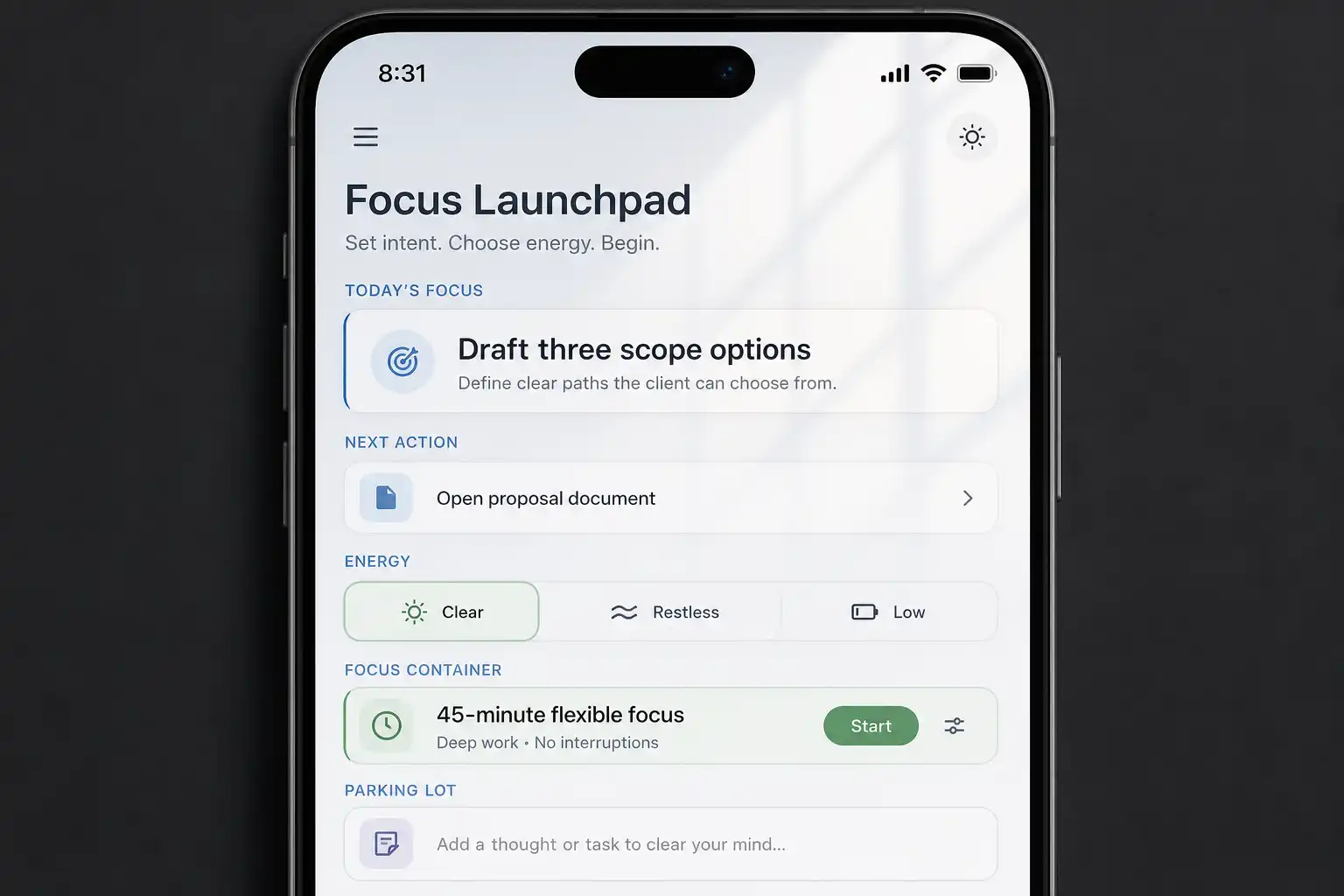
A recommendation-oriented tool such as OwnTime can complement a calendar-led workflow when the day changes and mental energy is low. Its recommendations are designed to surface a suitable next task from broader commitments, reducing the need to reconsider every item in the backlog.
At Friday's review, compare the work promised against the blocks that remained usable, then cut next week's planned load if the numbers do not match. That adjustment makes client promises more credible and gives the calendar a job worth doing.
Related articles